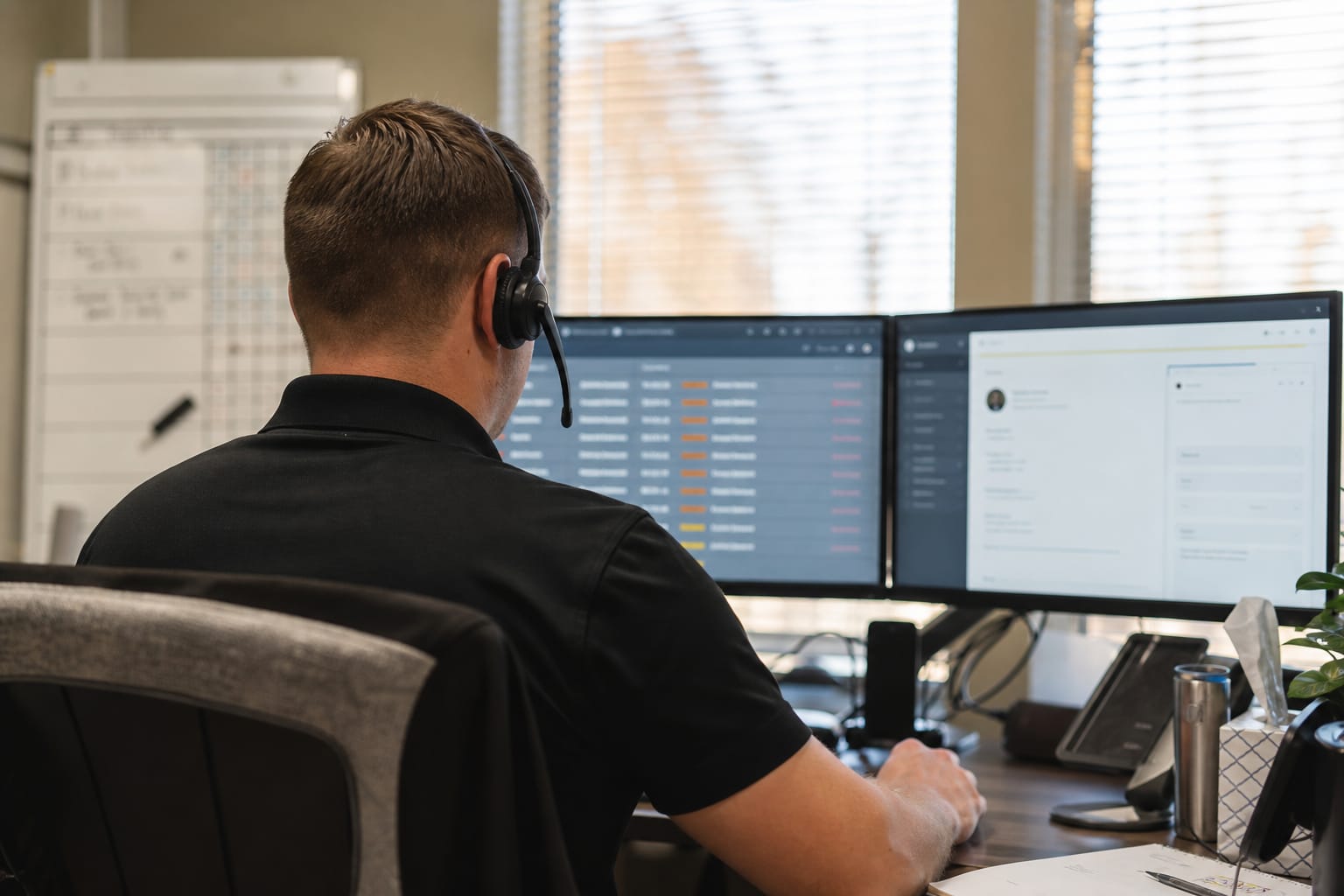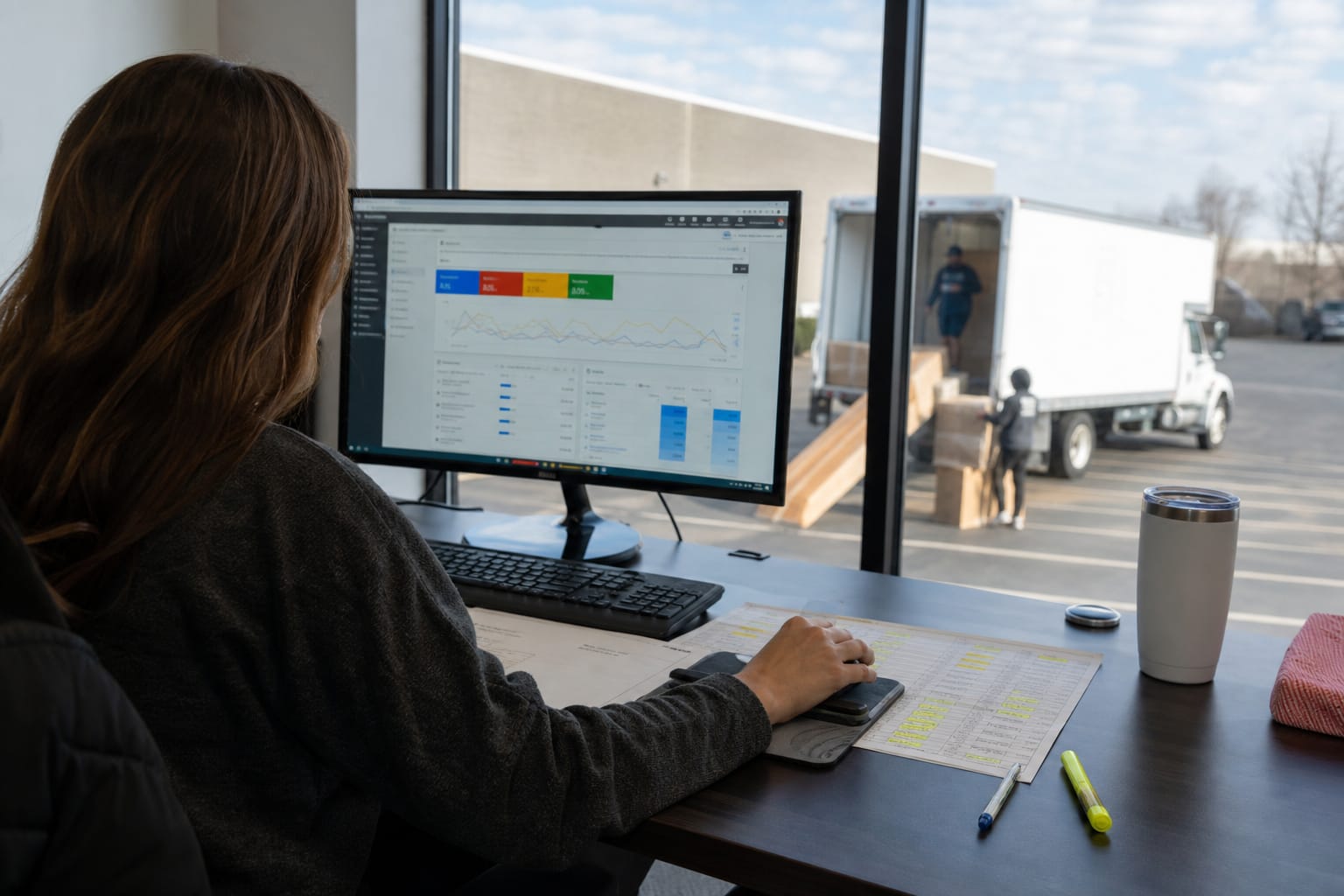

A moving crew app is a mobile tool that gives movers their job details, inventory and condition documentation, time tracking, and customer signatures on a phone or tablet, syncing back to the office in real time. Most articles on the topic read like a vendor spec sheet written for owners. This one is written for owners and ops managers choosing a crew app for the foreman standing on a driveway at 7 a.m. with a dead cell signal and a customer who wants to know when the truck arrives.
The test for every feature below is simple. Will a crew actually tap it with gloves on and twelve percent battery? If not, it does not belong on the job. Here is what matters, walked through an ordinary job day.
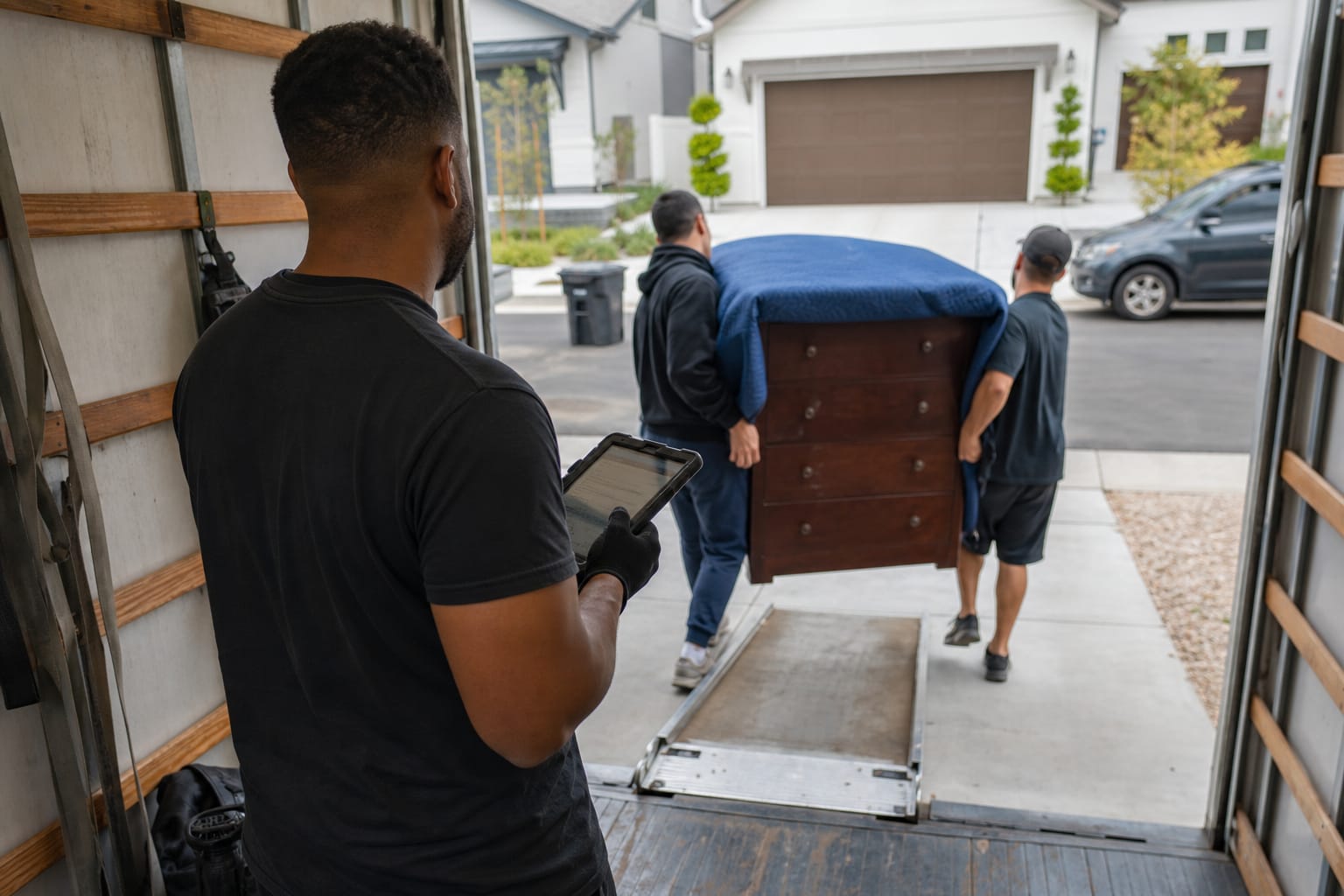
What a Moving Crew App Is (and What It Replaces)
A moving crew app replaces the paper packet: the printed job sheet, the carbon-copy bill of lading, the inventory tags, the handwritten start and stop times, and the disposable camera or personal phone photos that never make it back to the office. It puts all of that on one device and syncs it to dispatch and billing.
Think of it as the field half of a moving CRM. The office builds the job and schedules the crew; the app delivers that job to the truck and sends back everything that happened. Nothing gets re-keyed, and nothing lives only on one person's phone.
Q: What is a moving crew app?
A: It is a mobile app for movers that carries job details, inventory, condition photos, time tracking, and on-site e-signature, then syncs the record back to the office automatically.
What it is not: a replacement for a foreman's judgment. The best moving crew software removes clerical friction so the crew can focus on the move, not on paperwork.
A Job Day, Step by Step, Through the App
The fastest way to judge a crew app is to run a full job day through it. A clean job-day workflow looks like this:
- Pre-trip. The foreman opens the app in the yard, reviews the day's stops, materials, and access notes, and confirms the crew and truck. This mirrors the office's dispatch and crew scheduling board.
- Arrival. The crew clocks in on-site with a location and timestamp. The customer gets an automatic "crew is here" update.
- Walkthrough. The foreman captures a room-by-room inventory and shoots condition photos of high-value and pre-damaged items.
- Load. Items get tagged or counted; materials used (shrink wrap, boxes, wardrobe cartons) are logged for billing.
- Transit. The driver navigates to the destination; the office and customer can see the job is in transit.
- Unload. Placement happens by the customer's direction; the crew logs any exceptions.
- Close-out. Charges are tallied, the customer reviews and signs the bill of lading and any waivers, and the crew clocks out.
Every step produces a record the office needs anyway. Done on paper, that record is slow, illegible, or lost. Done in the app, it is already in the system before the truck leaves the curb.
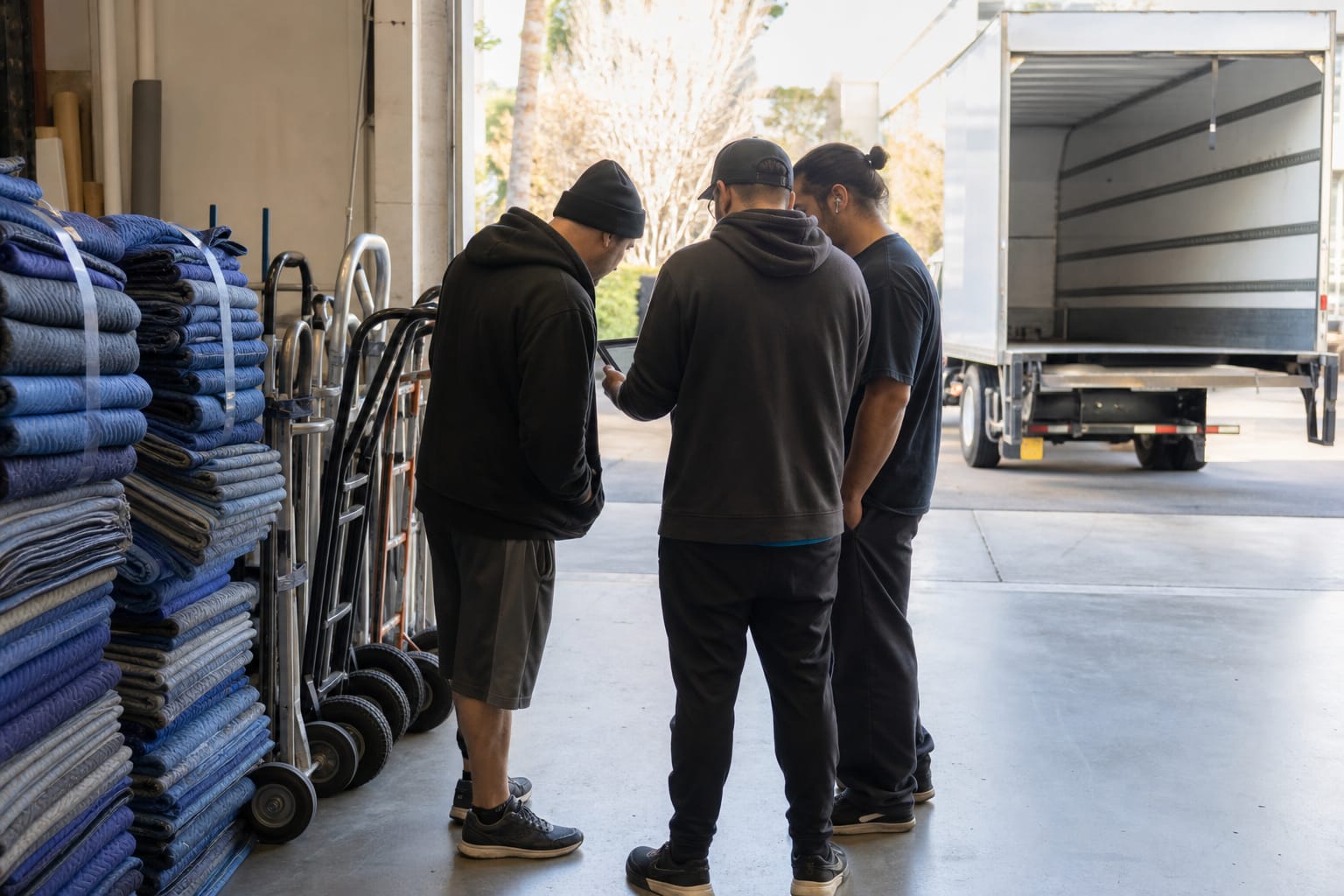
Core Features Crews Use on Every Job
Strip away the marketing and a small set of features carries almost every job. Each one earns its place because the crew touches it every single time.
- Today's job list and details. Why it matters: the crew stops calling the office to ask where they are going and what the customer bought.
- On-site clock in and out. Why it matters: start and stop times become billing and payroll data instead of a scribble on a clipboard.
- Inventory and condition capture. Why it matters: the count and the photos are the crew's defense against a damage claim.
- Materials logging. Why it matters: shrink wrap and cartons actually reach the invoice instead of being given away.
- E-signature on the bill of lading. Why it matters: the job closes with a signature, on the spot.
- Real-time sync to dispatch. Why it matters: the office sees status without calling the truck.
Notice what is missing: nothing that requires the crew to type paragraphs, navigate five menus, or remember a workflow. On a job, taps beat typing.
Pro Tip: Judge a crew app by its worst screen, not its best. Open the inventory or signature flow and count the taps to finish one item with a gloved thumb. If it is more than a few, the crew will route around it.
Documentation That Protects You: Photos, Inventory, and Signatures
The single most valuable thing a crew app does is create a defensible record. When a customer disputes a scratch on a dresser, the argument is won or lost by whether a timestamped photo exists from before the load.
Condition photos are the core of it. A mover who shoots the existing scuff on a sofa armrest at pickup has documented that the damage predates the move. That photo, tied to the item and the job, is what turns a claim from a judgment call into a factual one.
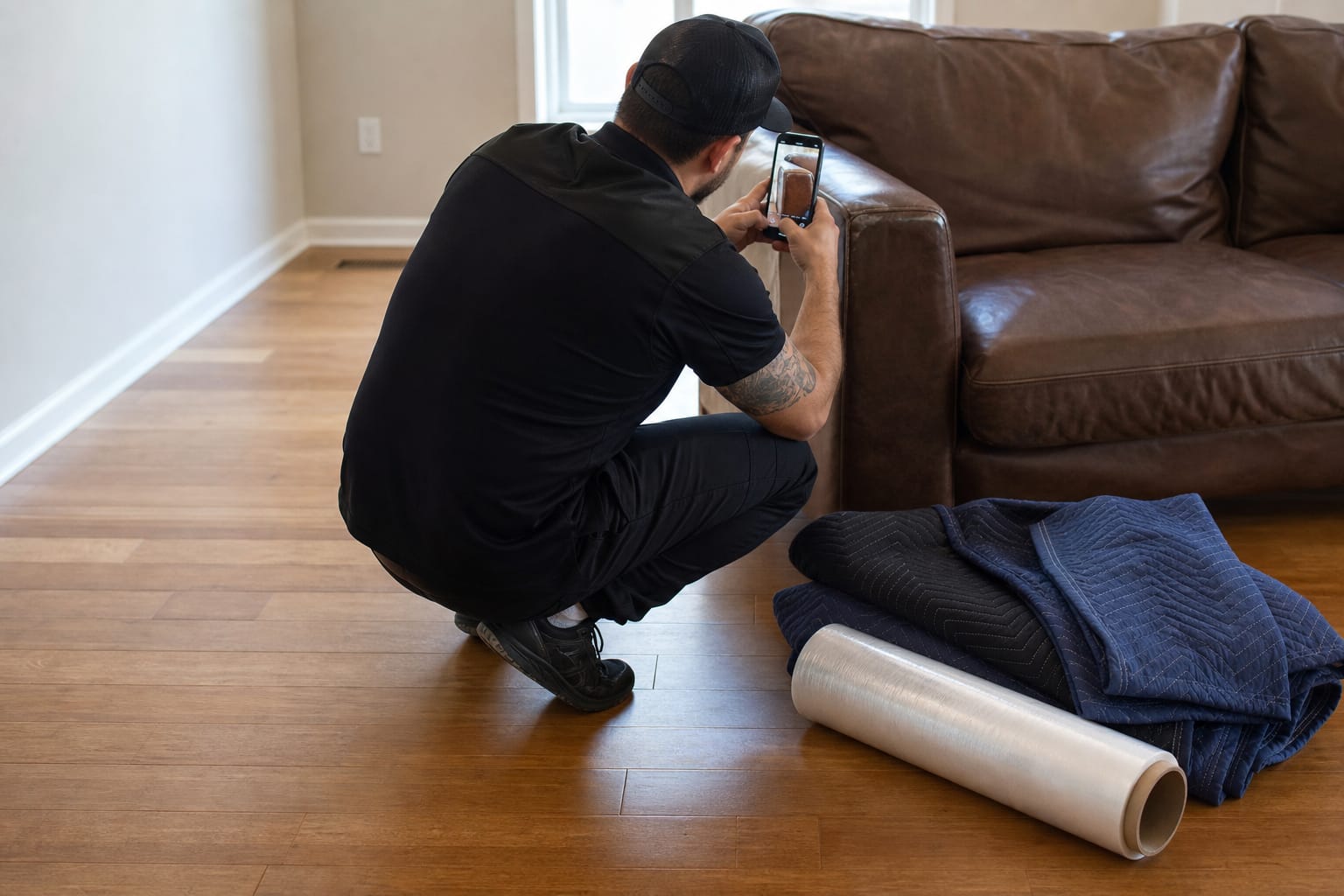
Inventory capture does double duty. It confirms what went on the truck and what came off, and it feeds the digital inventory record the office keeps. Good digital inventory capture lets the crew add items fast and attach photos to the ones that matter, rather than forcing a full condition report on every pillow.
Then comes the signature. A digital bill of lading app lets the customer review charges and sign on the tablet at the door. If you are new to the document itself, start with the fundamentals of the bill of lading for movers.

Q: Can crews sign a bill of lading on a phone or tablet?
A: Yes. An e-signed bill of lading captures the customer's signature on the device at close-out and stores it with the job record.
When a dispute does arrive weeks later, the photos, inventory, and signed document flow straight into claims management so the office can respond with evidence instead of memory.
Time Tracking and Its Direct Line to Payroll
A moving company time tracking app exists for one reason: the numbers it captures become money paid out and money billed. When a crew clocks in and out on-site, those timestamps stop being a source of friction and start being the record.
The payoff is accuracy on both sides of the ledger. The customer is billed for real on-clock time, and the crew is paid for it. That matters whether you run hourly versus commission crew pay, because both models still need a defensible record of who worked which job for how long.
Manual time sheets create the classic month-end scramble: reconciling clipboard times against dispatch logs against memory. App-captured hours skip that. They move from the truck to the payroll run without a second entry, which removes a common source of disputes and delays.
Keeping the Customer and the Office in Sync
A crew app is also a communication tool, but the useful communication is mostly automatic. Status changes the crew already records — on the way, arrived, in transit, delivered — can trigger customer portal updates without anyone stopping to send a message.
That is the trick. The best updates cost the crew zero extra effort because they are a byproduct of the workflow. The customer feels informed; the foreman never opens a chat.
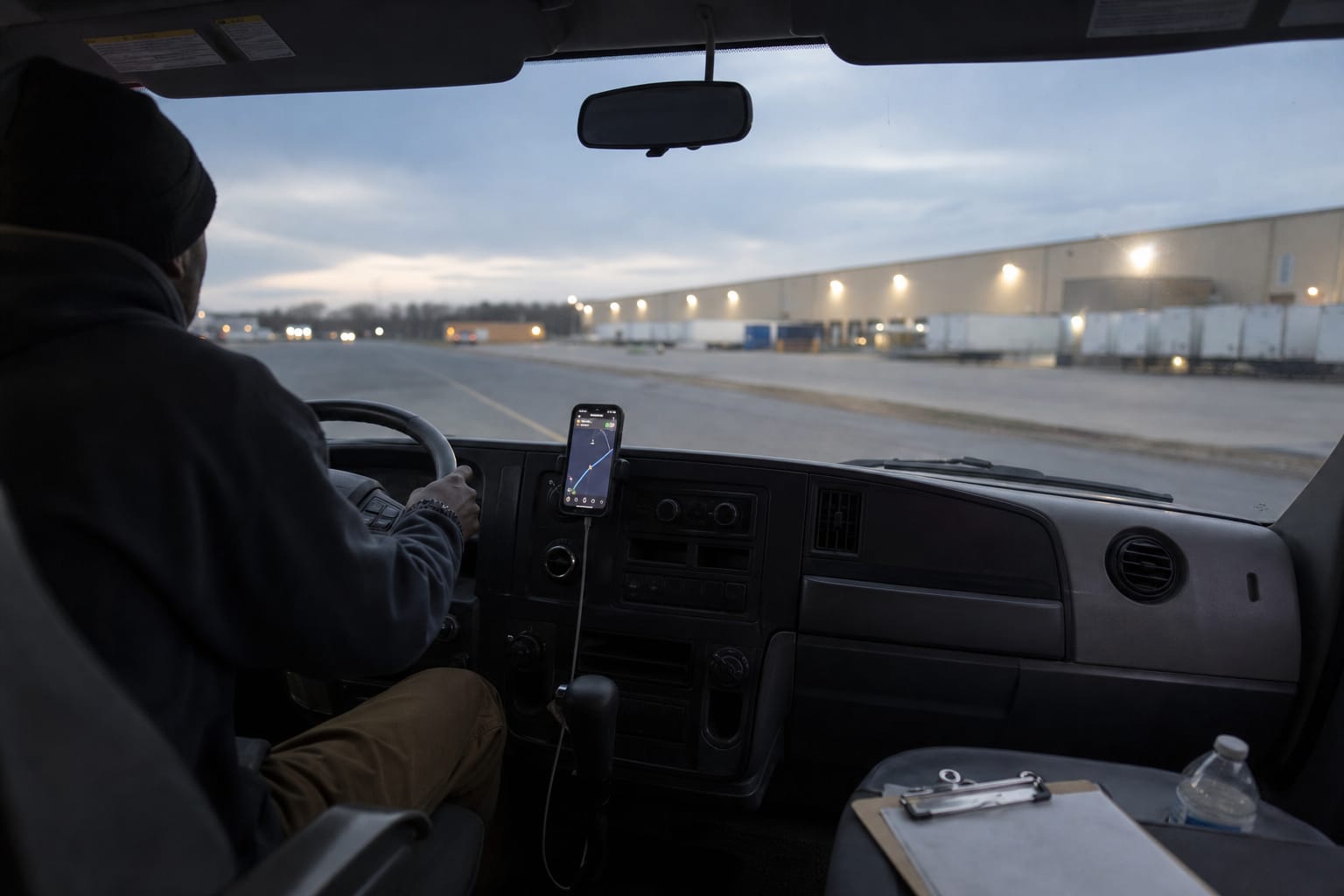
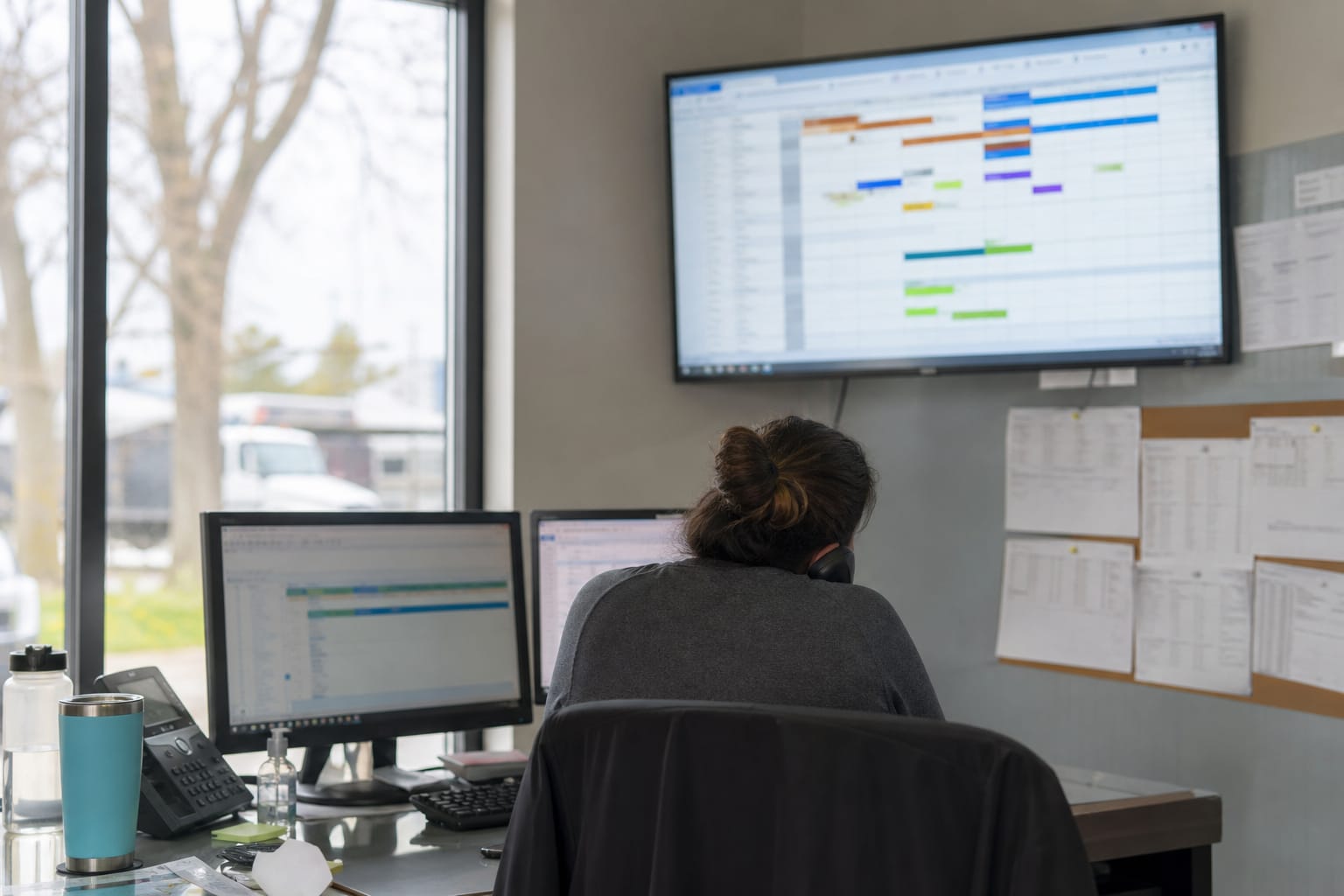
On the office side, real-time status feeds the dispatch board. A dispatcher watching the day's crews can see which jobs are running long and reschedule the afternoon before it falls apart. Reliable dispatch and scheduling tools depend on the crew app feeding them honest, current status.
Features That Sound Good but Crews Ignore
Demo software dazzles owners with features that field teams never touch. Being honest about these saves money and rollout pain.
- In-app chat. Crews already text and call. A separate inbox they have to remember to open goes unread. The office ends up calling anyway.
- Over-detailed inventory checklists. A condition form with twenty fields per item is abandoned by lunch. Crews photograph the item and move on.
- Gamified scoreboards and badges. Points for speed can push crews to rush, and the leaderboard is ignored once the novelty fades.
- Deep in-app messaging threads. Long back-and-forth belongs on a phone call, not in a field app between carries.
The pattern is consistent. Anything that adds taps without protecting the crew or paying them gets skipped. Features survive on a job only when they save time, capture money, or document a risk.
Reliability Requirements: Offline Mode, Battery, and Devices
Field reliability is not a nice-to-have. Basements, rural roads, and steel-frame buildings kill cell signal, and a crew app that freezes when the bars drop is worse than paper.
Here is the hard requirements list for offline mode field app behavior:
- The app loads the full job before leaving the yard, so no signal is needed to work it.
- Photos, inventory, times, and signatures are captured and stored on the device while offline.
- Everything syncs automatically once signal returns, with no manual re-entry.
- A dropped connection mid-job never blocks the signature or the close-out.
Q: Do moving crew apps work without a cell signal?
A: A well-built one does. It caches the job on the device, captures photos, inventory, times, and signatures offline, then syncs to the office automatically when the connection returns.
Battery and devices round out reliability. Photo-heavy work drains phones fast, so trucks need chargers and, ideally, company tablets for the signature and inventory flow. Company devices also keep the customer's signed documents off a crew member's personal phone, which matters the day that person leaves.
Getting Crews to Actually Use It
The best foreman app fails if the crew treats it as optional. Adoption is a management problem, not a software problem.
Start with the foreman. When the lead runs the whole job through the app on day one, the rest of the crew follows. Train on a real job day, not a slideshow, and let the crew feel how much faster close-out gets when the signature is a tap instead of a hunt for a working pen.
Keep the required fields short at launch and add detail later. A crew that succeeds with a lean workflow will accept more; a crew buried in mandatory fields on day one will revolt. For a structured approach, treat this like any other change and follow a plan for rolling new software out to your team.
How to Evaluate a Moving Crew App
Take a checklist to every demo and run your own job day through it. Ask the vendor to show, not tell.
| Evaluation area | The question to ask | What a good answer looks like |
|---|---|---|
| Offline mode | "Show me a full job with airplane mode on." | Photos, inventory, times, and signature all work; syncs on reconnect. |
| Signature flow | "How many taps to sign the bill of lading?" | A short, obvious flow the customer completes in seconds. |
| Inventory speed | "Add ten items with two condition photos." | Fast entry, optional detail, easy photo attach. |
| Time tracking | "Where do these hours land?" | Straight into payroll and billing, no re-entry. |
| Dispatch sync | "When does the office see 'arrived'?" | In real time, automatically. |
| Device policy | "Company tablets or personal phones?" | Clear answer on where signed documents live. |
The app that wins is rarely the one with the longest feature list. It is the one your worst-case crew will still be using on a wet driveway at the end of a long day. Judge it there.
Related Articles
- How to Pay a Moving Crew — compare hourly and commission pay models and how each affects crew retention.
- CRM for Moving Companies — see how the office system behind the crew app ties leads, jobs, and billing together.
- Employee Retention Strategies for Moving Companies — practical ways to keep experienced crews and reduce turnover.
- Customer Experience Excellence in Moving Services — how real-time updates and clean documentation raise customer satisfaction.
- Moving Company Technology Stack Guide — how the crew app fits alongside dispatch, estimating, and CRM tools.
Useful Links
- Dispatch & Scheduling
- Bill of Lading & E-Sign
- Claims Management
- Payroll for Moving Companies
- Moving Company Software & Solutions
Need help with this? Get started · Call (888) 611-7483
Ready to see it in action?
Book a free 20-minute demo and explore how Virtual Estimate can help your business.