Moving company dispatch and crew scheduling is the process of matching every booked job to the right truck, crew, and start time so no two jobs collide. Done well, it turns a chaotic whiteboard into a conflict-protected system that removes double-booked trucks, idle crews, and no-show foremen. Most small operators still run this with a phone and a dry-erase marker, which quietly leaks billable hours every single week. This guide breaks down how modern crew scheduling for movers actually works — and a step-by-step way to retire the whiteboard for good.
Why phone-tag scheduling quietly costs moving companies jobs and margin
Phone-tag scheduling drains money in three ways: unbilled crew hours, missed booking windows, and overtime nobody planned. When a dispatcher confirms crews by calling around each morning, the labor clock often starts before a single truck rolls.
Movers are hourly, and premium pay begins after a 40-hour workweek under the Fair Labor Standards Act overtime rules. A few disorganized mornings a week push crews into time-and-a-half for zero extra revenue. Multiply that across a busy season and the whiteboard becomes one of the most expensive tools in the building.
The busiest operators win partly because their dispatch runs like clockwork. The kind of high-volume shops profiled in this Top Moving Companies NYC guide rarely lose a foreman to a scheduling gap. The same problem hits moving companies in Phoenix and moving companies Columbus Ohio just as hard as it does moving companies in New York City — geography changes the buildings, not the math.
Q: How much does poor crew scheduling actually cost a moving company?
A: It shows up as overtime past the 40-hour FLSA threshold plus every idle crew-hour a dispatcher pays for while sorting out who is working — often several unbilled hours per truck each week.
The hidden failures of a whiteboard: double-booked trucks, idle crews, and no-show foremen
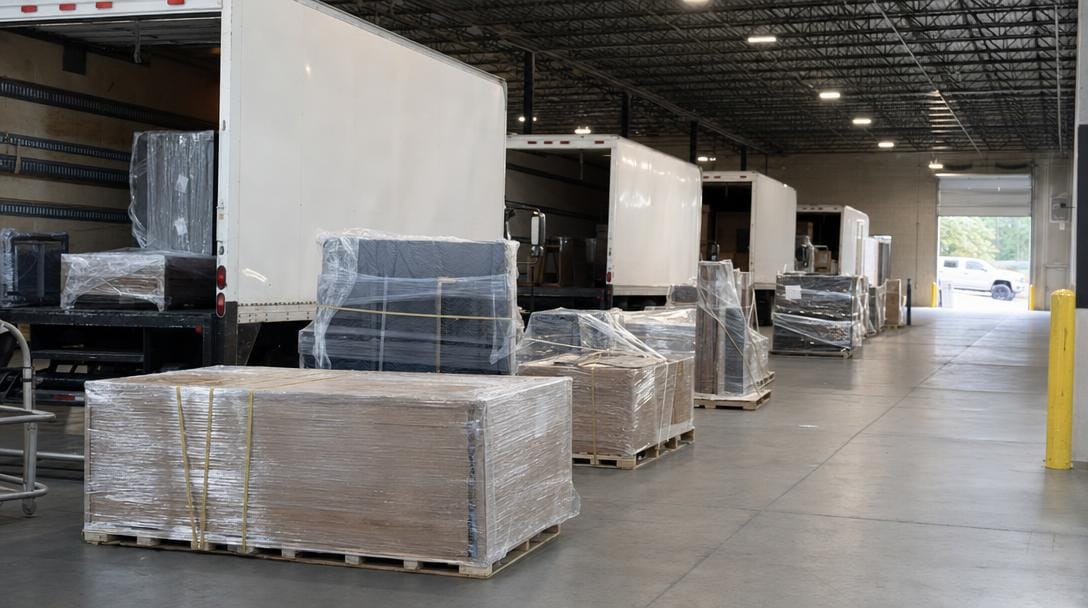
A whiteboard has no memory and no alarm. It cannot warn you that Truck 3 is promised to two jobs, that a crew is stacked past a legal driving window, or that a foreman never confirmed.
Those failures compound during peak weeks. The U.S. Bureau of Labor Statistics tracks hundreds of thousands of hand laborers and material movers nationwide, and turnover in the trade is high — so the person who "just knows the schedule" is often gone by August. When that knowledge lives in one head or one marker, it disappears with them.
Dispatch also collides with federal driving limits. Property-carrying drivers face an 11-hour driving cap inside a 14-hour on-duty window, per FMCSA hours-of-service rules. A whiteboard will happily let you schedule a crew straight past that line; a real system won't.
| Rule | Limit | Why dispatch must respect it |
|---|---|---|
| Driving limit | 11 hours | A long-haul day plus a second local job can exceed it |
| On-duty window | 14 hours | Loading, driving, and unloading all count |
| Required break | 30 min after 8 hrs | Must be built into the route timing |
| Overtime threshold | 40 hrs/week | Schedule crews to avoid unplanned premium pay |
Limits per FMCSA and the U.S. Department of Labor.
Pro Tip: Color-code by truck, not by crew. Trucks are your true bottleneck — you can borrow a laborer, but you cannot conjure a second box truck at 7 a.m. When the board is truck-first, double-booked equipment jumps out visually before it becomes a canceled job.
One board for every truck, crew, and job: what conflict-protected scheduling looks like
Conflict-protected scheduling means the system blocks a booking the instant it overlaps an assigned truck or crew — no human cross-check required. That single feature separates a moving truck dispatch board from a glorified spreadsheet.
On a shared board, every job is a card carrying its address, window, crew size, and truck. Drag it to a slot and the board flags any collision before you commit. This is how you assign moving crews to jobs without the 6 a.m. phone marathon, because the assignment is visible to everyone the moment it's made.
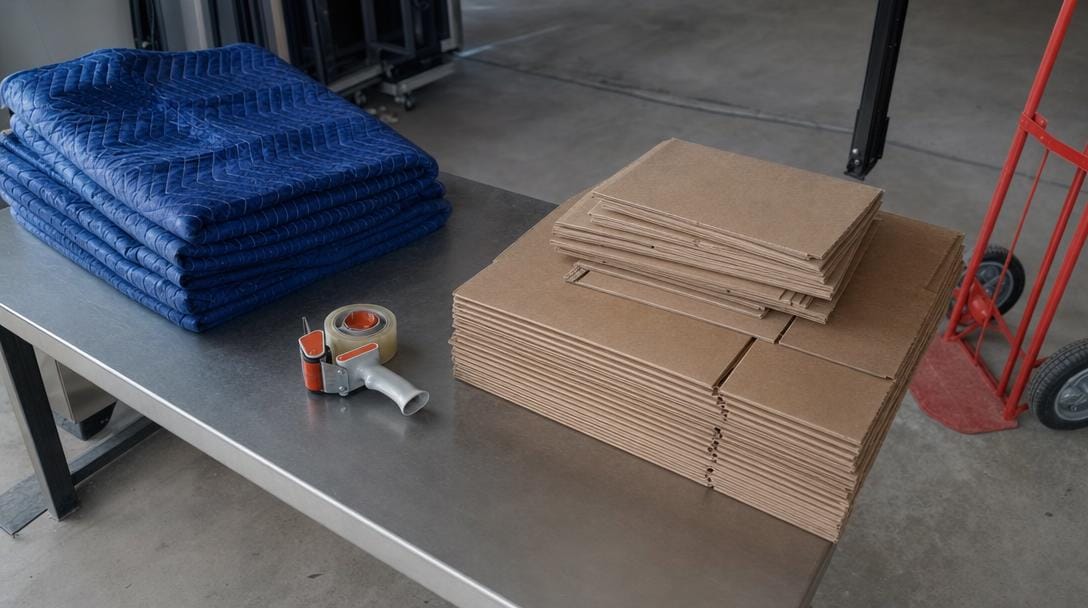
City work raises the stakes. A five-borough operator juggles walk-ups, service-elevator reservations, and parking permits, so a mislabeled crew size can strand a job on a Brooklyn landing. Cost-and-logistics breakdowns like this Best Moving Service NYC: Top Companies & Costs guide show why crew sizing and timing have to be exact in dense markets.
The difference between the three common approaches is stark once you lay them side by side:
| Criteria | Whiteboard / phone | Shared digital dispatch board | Full moving company scheduling software |
|---|---|---|---|
| Conflict detection | Manual, error-prone | Visual overlap alerts | Automatic double-book block |
| Crew visibility | Office only | Anyone with the link | Foreman mobile app |
| Job details | Sticky notes | Basic job card | Full contract + inventory |
| Payroll handoff | Rekeyed by hand | Export hours | Auto time-to-payroll |
| Offline access | None | Limited | Syncs when signal returns |
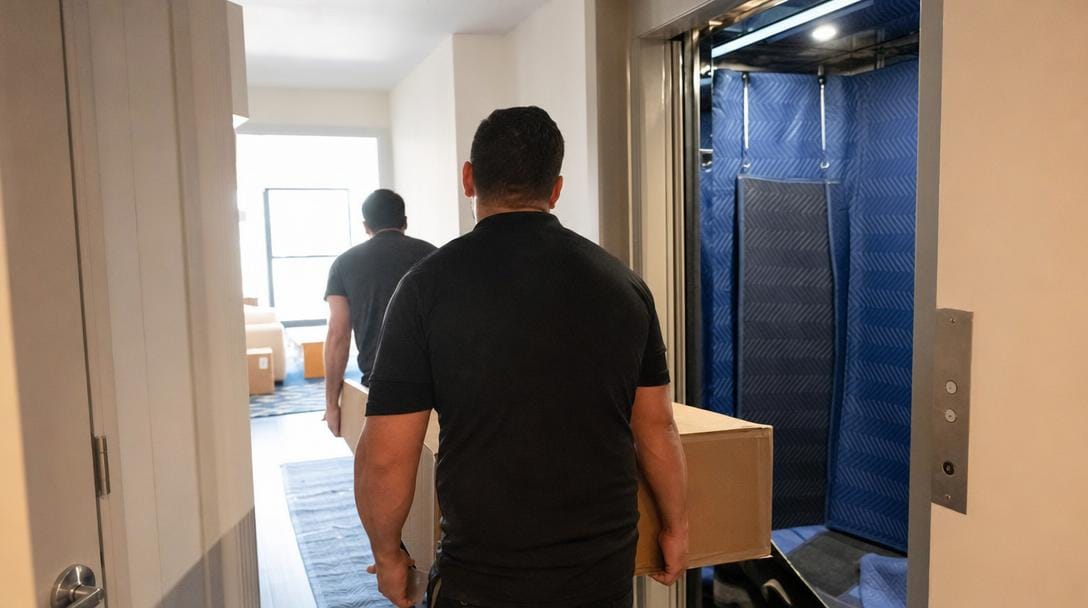
Getting the job into the crew's pocket: a foreman app that syncs when signal returns
The schedule is only useful if it reaches the truck. A foreman app carries the full job — contract, inventory, contact, and directions — so the crew stops calling the office for details they should already have.
Signal is the catch. Basements, freight elevators, and dense concrete stairwells kill connectivity, which is why offline-first design matters. A crew calendar for movers that works only online is useless the moment the foreman rides a service elevator below street level.
Q: What happens to the foreman's job data when there's no cell signal?
A: In an offline-first app, the foreman captures signatures, notes, and inventory locally on the device, and everything syncs to the office automatically once the phone reconnects — no data lost, no re-entry.
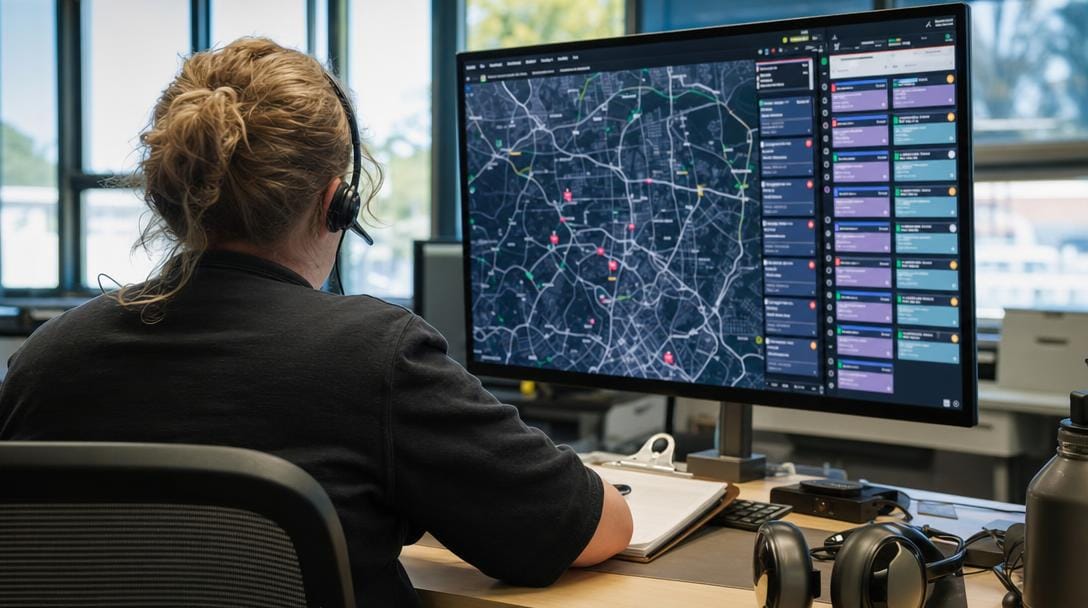
Pro Tip: Capture the customer's signature and the arrival photo on the device, not through a web link. Web-based signing fails in exactly the buildings movers work in most — old walk-ups with thick walls. Local capture that syncs later means the paperwork is done before the truck leaves the curb.
How dispatch connects to the rest of the job — from signed contract to job sheet to payroll
Dispatch is not a standalone board; it's one link in a chain that runs from a signed estimate to a paid crew. When those links are connected, a booked job flows into the schedule, onto the foreman's job sheet, and back into payroll without anyone rekeying it.
That continuity usually lives inside a Moving CRM. A Moving CRM stores the lead, the contract, the inventory, and the follow-up history, then feeds the schedule so dispatch always reflects what was actually sold. As a SaaS category, this kind of tooling has matured fast, and connected dispatch is now table stakes rather than a luxury.
The payoff is on the back end. When completed crew hours flow straight from the foreman app into payroll, you eliminate the Monday-morning transcription errors that inflate labor cost and delay paychecks. Fewer disputes, faster close-out, cleaner books.
A simple checklist to move your dispatch off the whiteboard this week
Migrating off the whiteboard takes days, not months. The goal is a single source of truth that every dispatcher, foreman, and owner can see in real time.
- Inventory your constraints first. List every truck, its capacity, and each crew member's role. Trucks are the hard limit; build the board around them.
- Move next week's jobs onto a shared board. Recreate confirmed jobs as cards with address, window, crew size, and truck before you retire the marker.
- Give every foreman mobile access. Push the full job — not a text of the address — so field questions drop to near zero.
- Turn on conflict alerts. Let the system, not a person, catch the double-booked truck.
- Connect hours to payroll. Route completed time from the app into your pay run to kill re-entry.
- Run a daily 15-minute standup against the board. Confirm crews, trucks, and any tight hours-of-service windows before dispatch.
Pro Tip: Keep the physical whiteboard up for one week as a silent backup while the digital board runs live. When zero jobs fall through the cracks for five straight days, erase it for good. The parallel week builds crew trust faster than any training session.
From reactive scheduling to a repeatable dispatch system
Reactive scheduling reacts; a system repeats. Once trucks, crews, and jobs live on one conflict-protected board, dispatch stops depending on any single person's memory and starts producing the same reliable result every morning.
That reliability scales. The same board that runs 3 trucks runs 30, because the logic — assign, detect conflicts, sync to the field, feed payroll — never changes. Pair it with accurate quoting, and the front and back of the operation finally speak the same language; here's a primer on how AI estimation software quotes jobs so the number the customer signs matches the crew the board dispatches.
The whiteboard served its era. The operators pulling ahead now treat dispatch as a repeatable process, verify their carriers through the FMCSA SAFER Company Snapshot, and let software hold the details a marker never could.

Related Articles
- Marketing for Moving Companies: Strategies That Fill Your Pipeline — how to keep the schedule full enough to justify a real dispatch system.
- Moving Company Leads: Best Sources and How to Convert Them — where booked jobs come from before they ever hit the board.
- Employee Retention Strategies for Moving Companies — why keeping foremen protects the scheduling knowledge that lives in their heads.
- CRM for Moving Companies: Streamline Operations — how a connected CRM feeds dispatch from the first lead.
Recommended Guides
- Best Moving Company Software — a category overview of the tools that run dispatch and scheduling.
- Moving Company Operational Efficiency Playbook — process fixes beyond the schedule.
- Moving Company Technology Stack Guide — how dispatch fits with quoting, CRM, and payroll.
- Best CRM for Moving Companies — the system that connects sales to the dispatch board.
Ready to see it in action?
Book a free 20-minute demo and explore how Virtual Estimate can help your business.