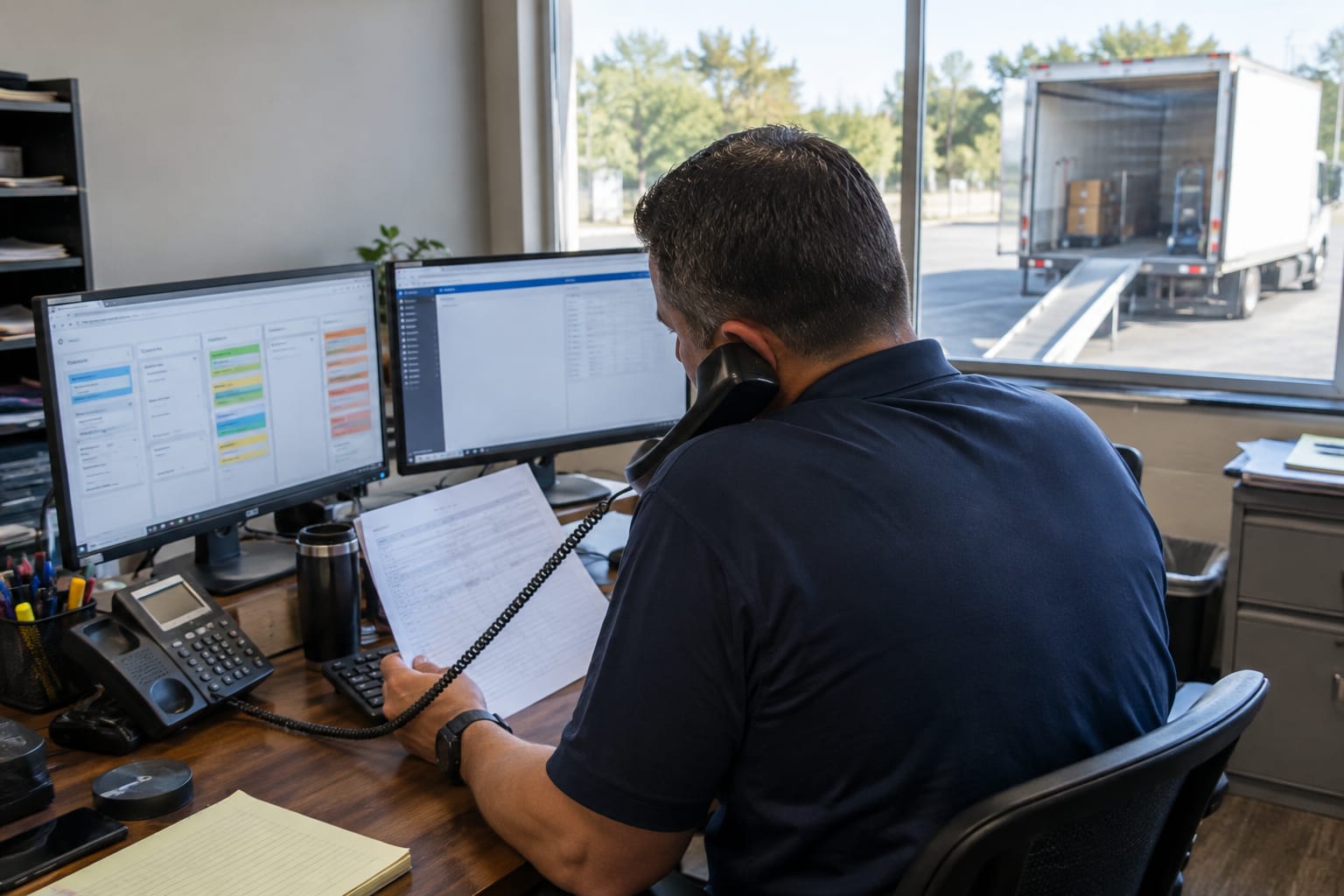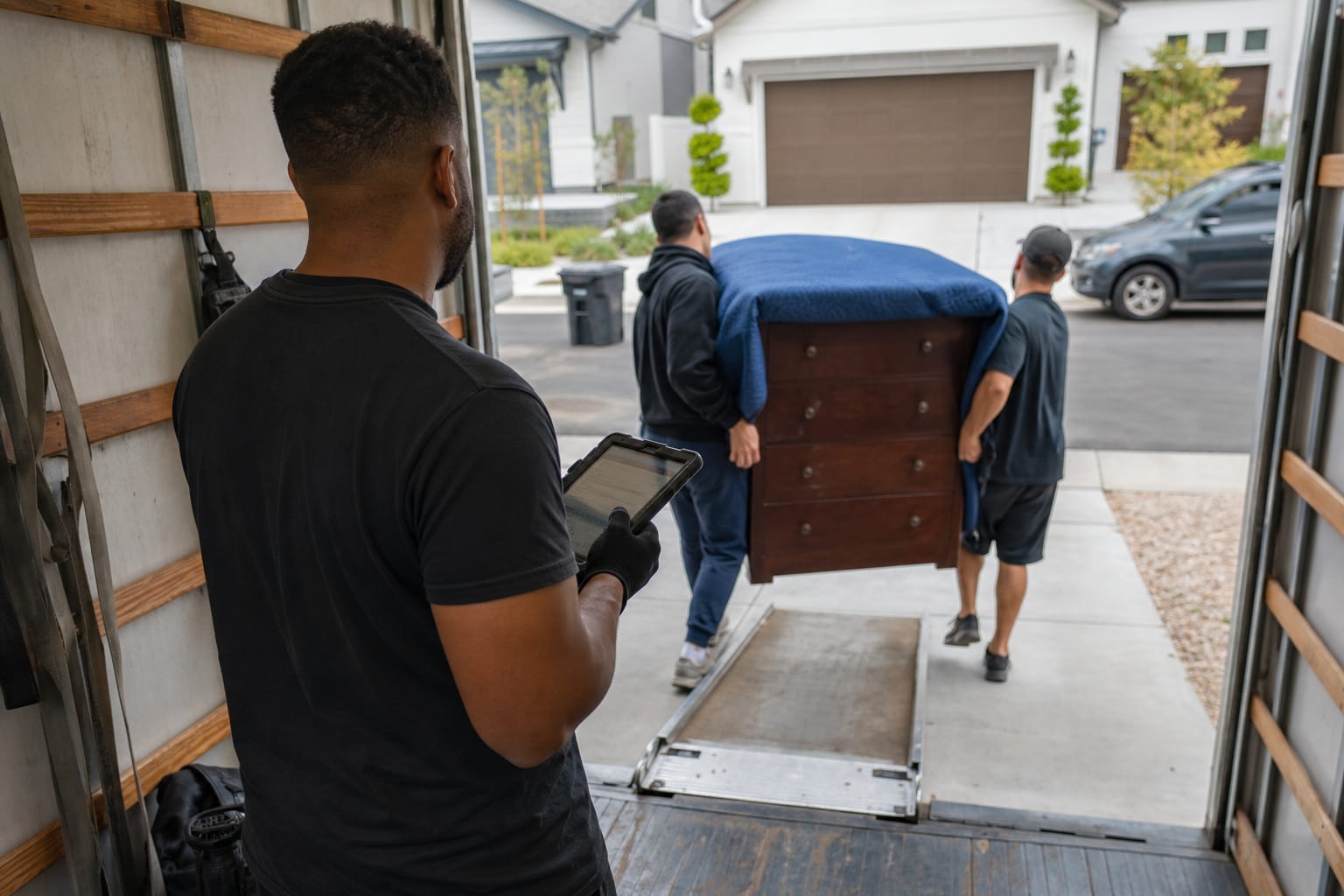

Inventory automation for removals replaces handwritten clipboards and carbon-copy forms with software that captures, tags, and tracks every item from pickup to delivery. For movers running several trucks a day, paper lists are the single largest source of lost items, disputed charges, and damage claims. This guide breaks down how inventory automation removals workflows operate, which features actually matter, and how to roll the technology out across a growing fleet — without slowing down your crews.
Key Takeaways
| Point | Details |
|---|---|
| Automation replaces paper | Digital item logs tag every piece with a barcode or QR code linked to description, condition, and photos. |
| Manual lists fail at scale | Once a company runs multiple daily dispatches, clipboard tracking produces lost items and unverifiable charges. |
| Liability is the real driver | Federal rules set basic carrier liability at just $0.60 per pound per article for released-value moves, so documented condition reports protect both sides. |
| Time savings are large | A representative crew cuts inventory time from roughly 45 minutes on paper to under 10 minutes with barcode scanning. |
| Integration multiplies value | Inventory data flows into the CRM platform for moving companies and dispatch, syncing the moving manifest in real time. |
What Is Inventory Automation for Moving Companies?
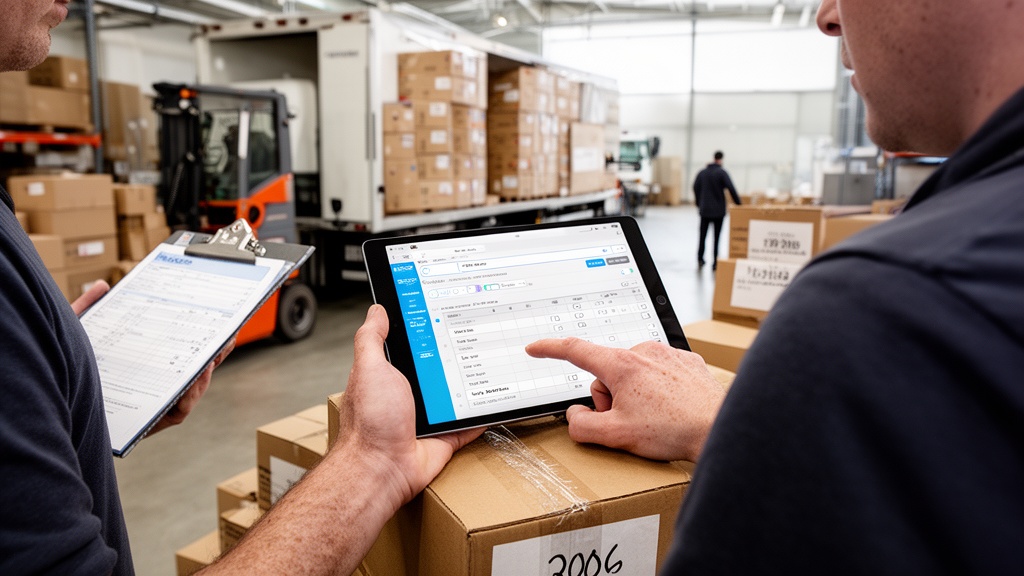
Inventory automation for movers is the use of software to record, label, and track every household good through a move, replacing paper checklists with digital item logs. Each piece gets a unique tag — usually a barcode or QR code — linked to its description, condition, photos, and truck location.
The result is a living household goods inventory system that updates as crews work. Items move from "loaded" to "in transit" to "delivered" with a single scan. Nothing relies on a driver's memory or legible handwriting.
Good moving inventory software does more than make a list. It timestamps every action, attaches photo evidence, and produces a client-facing record both parties sign. That audit trail is what separates a modern operation from a clipboard.
Q: What is inventory automation for moving companies?
A: It is software that tags each item with a barcode or QR code and tracks its condition and location from pickup to delivery, replacing paper inventories with a timestamped digital record.
Why Manual Inventory Tracking Breaks Down at Scale
A single mover with one truck can manage a paper inventory. The problems start the moment volume grows. With over 28 million Americans moving in a recent year per Census Bureau data, busy markets push fleets into multi-crew, multi-truck days where paper simply cannot keep up.

Manual moving company inventory tracking breaks down in predictable ways. Handwriting becomes illegible. Carbon forms get lost between origin and destination. Item counts on the truck never reconcile with what the customer signed.
The employment picture compounds the issue. The transportation and material moving sector employs millions of workers, and high turnover means crews are often trained on inconsistent paper processes. Software standardizes the workflow so a new hire performs the same scan as a ten-year veteran.
Here's the thing: every illegible line or missing form becomes a customer dispute. At scale, those disputes turn into chargebacks, damage claims, and online reviews that cost far more than the software.
Pro Tip: Audit your last 20 damage disputes before buying anything. Count how many you lost purely because the paper inventory was incomplete or unreadable — that number is your real ROI baseline.
Core Features to Look for in Moving Inventory Software
Not all platforms are equal. The strongest moving inventory management tools share a core feature set that supports residential and commercial jobs alike.
- Item-level tracking: every piece carries a unique ID, not just a room count.
- Barcode and QR code scanning: crews tag and verify items in seconds.
- Photo condition reports: timestamped images document pre-existing damage.
- Automated item checklist removals: pre-built room and item templates so crews never start from a blank form.
- Digital bill of lading: signed electronically and synced to the office instantly.
- Client-facing inventory: customers review and approve the list on a tablet.
A proper automated item checklist removals workflow also flags high-value and specialty items automatically, prompting extra photos and a written condition report before loading.
Look closely at the condition report function specifically. It is the difference between "the dresser was scratched on arrival" and a defensible record showing the scratch existed at pickup, signed by the customer.
Q: What features matter most in moving inventory software?
A: Item-level tracking, barcode or QR scanning, timestamped photo condition reports, a digital bill of lading, and a client-signed inventory are the five non-negotiable features for movers.
Best Tools for Automating Moving Company Inventory
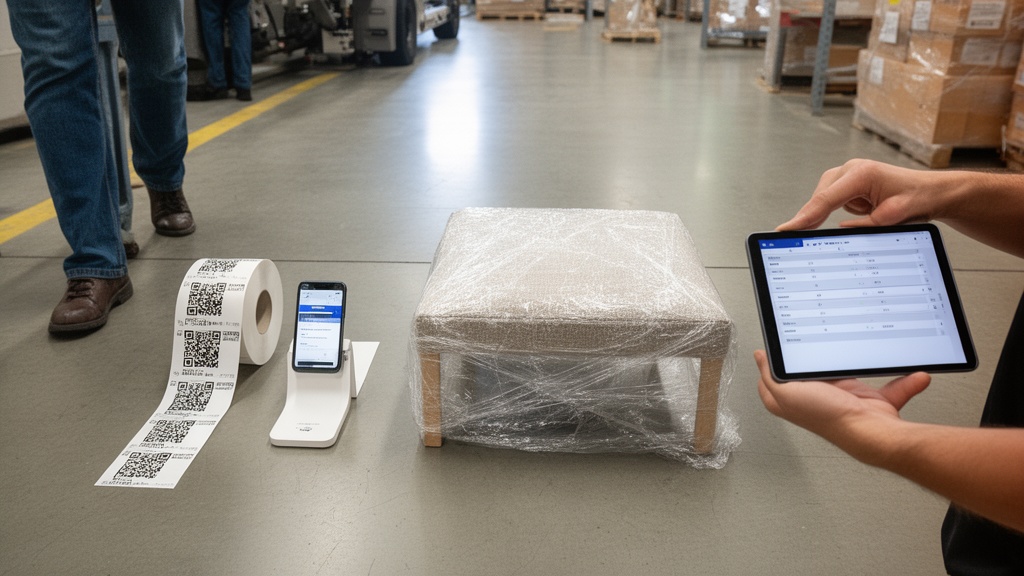
Several established platforms handle moving inventory, each with a different emphasis. The table below compares common capabilities across well-known categories of tools so you can match features to your operation. Treat it as a starting framework, not a ranking.
| Capability | SmartMoving | Supermove | Move4U | AI-native inventory modules |
|---|---|---|---|---|
| Item-level tracking | Yes | Yes | Yes | Yes |
| Barcode / QR scanning | Yes | Yes | Yes | Yes |
| Photo condition reports | Yes | Yes | Yes | Yes |
| Digital bill of lading | Yes | Yes | Yes | Yes |
| Built-in CRM + dispatch | Strong | Strong | Add-on | Strong |
| Virtual survey auto-inventory | Limited | Limited | Strong | Strong |
SmartMoving and Supermove lead with all-in-one operations suites where inventory lives inside the CRM. Move4U specializes in survey-driven inventory capture, building item lists from video walkthroughs. AI-native modules push automation further, generating draft inventories from photos.
For furniture tracking software movers rely on daily, the deciding factor is usually integration depth, not the inventory screen itself. A standalone list that does not sync to dispatch creates double entry.
Pro Tip: During demos, load a realistic 200-item, three-bedroom job and a partial-load commercial move. Tools that feel smooth on a 10-item demo often stall on the volume your crews actually face.
How Barcode Scanning and AI Power Modern Item Tracking
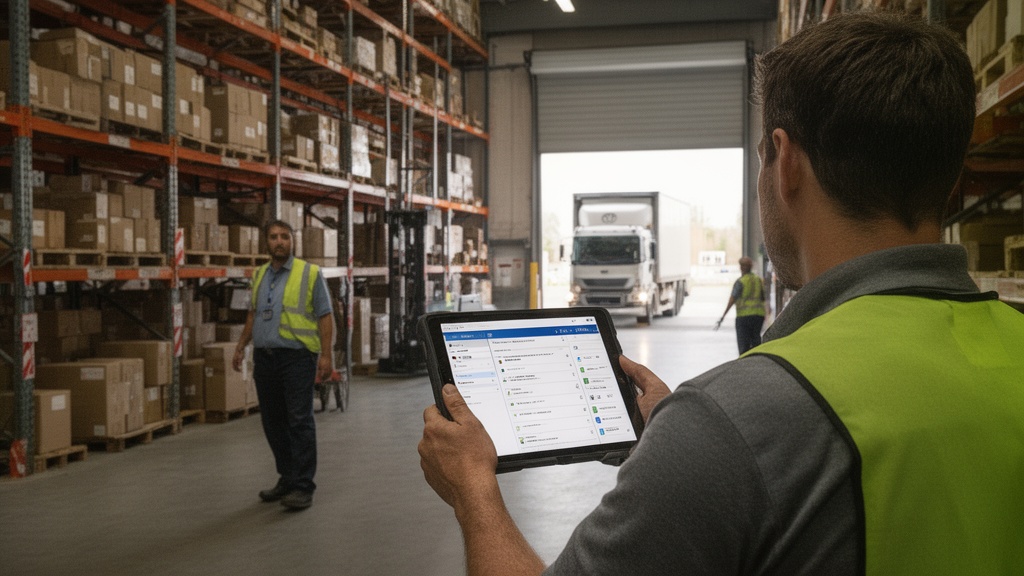
Barcode and QR code scanning is the engine behind modern moving company item tracking. Crews apply a numbered label to each carton and major piece, then scan it with a phone or tablet. The scan writes that item to the digital inventory with a timestamp and location.
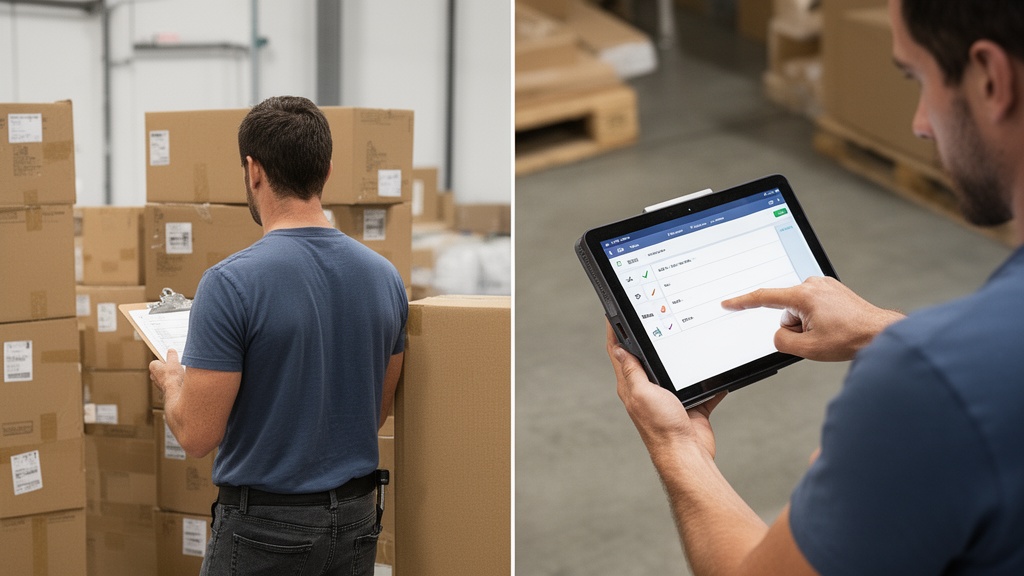
The labels themselves follow standards maintained by GS1, the global body behind barcode formats, which keeps scanning reliable across devices and apps. For a barcode scanning moving company, this means a label applied at origin reads cleanly at destination, even months later out of storage.
AI now sits on top of barcode inventory capture. Computer vision can identify furniture from a survey video, draft an item list, and estimate cubic footage — turning a 30-minute manual count into a reviewed draft. Crews verify rather than build from scratch.
The payoff is genuine item-level tracking. Instead of "12 boxes, kitchen," the system knows box 4471 left the truck at 2:14 p.m. and was signed for at delivery. That precision is what closes disputes.
Connecting Inventory Automation With Your CRM and Dispatch
Inventory data is most valuable when it stops living in a silo. Connecting capture to your back office turns a list into an operational signal. The moving company automation software you choose should treat inventory, CRM, and dispatch as one system.
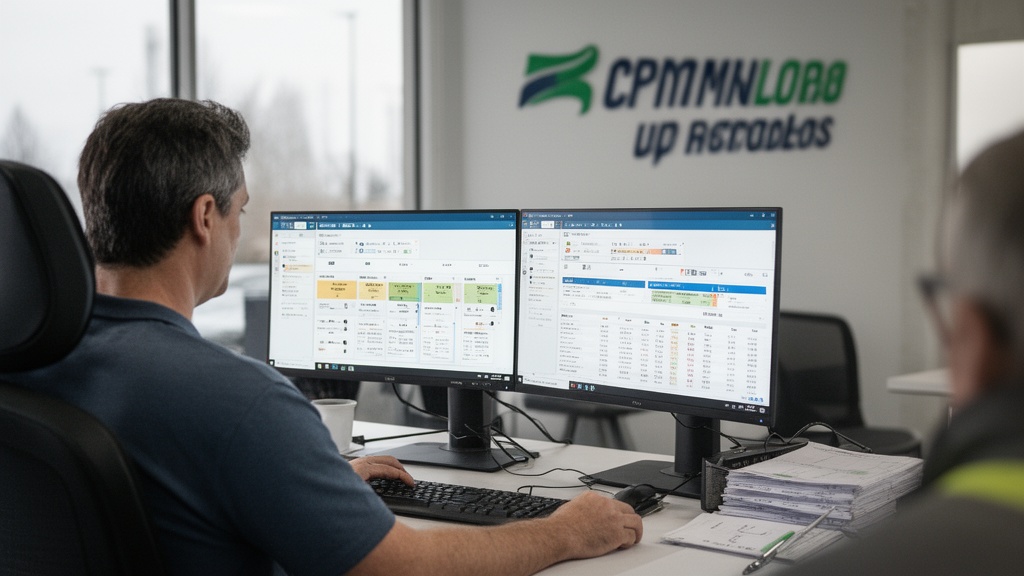
When inventory syncs to the CRM, the moving manifest updates automatically as items load. Dispatch sees real-time truck-load percentages. Billing pulls the exact item count instead of waiting for paperwork to return to the office.
That connectivity is the difference between software that documents work and moving company automation tools that save time across the whole job lifecycle. A scanned item can trigger an invoice line, a storage record, and a delivery confirmation without re-entry.
Accurate lead and job data also depends on a strong CRM platform for moving companies, where client info, inventory, follow-ups, and invoices share one record. Disconnected tools recreate the exact paper chaos you set out to eliminate.
Real Results: Error Rates, Time Savings, and Liability Protection

The business case for automation rests on three measurable outcomes: fewer errors, faster jobs, and stronger liability defense. Damage claims are the headline. Operations using paper inventories see materially higher disputed-claim rates than those with digital, photo-backed item records — because a signed condition report is hard to argue with.
| Metric | Manual paper inventory | Digital item tracking |
|---|---|---|
| Inventory time per job | ~45 minutes | Under 10 minutes |
| Item condition evidence | Handwritten notes | Timestamped photos |
| Disputed claim defense | Weak | Strong, signed record |
| Office data entry | Manual re-keying | Auto-synced |
Liability is where documentation pays off. Under federal rules, basic carrier liability is only $0.60 per pound per article for released-value protection, so disputes hinge on proof of pre-existing condition. A photo timestamped at pickup settles most arguments before they escalate.
The digital bill of lading movers generate at signing ties everything together. The bill of lading is the binding contract for the shipment, and a digital version linked to scanned items leaves no gap between what was promised and what was moved. That protects revenue and reputation.
Managing damage liability this way also lowers insurance friction. One regional operator reported that after switching to scanned, photo-backed inventories, disputed damage claims dropped sharply within a season, because adjusters could see condition at every stage.
Step-by-Step Implementation of Inventory Automation
Rolling out automation is a process, not a switch. Movers who phase it in keep crews productive while the workflow takes hold.
- Map your current process. Document how inventory is captured today and where disputes originate.
- Choose a connected platform. Prioritize a moving operations platform built for scale that links inventory to CRM and dispatch.
- Build your templates. Load room and item presets so crews scan against a structured list.
- Train on a pilot fleet. Run two or three trucks for two weeks before full rollout.
- Standardize labeling. Decide where barcode labels go on cartons and furniture, and make it a checklist step.
- Audit weekly. Review scan completeness and photo quality until it becomes habit.
Pro Tip: Assign one "inventory champion" per shift during rollout. Crews adopt new tools faster from a respected peer on the truck than from an office mandate.
Measure adoption by completeness, not enthusiasm. The goal is every item scanned and every high-value piece photographed — that consistency is what delivers the error and claim reductions the software promises.
Related Articles
- Moving Company Automation Software: The Complete Buyer's Guide — How to evaluate and choose an end-to-end automation platform for your operation.
- Moving Company Operational Efficiency: A Complete Playbook — Tactics to streamline crews, dispatch, and back-office workflows at scale.
- CRM for Moving Companies: Streamline Operations — How a moving CRM centralizes leads, jobs, and inventory in one record.
- Moving Company Technology Stack: Complete Guide — Which tools belong in a modern mover's software stack and why.
Recommended Reading
- Solutions overview for moving operations
- Moving Company Automation: Tools That Save Time and Cut Costs
- Best Cloud-Based Moving Company Software for Inventory & Storage Tracking
- CRM platform for moving companies
- Moving Company Operational Efficiency Playbook
Ready to see it in action?
Book a free 20-minute demo and explore how Virtual Estimate can help your business.