
Invoicing & Payments
Take deposits and payments on your own merchant accounts — five processors, no lock-in, and we never hold the cards.
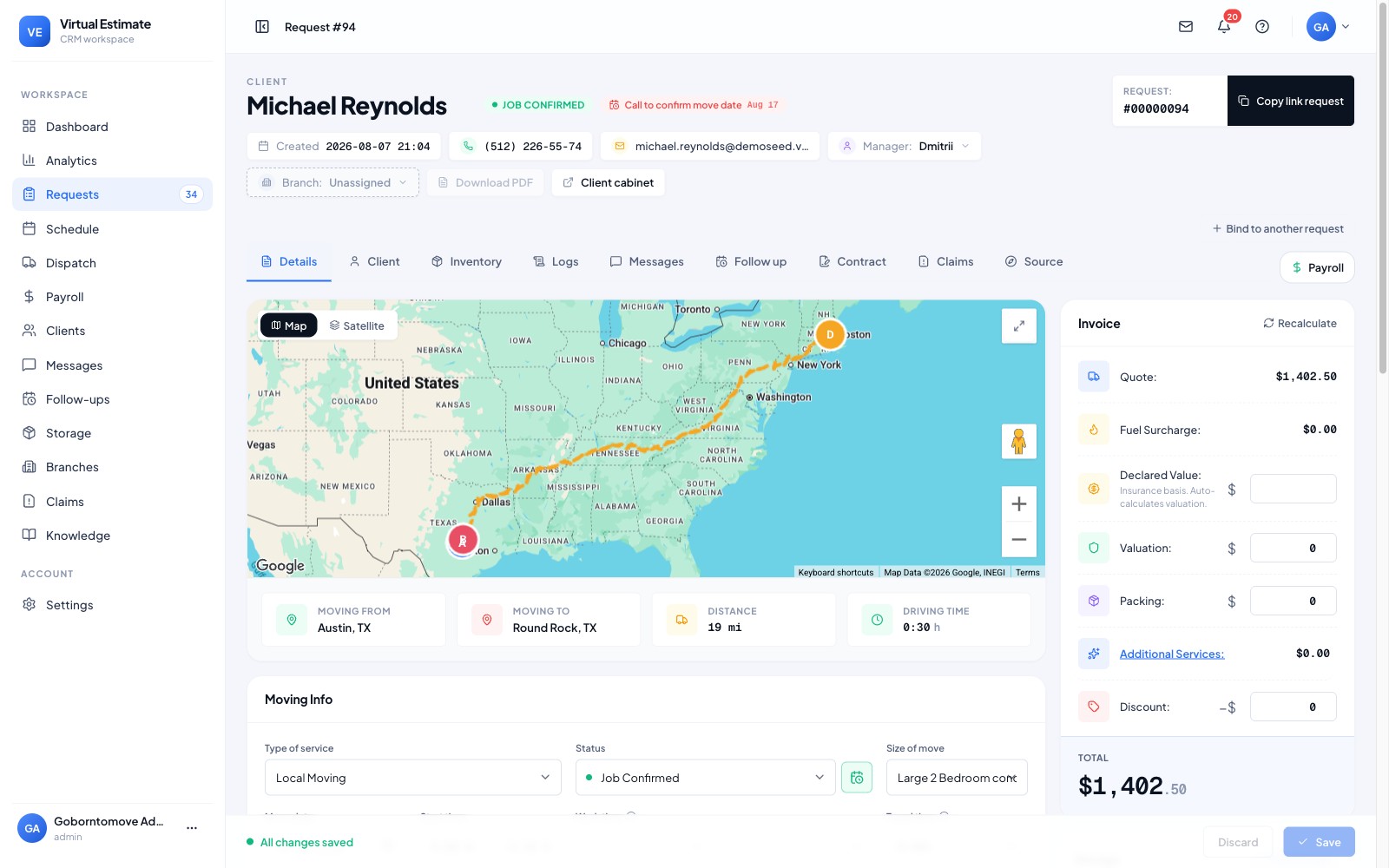
Get paid on your own processors.
Take deposits up front and final payments on your own merchant accounts — card, ACH or in the field — with invoices generated straight from the job.
Money in before the truck rolls.
Collect a deposit at booking and the balance on completion. Customers pay online from the portal or in person from the foreman app.
- ✓Deposits at booking
- ✓Pay online or in the field
- ✓Card & ACH
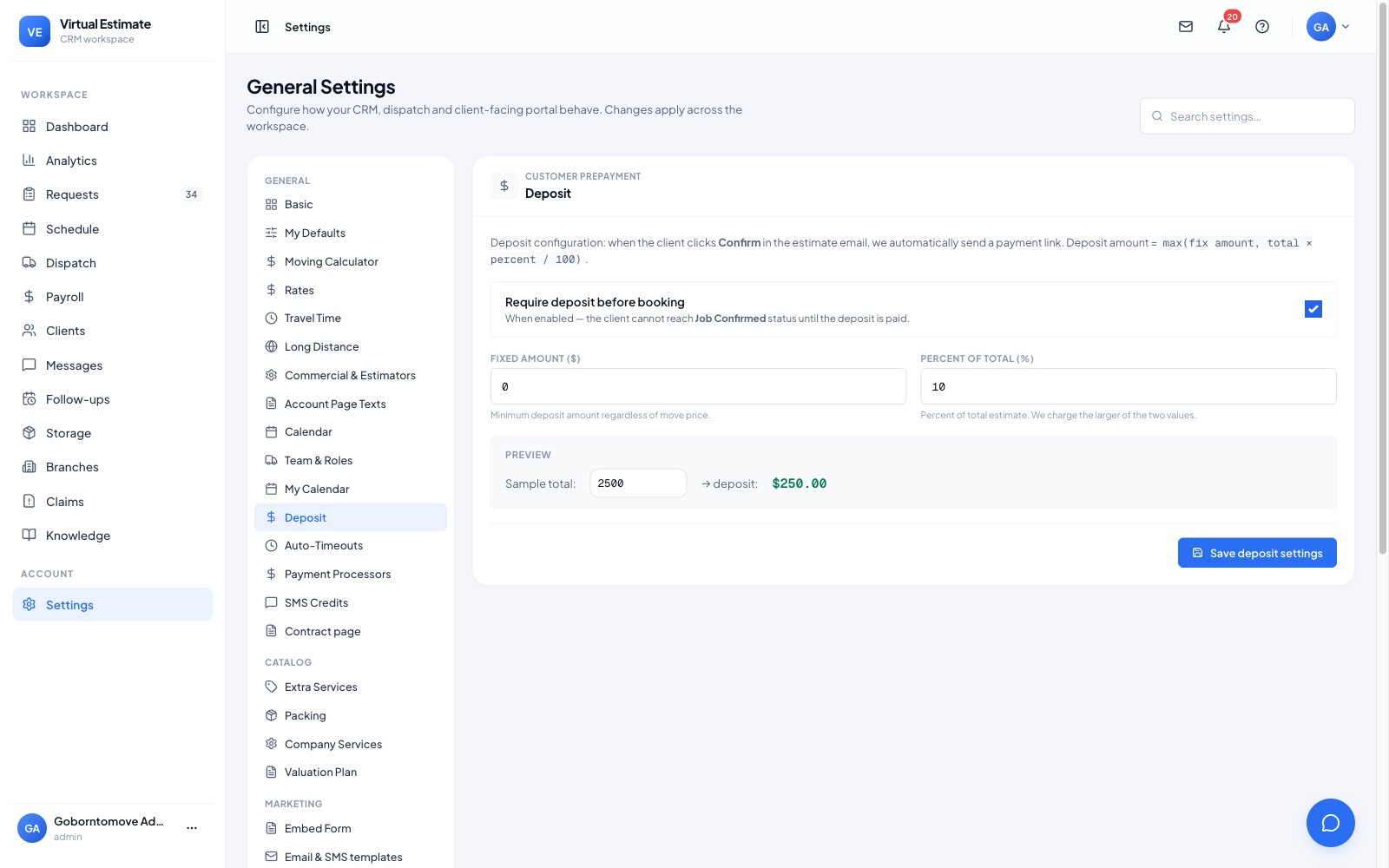
Your processors, never locked in.
Run payments through your own merchant accounts across multiple gateways. Invoices generate from the job automatically — no separate entry.
- ✓Multiple payment gateways
- ✓Your own merchant accounts
- ✓Auto-generated invoices
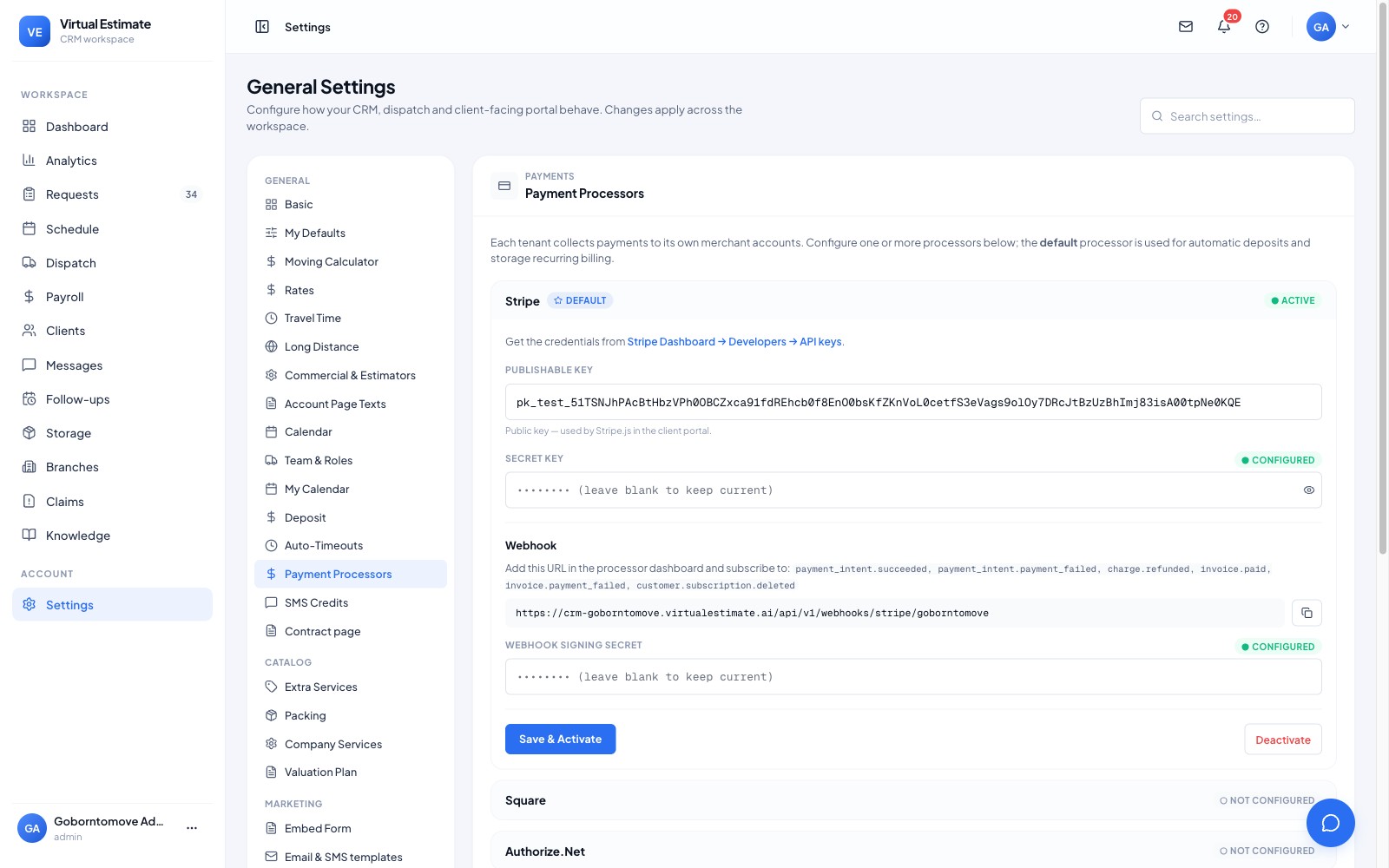
From first touch to done — without re-keying a thing.
What Invoicing & Payments does for your business.
Deposits up front and easy final payment.
Customers pay themselves from the portal.
Your merchant accounts, your rates.
Every payment tied to the job automatically.
Getting paid shouldn't mean handing a percentage to a middleman or locking yourself to one processor. Payments run on your merchant accounts, so you keep your rates and your relationship.
How it works
- A deposit is collected at booking, straight from the estimate link.
- The invoice is generated from the estimate — no re-typing line items.
- The customer pays by card, cash or check, and it's recorded against the job.
- Every payment flows into the P&L, so your numbers stay real.
What you get
- Five payment processors — Stripe, Square, Authorize.Net, Clover and Zelle — on your own merchant accounts.
- Deposits from the estimate link, before the truck rolls.
- Online card payments, plus cash and check recorded against the job.
- Automatic US sales tax by state and positional invoicing.
- Card data handled by certified processors — we never store card numbers.
Why it's different
The payment rails are yours. Five processors on your own merchant accounts means no lock-in and no cut to us — we don't hold your money or your customers' cards.
Stripe, Square, Authorize.Net, Clover and Zelle — connected to your own merchant accounts.
No. Payments run on your merchant accounts, and card data is handled by the certified processors — we never store card numbers.
Yes — a card deposit is available from the estimate link, so a customer can confirm the booking before a truck rolls.
Yes — US sales tax is applied automatically by state on the invoice.
Cash and check payments are recorded against the job alongside card payments, so the P&L stays accurate.
Yes — Scam Check. From the request, a manager sends the customer a link to verify a photo ID and a live selfie through Stripe Identity. Until the check passes, the deposit can’t be paid and the job can’t be confirmed. It runs on your own Stripe account with Stripe Identity approved; Stripe charges per check, and the ID photos stay with Stripe.
Yes. Set a custom deposit as a part payment or as the full payment. The customer gets a “Pay deposit” or “Pay for my move” button, and a full payment locks the price.
One platform — every part of the move.
AI Video Estimate
Turn a customer's phone video into a measured, itemized inventory and a priced estimate — the same session, wi...
Virtual Survey
Replace the in-home walkthrough. Your customer films their own rooms from a link and answers the logistics an...
Estimate Software
Your rates, your rules — one calculator for local, long-distance and everything in between. The estimate auto-...
Ready to put Invoicing & Payments to work?
Take deposits and payments on your own merchant accounts — five processors, no lock-in, and we never hold the cards.