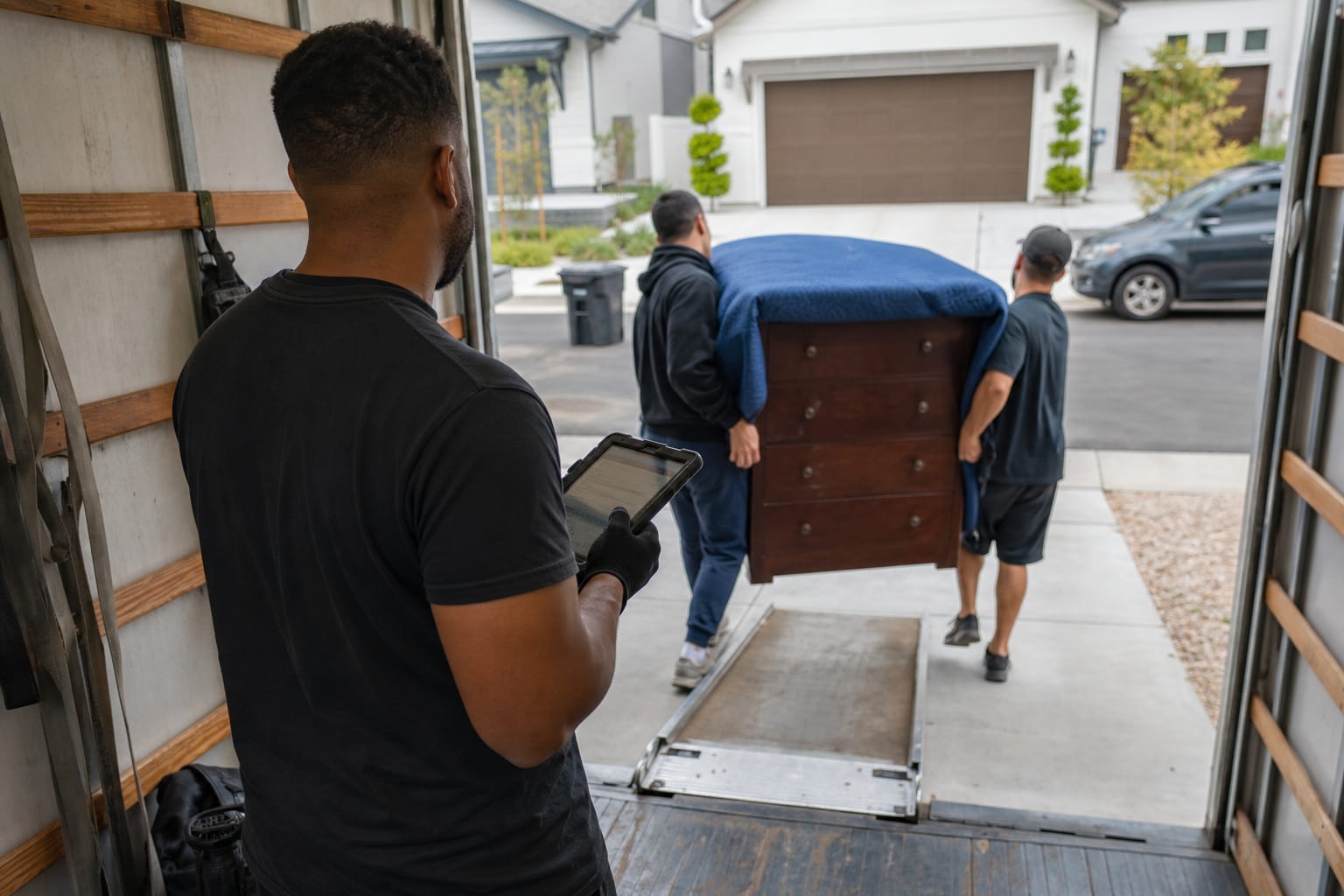

Pre-move data collection breaks more moving operations than any single trucking problem. An automated survey removals workflow replaces the phone tag, the half-filled intake notes, and the scheduling delays that stall quotes for days. Instead of a coordinator chasing details by phone, the client answers a structured digital questionnaire on their own time, and the answers land directly in your system. This guide explains what these surveys collect, how they connect to your estimating tools, and how to launch your first one with a practical checklist.

Why Manual Pre-Move Data Collection Is Costing Time and Booked Jobs
Manual intake is slow by design. A coordinator phones the lead, leaves a voicemail, waits, calls back, and writes inventory details on a notepad. Each cycle adds hours, and speed decides who wins the job.
Response time is the hidden killer. Firms that contact a new lead within an hour are far likelier to qualify it than those that wait, according to Harvard Business Review research on online sales leads. Phone-based intake rarely hits that window.
The volume problem is real, too. About 25.6 million people in the United States moved in a recent year, per Census Bureau migration data — a steady pipeline of intake that manual methods struggle to absorb without more admin staff.
Manual collection also produces gaps. Missing access notes or an overlooked piano surface on moving day, forcing reprices and disputes. Pre-move client data collection that is structured from the start removes those surprises.
Q: How much time does manual pre-move intake actually waste?
A: Traditional manual surveys take 2+ hours per job, while AI-powered scanning delivers inventory and cost estimates in roughly 10 minutes — freeing coordinators for several hours of saved work each week.
What an Automated Moving Survey Actually Collects
An automated moving survey is a structured digital pre-move survey that captures every detail a coordinator would gather in person — room contents, special items, access conditions, and timeline — through guided questions or video scanning. The output is a clean, standardized record rather than scattered notes.
A strong automated moving questionnaire covers four data categories. Each maps directly to a line item in your estimate.
| Category | Sample questions the survey asks |
|---|---|
| Room inventory | How many rooms? Which large furniture pieces? Approximate box count? |
| Special items | Piano, safe, artwork, appliances, gym equipment, or antiques? |
| Access conditions | Stairs, elevator, parking distance, long carry, or narrow doorways? |
| Timeline & logistics | Preferred date, flexibility, packing service needed, storage required? |
Video-based intake goes further. The client records a quick walkthrough of the rooms, and the technology builds a precise moving inventory list automatically — no manual room-by-room data entry.
This is the core of effective pre-move survey automation: the questionnaire enforces completeness. A required field cannot be skipped, so the move coordinator never inherits a half-finished record.
Pro Tip: Add a conditional branch for special items. When a client selects "piano," trigger follow-up questions about type (upright vs. grand) and stairs — those two answers swing crew size and price more than almost any other single line.
Where Automated Survey Tools Fit Into the Moving Workflow
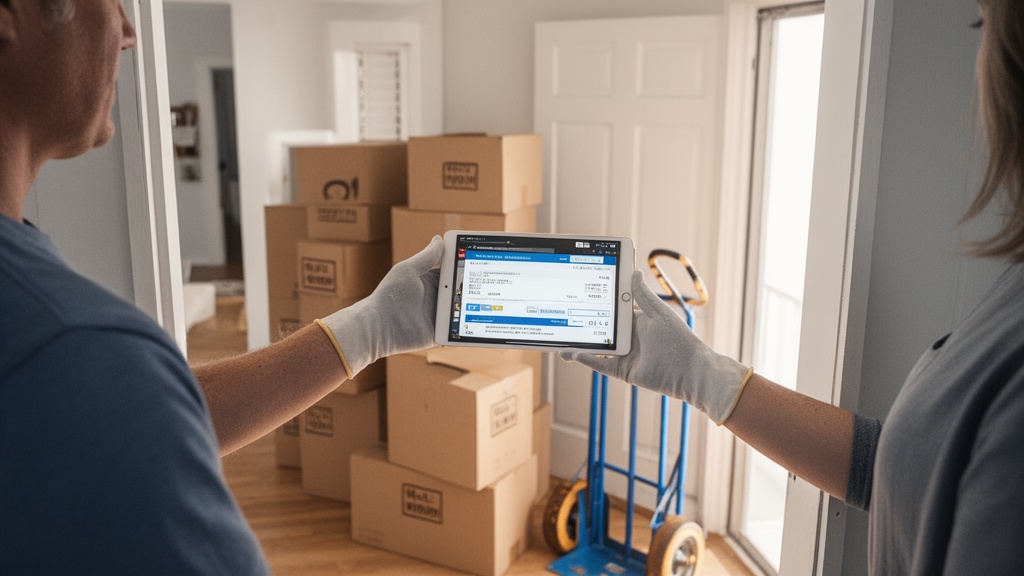
The survey is the first automated step in a connected chain, not a standalone form. Done right, moving client intake form automation triggers everything downstream without manual handoffs.
The sequence runs in four stages:
- Client submits the survey — through a link from your website, SMS, or email.
- CRM record updates — inventory, access notes, and timeline populate the contact automatically.
- Estimate generates — structured data feeds the pricing engine to produce a cost figure.
- Quote reaches the client — often within minutes, while interest is still high.
This is where automation reshapes administrative work; McKinsey estimates that about a significant share of occupations could automate at least a significant share of their tasks. Intake and data entry are exactly the predictable, rules-based work that automates cleanly.
The staffing implication matters. Operators scaling intake this way add booked jobs without adding coordinators — the same lesson covered in the marketing automation playbook for moving companies.
Q: Does an automated survey replace the whole intake process?
A: It replaces the manual data-gathering and entry steps. A coordinator still reviews edge cases — unusual access, high-value items — but handles exceptions instead of every record.
Key Features to Look for in Moving Survey Software

Not all moving survey software is built for removals. General form builders capture answers but stop short of the integrations that make the data useful. Evaluate tools against the capabilities below.
| Feature | Why it matters | Generic form tools | Purpose-built mover tools |
|---|---|---|---|
| Conditional logic | Skips irrelevant questions, surfaces special items | Partial | Full |
| Video / photo capture | Builds inventory without manual entry | Rare | Common |
| CRM integration | Auto-populates the contact record | Manual export | Native |
| Estimate hand-off | Feeds pricing engine directly | None | Built-in |
| Mobile-first design | Clients complete on a phone | Varies | Standard |
General platforms like Typeform and JotForm handle the questionnaire layer well and suit operators testing the concept. They excel at clean, mobile-friendly digital survey form experiences with conditional logic.
The gap appears at integration. Without native CRM integration and an estimating hand-off, someone still rekeys answers — which reintroduces the delay automation was meant to remove.
Pro Tip: Before buying, run one real lead through the full path — survey submission to CRM record to draft estimate. If any step needs manual copy-paste, the tool will not save the admin hours its marketing promises.

Integrating Survey Data With Your CRM and Estimating Tools
The value of automated client data collection movers rely on appears at integration, not collection. Structured answers mean nothing if they sit in an inbox. They must write straight to the contact record and the pricing engine.
When a client submits, the moving company intake form should update the CRM contact with inventory, access conditions, and timeline — no rekeying. The coordinator opens a record that is already complete and accurate.
That clean data improves quote accuracy. A standardized moving inventory list gives the estimating engine consistent inputs, so the cubic-foot calculation and crew sizing rest on real details rather than a phone-call guess. For a deeper workflow walkthrough, see the step-by-step guide to conducting a virtual pre-move survey.

Accuracy also protects compliance. Federal rules require interstate movers to give written estimates and inventory documentation, per the FMCSA — and structured survey data builds that paper trail automatically.
Pro Tip: Map your survey fields to CRM fields before launch, not after. A one-hour field-mapping session prevents the most common failure: answers that arrive as one unstructured text blob instead of filterable, reportable data.
How Automated Pre-Move Surveys Improve the Customer Experience

Clients prefer doing intake on their own schedule. A self-serve digital pre-move survey lets them answer at 9 p.m. after the kids are asleep — no scheduled call, no stranger walking their home.
Convenience drives completion. Mobile-first surveys with progress indicators and saved answers reduce drop-off, and the resulting pre-move client data collection is richer than what a rushed phone call captures.
Speed builds trust. When structured data produces a same-hour quote, the client perceives a competent, modern operator. That perception matters in an industry where demand for moving and material-moving labor remains substantial, according to the Bureau of Labor Statistics, and differentiation is hard to win.
The experience compounds across the booking journey. Customer-experience leaders in service businesses outperform on retention and revenue, per McKinsey research on consistency — and a frictionless first touch sets that tone. The full case for the format appears in the complete guide to virtual pre-move surveys.
Setting Up Your First Automated Moving Survey: A Step-by-Step Checklist
Launching is straightforward once the goal is clear: capture complete, structured intake that feeds your estimate. Work through the checklist below in order.
- Define required fields. List the data your estimate genuinely needs — inventory, special items, access, timeline. Cut vanity questions.
- Choose the tool. Pick moving survey software that integrates with your CRM, or a form builder you will connect manually.
- Build conditional logic. Branch on special items and access so clients see only relevant questions.
- Map fields to your CRM. Connect each answer to a contact field before going live.
- Test the full path. Submit a real entry and confirm it reaches the estimate stage clean.
- Add survey links everywhere. Website forms, SMS replies, and email auto-responders.
- Set the review rule. Decide which records auto-quote and which a coordinator checks.
Keep the questionnaire short. Every extra field lowers completion, so capture the essentials and let conditional logic surface depth only when needed.
Measure two numbers after launch: completion rate and time-to-quote. Both should improve within weeks as pre-move survey automation removes the manual bottleneck — and as your booking-confirmation workflow tightens around faster, cleaner data.
Related Articles
- Virtual Moving Management Software Benefits for Customers — How digital management tools improve the client side of the moving experience.
- Marketing Automation for Removals: The Complete Playbook — A full guide to automating lead follow-up and booking workflows.
- Moving Company Software Market: A Buyer's Research Guide — How to evaluate the moving software landscape before you buy.
- Moving Company Automation Software: The Complete Buyer's Guide — A practical framework for choosing automation tools that scale.
Recommended Reading
Ready to see it in action?
Book a free 20-minute demo and explore how Virtual Estimate can help your business.