This comparison is for owners, operations managers and dispatchers of US moving companies who are weighing the SmartMoving crew app against Virtual Estimate for field operations. Disclosure: Virtual Estimate publishes this article and makes a competing moving CRM. For that reason, every SmartMoving detail below is limited to what could be checked against public sources on October 31, 2026.
Bottom line: SmartMoving and Virtual Estimate are separate companies, and both sell moving-specific software. Virtual Estimate documents a crew and foreman app that runs today's jobs, the full Bill of Lading, before-and-after photos and payment on site, works fully offline, and feeds crew pay automatically, on per-company monthly plans with no contracts. SmartMoving's field feature set and pricing should be confirmed directly with SmartMoving, and this guide lists the exact questions to ask.
A search for smart moving crew app mostly returns app store listings, feature-request boards and vendor pages. Few results put two field workflows side by side. This page does that, criterion by criterion, so a 2–15 truck operator can decide what to demo and what to ask.

Key Takeaways
- Separate companies, same category. SmartMoving and Virtual Estimate are separate companies that both sell moving-specific software with a crew app. This article is published by Virtual Estimate.
- Documented Virtual Estimate field features. The foreman app shows today's jobs, completes the full Bill of Lading on site, captures before/after photos and payment, and works fully offline.
- SmartMoving details need a demo. SmartMoving's crew app screens, offline behavior and pricing could not be confirmed from first-party pages on October 31, 2026; use the demo questions provided.
- Payroll from the job record. Virtual Estimate calculates crew pay and commissions from completed jobs. It does not document a crew time clock or GPS tracking.
- Per-company pricing. Virtual Estimate lists Basic, Standard and Pro per company, per month, each with 14 days free and no contracts; AI video survey starts on Standard.
What the SmartMoving Crew App Does (Per Public Sources)
SmartMoving offers a mobile app for its users. Beyond the fact that the app exists, the specific screens, permissions and offline behavior could not be confirmed from a SmartMoving help page for this article.
That gap matters, and it cuts both ways. A feature that could not be verified here may still exist in the product. The fair move is to check it in a live demo, not to assume either way.
One public data point stands out. Treat it as a demo question about field inventory, nothing more.
For platform-wide coverage beyond the field, including sales and office features, see the full SmartMoving software review. This page stays strictly on what happens between the truck and the customer's front door. To check SmartMoving's current materials yourself, start at SmartMoving's website.
Q: Does SmartMoving have a separate app for moving crews?
A: A SmartMoving mobile app listing on the Apple App Store could not be confirmed from SmartMoving's published pages. Confirm Android availability and exactly which job functions the app covers with SmartMoving before you buy.
Feature Matrix: SmartMoving vs Virtual Estimate (Verified October 31, 2026)
The table below applies the same field-ops criteria to both products. Virtual Estimate cells link to the product page that documents each capability. SmartMoving cells marked "Not confirmed" mean the capability could not be verified from a SmartMoving first-party page on October 31, 2026. They do not mean the feature is absent.
| Criterion | SmartMoving | Virtual Estimate | Virtual Estimate source |
|---|---|---|---|
| What the crew sees on the phone | Mobile app listed on the Apple App Store; screen contents not confirmed | Today's jobs, the full Bill of Lading, before/after photos | Crew & foreman app page |
| Inventory in the field | Public feature request asks for crew-app inventory creation; current capability not confirmed | Inventory pulled from the estimate into the Bill of Lading with no re-entry | Bill of Lading & eSign page |
| Job photos | Not confirmed | Before/after photos tied to each job record | Claims management page |
| Offline use | Not confirmed | Works fully offline; syncs when signal returns | Virtual Estimate FAQ |
| Dispatch and crew assignment | Not confirmed | One board for trucks and crews, conflict protection, automatic crew sizing, Google/Apple/Outlook calendar sync | Dispatch & scheduling page |
| On-site signatures | Not confirmed | E-signed on any screen; multi-party signatures with geolocation and timestamps | Bill of Lading & eSign page (above) |
| Payments on site | Not confirmed | Deposits and payments on the mover's own merchant accounts across five processors; card, cash and check | Invoicing & payments page |
| Payroll inputs | Not confirmed | Crew pay and commissions calculated from completed jobs | Payroll & commissions page |
| Crew time clock or GPS tracking | Not confirmed | Not confirmed | — |
| Pricing published | No public price list found | Basic $399, Standard $599, Pro $799 per company, per month | Virtual Estimate pricing page |
| Contract and trial | Not confirmed | 14 days free, no contracts, cancel during the trial with no charge | Pricing page (above) |
Virtual Estimate's prices in this table come from its own pricing page, linked in the row. The matrix will be re-verified each quarter, and SmartMoving cells will be updated as first-party documentation is confirmed.
The rows above reflect what owners say matters most once crews leave the yard. For a deeper checklist, read about the features field teams need in a crew app before scheduling demos.
Job Details, Inventory, Photos, and Offline Use in the Field
The crew app has one job: give the foreman everything needed to run the move without calling the office. That means the job details, the inventory, the contract, and a way to document condition. If any of those lives on paper, the app is only half doing its job.
What Virtual Estimate's foreman sees
In Virtual Estimate, the foreman opens the phone and sees today's jobs. The full contract, signatures, photos and payment are all completed on site, and the office sees results in real time. The inventory is not retyped in the field. It flows from the estimate into the Bill of Lading.
That inventory starts earlier on Standard and Pro plans. The customer records a guided video walk-through from a text link with nothing to install. The AI then measures and prices each item, and those items carry straight into the Bill of Lading, as described on the cubic feet calculator page.
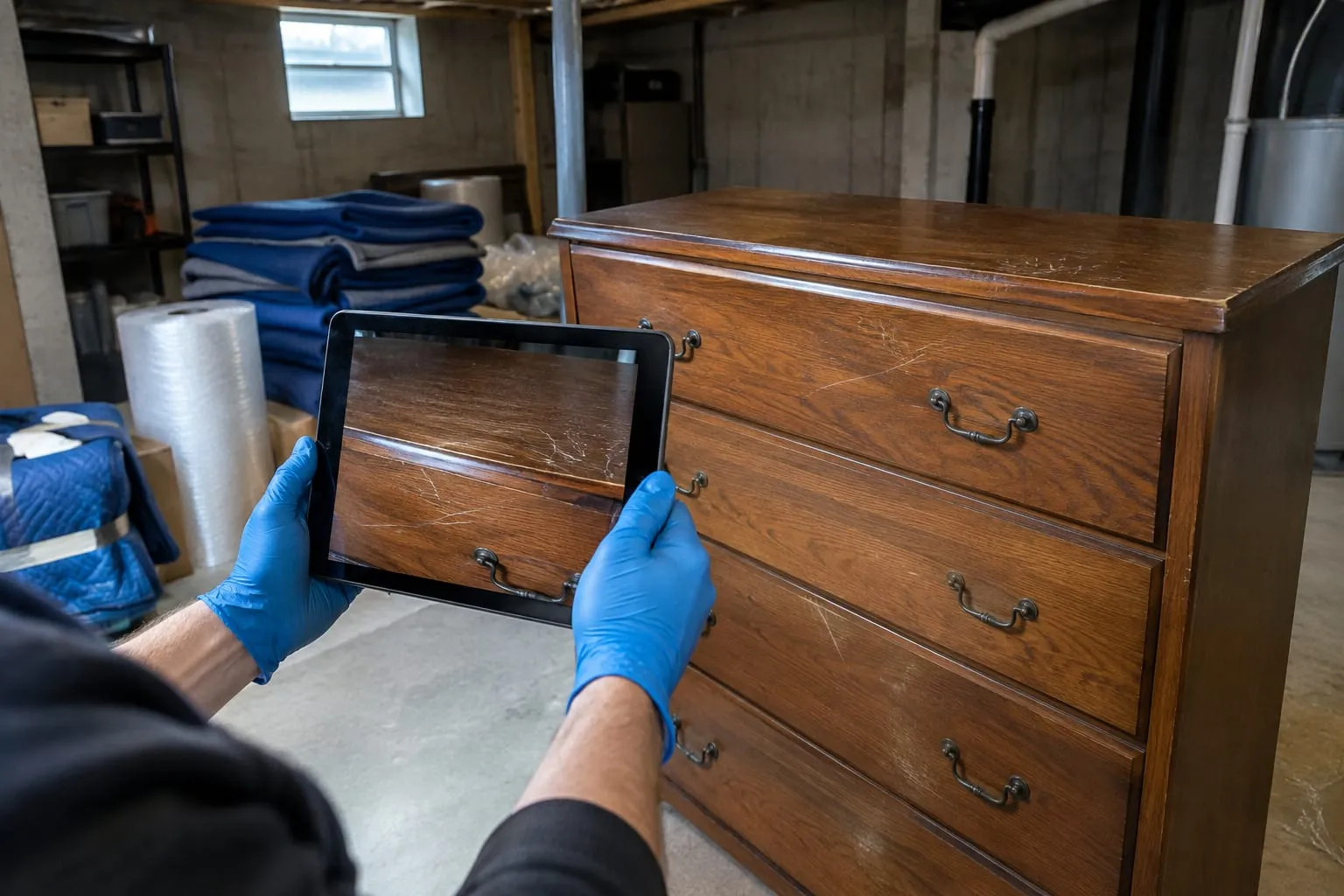
Condition documentation is where field apps prove their value. Virtual Estimate keeps before-and-after photos tied to each job, alongside the signed Bill of Lading and inventory. Virtual Estimate describes the result as a tamper-evident trail, so a damage claim becomes a file rather than an argument.
Offline behavior
Rural pickups, high-rise basements and loading docks all kill signal. An app that freezes there sends the crew back to paper.
Q: Does Virtual Estimate's crew app work without cell signal?
A: Yes. Virtual Estimate's foreman app runs the contract, signatures, photos and payment fully offline and syncs automatically when signal returns, per the Virtual Estimate FAQ.
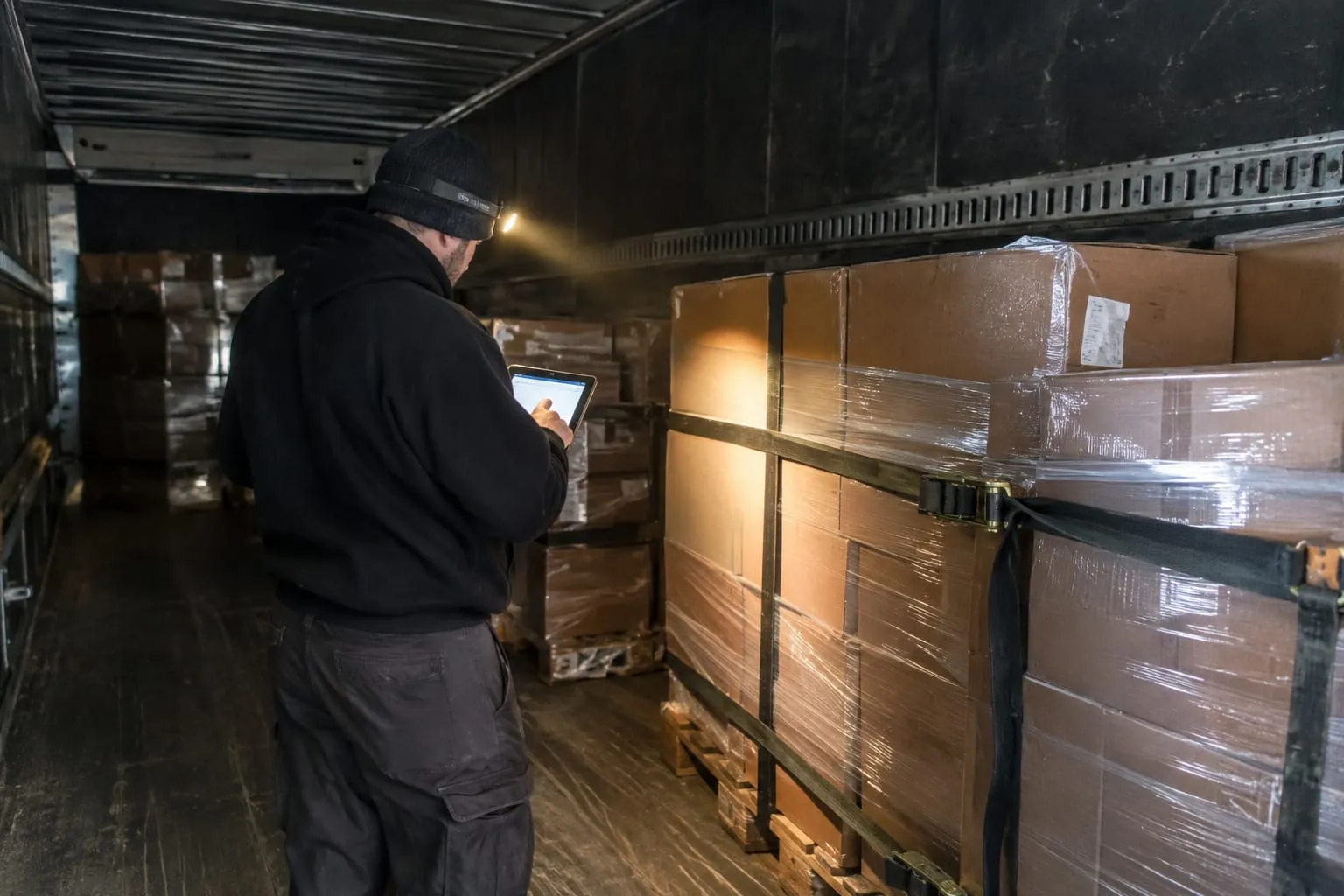
Pro Tip: In any crew app demo, put the phone in airplane mode, complete a signature and a photo, then reconnect. Watch whether the record appears in the office view without a manual retry.
Questions to put to SmartMoving for this section:
- Which job fields does the crew app show, and which can the foreman edit?
- Can crews add or change inventory items from the app today?
- Are photos attached to the job record or stored separately?
- What exactly works offline, and how does sync handle conflicts?
Dispatch, Scheduling, and Crew Assignment
Field performance starts the night before, on the dispatch board. A crew app is only as good as the assignment it receives. Wrong crew size or a double-booked truck shows up on site as overtime or a no-show.

Virtual Estimate uses one dispatch board with automatic crew sizing for both trucks and crews. Conflict protection flags double bookings. Schedules sync to Google, Apple and Outlook calendars, so crews see changes on the calendars they already use.
Crew size starts at the estimate, not at dispatch. When a priced estimate lands in the CRM, crew size, truck size, fuel surcharge and valuation are auto-calculated from the company's own tariffs. Virtual Estimate characterizes this as an AI-assisted, moving-specific estimate workflow paired with industry-native dispatch.
For SmartMoving, confirm in a demo how crews are assigned, whether crew size is suggested or manual, how schedule changes reach the crew's phone, and whether calendars sync to tools your team already uses.
Crew Hours, Job Records, and Payroll Inputs
Payroll is where field data either saves hours or creates them. If the foreman's job record does not connect to pay, someone in the office reconciles it by hand every week.
Virtual Estimate calculates crew pay calculated from completed jobs, including commissions by service type tied to each job record. The finished job becomes payroll. Reporting and analytics then show estimated vs. actual on every job, tied back to payroll, plus crew performance company-wide or per branch.
That figure comes from a composite example built from industry benchmarks, not a named customer. Results at any single company will differ.
One limit deserves a plain statement. Virtual Estimate's published pages do not document a crew time clock or GPS crew tracking. If hour-by-hour clock-in data or live truck location drives your payroll, confirm how that fits during the trial.
Ask SmartMoving the same questions: how crew hours are captured, whether pay calculates from the job record, and how commissions are handled. For broader context on keeping good crews paid accurately, see these employee retention strategies for moving companies.
Customer Signatures, Bill of Lading, and Payments on Site
The Bill of Lading is the contract the customer signs at the door. Errors there create disputes later.

Virtual Estimate puts the Bill of Lading completed and e-signed on site into the foreman's hands. It supports multi-party signatures with geolocation and timestamps, and the inventory comes from the estimate with no re-entry.
Payments run on the mover's own merchant accounts. Virtual Estimate supports five processors: Stripe, Square, Authorize.Net, Clover and Zelle, plus online card, cash and check, per its invoicing and payments page. Keeping your own processor means no forced switch of merchant accounts.
Customers also get a branded, passwordless customer portal. It shows a live move timeline, route map and inventory with a "this doesn't match" button, plus online sign, pay and chat. Customers can flag an inventory mismatch before move day instead of at the door.
For SmartMoving, ask which document types the crew app can present for signature, whether signatures carry timestamps or location, and which payment processors work in the field.
Need help with this? Get started
Pricing Model, Contracts, and Trials
Pricing structure shapes field rollout. A model that charges per user can make owners hesitate to give every foreman an app login. A per-company price removes that friction.
SmartMoving did not show a public price list on its website when checked on October 31, 2026. Request a written quote that states whether pricing is per user or per company, the contract length, any onboarding or setup fees, and whether the crew app costs extra. Compare like for like across your shortlist, using this comparison of moving company software for other options.
Q: How much does Virtual Estimate cost per month?
A: Virtual Estimate lists Basic at $399, Standard at $599 and Pro at $799 per company, per month on its pricing page, each with 14 days free and no contracts.
Virtual Estimate sells per-company monthly plans, not per-seat licenses. Here is what each tier adds for field operations:
- Basic: full moving CRM, unlimited requests and jobs, estimates, contracts and payments, dispatch board and crew payroll, customer portal and messaging. AI video survey is not included.
- Standard (most popular): everything in Basic plus AI video survey, 40 video requests per month, automatic inventory and cubic feet, and instant estimates from video.
- Pro: everything in Standard plus 80 video requests per month and priority support.
Every plan starts with 14 days free, and the company can switch or cancel at any time during the trial with no charge.
Verdict: Which Fits a 2–15 Truck Moving Company
The right answer depends on where your field process breaks today. Both companies sell moving-specific software, so the decision comes down to documented field features, switching cost and pricing terms.
When SmartMoving is the better fit
Stay with or choose SmartMoving if your crews already run on it and the demo confirms the field functions you rely on. Retraining foremen and migrating job history carries a real cost, especially before peak season. If a crew time clock or GPS tracking drives your payroll, confirm it in writing with each vendor.
When Virtual Estimate is the better fit
Virtual Estimate fits when you want these documented capabilities in one moving-specific system:
- A foreman app with today's jobs, the full Bill of Lading, before/after photos and payment on site
- Full offline mode that syncs when signal returns
- Crew pay and commissions calculated from completed jobs
- Payments on your own merchant accounts across five processors
- A branded customer portal with inventory mismatch flagging
- Per-company monthly pricing, no contracts, 14 days free
A four-step decision process
- List the three field failures that cost you most last season, such as lost paperwork, payment delays or damage disputes.
- Send both vendors the demo questions in this guide and ask for written answers.
- Run the airplane-mode test on both apps with a real foreman.
- Run a few live jobs in a trial before cancelling or signing anything.
How Virtual Estimate Handles Field Operations
Virtual Estimate built its platform as a purpose-built, AI-powered CRM that handles everything from the first lead to the final invoice, according to its About page. Field operations sit inside that single flow rather than in a bolted-on tool.
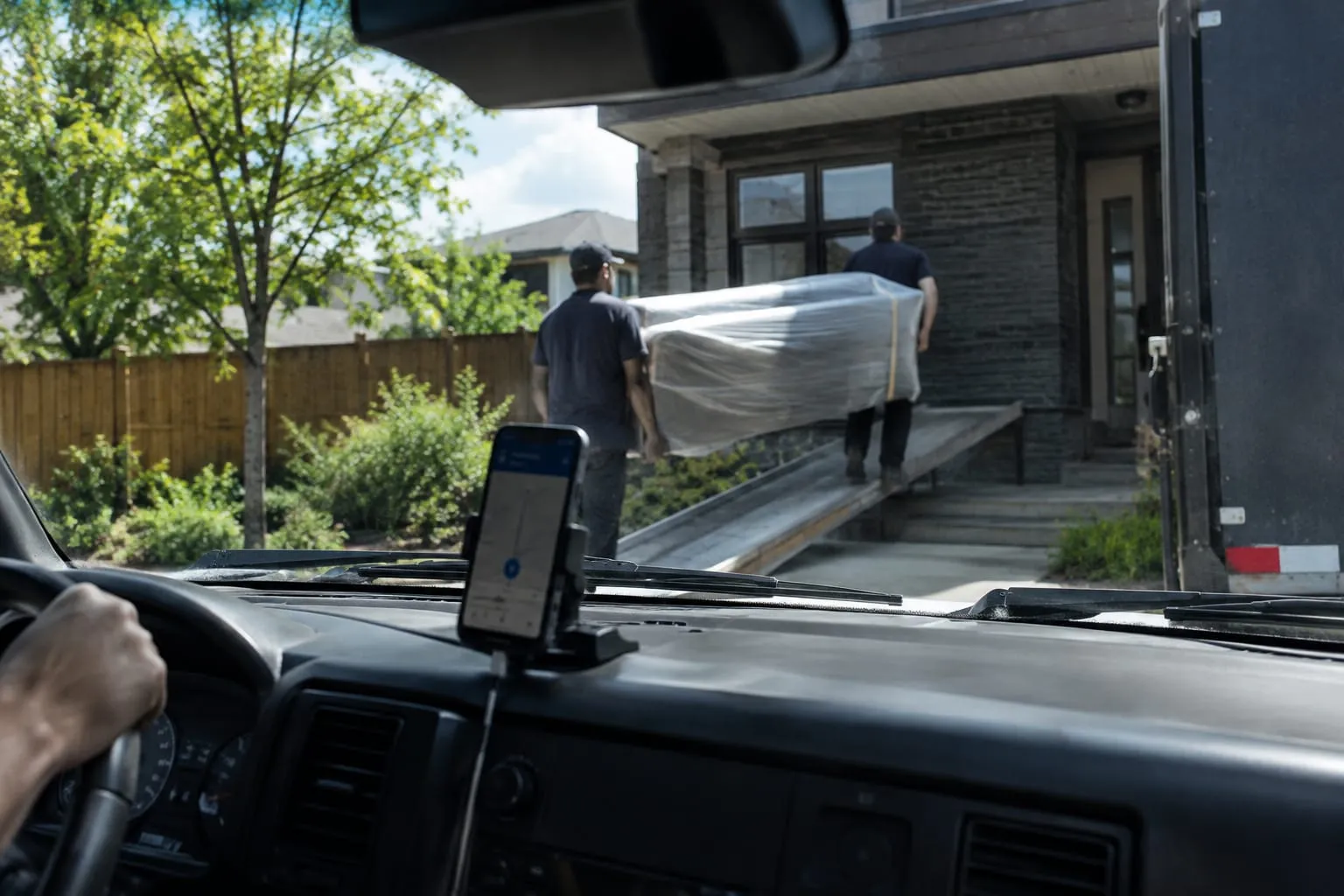
Virtual Estimate's crew and foreman app addresses the problems covered above. The inventory arrives from the estimate, the Bill of Lading is signed on site, photos attach to the job, and the finished job turns into payroll. Offline mode keeps all of it working when signal drops.
Support comes from real people by chat and email, with an in-app knowledge base. Onboarding help is included with every plan, which matters when moving foremen off paper or another app.
Related Articles
- CRM for Moving Companies: Streamline Operations — how a moving-specific CRM connects sales, dispatch and field work in one system.
- Customer Experience Excellence in Moving Services — how on-site professionalism and communication shape reviews and repeat business.
- Faster Quote Turnaround Helps Moving Companies Book More Jobs — why estimate speed affects booking rates before a crew is ever assigned.
- Automated Moving Surveys to Collect Client Information — how self-guided surveys capture inventory details that later reach the crew.
Useful Links
- Moving Crew App — Foreman Field App
- Virtual Estimate Pricing: Basic, Standard and Pro
- Start a 14-Day Free Trial of Virtual Estimate
- SmartMoving Software Review: Features and Pricing
- Apps for Moving Companies
Need help with this? Moving Crew App · Get started · Call (888) 611-7483
Ready to see it in action?
Book a free 20-minute demo and explore how Virtual Estimate can help your business.