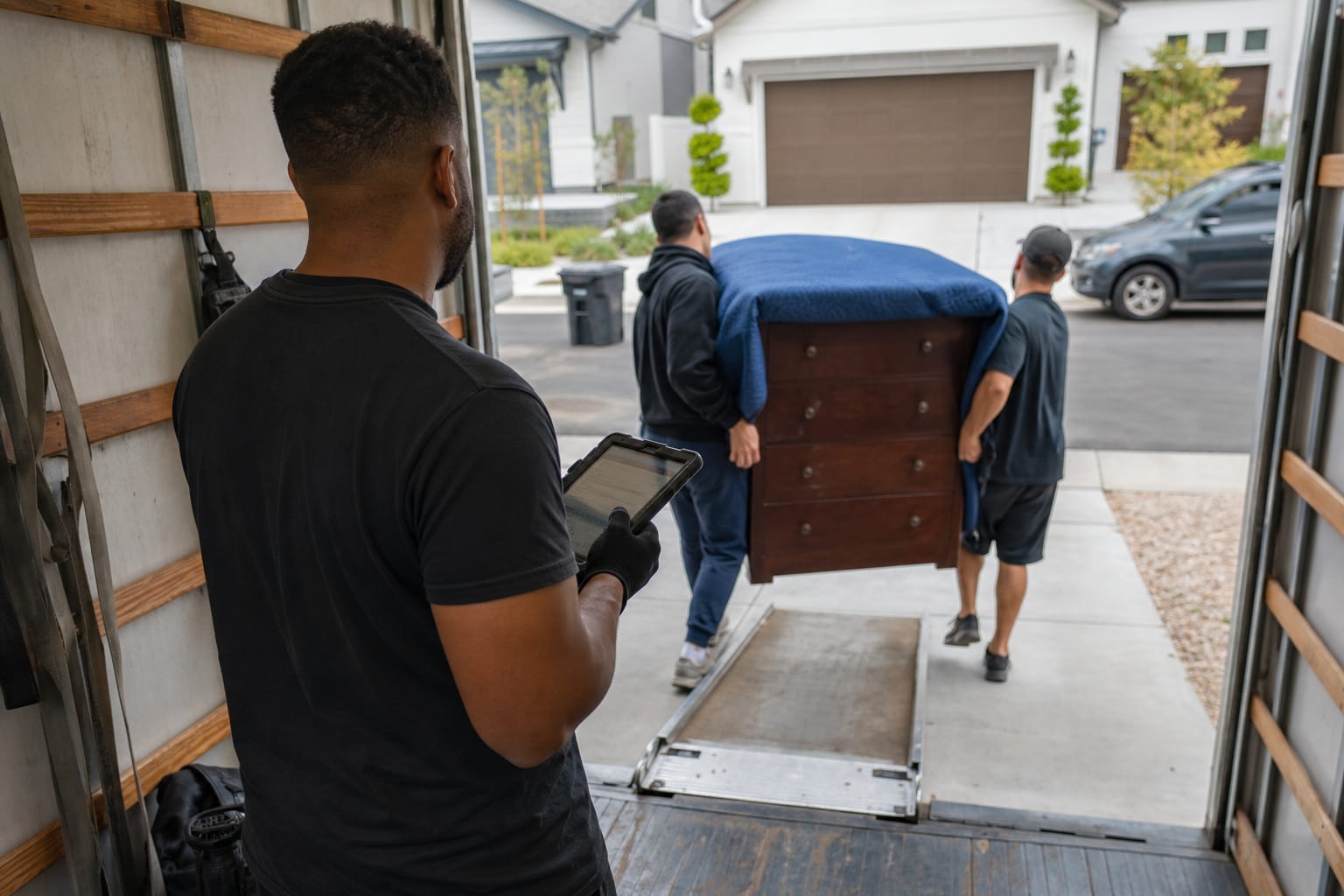

A smart moving CRM is a moving-industry customer relationship management platform that uses AI to automate estimates, lead management, follow-ups, and dispatch inside one system. It replaces spreadsheets and disconnected apps with a single workflow built around the mover's real process: survey, estimate, book, and dispatch.
Most moving companies still run sales on a patchwork of inbox threads, sticky notes, and generic tools built for software startups. That gap costs booked jobs. This guide breaks down what a smart moving CRM actually is, how the AI layer works, the features that matter, and how it compares to a generic system.

Key Takeaways
| Point | Details |
|---|---|
| One platform, full workflow | A smart moving CRM ties survey, estimate, booking, and dispatch into a single record instead of 4–5 disconnected tools. |
| Speed wins deals | Contacting a lead within an hour makes reps nearly 7 times more likely to have a meaningful conversation. |
| AI does the busywork | AI estimation and automated follow-ups remove manual data entry so reps spend more time closing, not typing. |
| Built for movers, not everyone | Generic CRMs miss cubic-feet inventory, dispatch, and bill-of-lading needs regulated under FMCSA rules. |
| Learn the deeper mechanics | See the full Moving Company CRM Operations guide for day-to-day process detail. |
What Is a Smart Moving CRM?
A smart moving CRM is software that manages a moving company's entire customer lifecycle — from first inquiry to final invoice — and layers AI on top to automate the repetitive work. The word "smart" means the system predicts, drafts, and triggers actions on its own rather than waiting for a human to click.
Think of it as the operating system for a moving business. A traditional moving CRM stores names and phone numbers. A smart version reads an inbound lead, drafts an estimate, schedules the follow-up, and flags the deals most likely to book.
Here's the thing: customer relationship management movers actually use looks nothing like the CRM a SaaS startup uses. Movers need cubic-feet inventory, travel time, crew size, and dispatch — not deal stages built for enterprise sales. If you want the foundational concept first, this primer on what client relationship management is and why it matters sets the baseline.
Q: What is a smart moving CRM in one sentence?
A: It is a mover-specific CRM that uses AI to automate estimating, lead management, follow-ups, and dispatch inside a single platform, replacing spreadsheets and scattered apps.
The key entities to know here are three: the Moving CRM (the record system), SaaS delivery (cloud software accessed from any browser), and AI estimation (the model that predicts job size and price). Together they define the category.
How a Smart Moving CRM Works
A smart moving CRM works by capturing every lead, then moving it through a structured moving sales pipeline: inquiry, survey, estimate, booking, dispatch, and invoice. Each stage updates one shared customer record, so nobody re-keys the same address five times.
The workflow mirrors how a mover actually operates. A lead arrives from a web form or phone call. The system logs client info, moving details, and inventory. A virtual pre-move survey captures what's being moved. The CRM then produces an estimate and, once accepted, converts the deal into a scheduled job.

Dispatch is where movers feel the difference. Built-in dispatch software assigns crews and trucks to booked jobs and pushes schedules to drivers, closing the loop between sales and operations. Generic tools stop at "deal won" — a smart moving CRM keeps going through move day.
Pro Tip: Map your current process on paper — every stage from first call to final payment — before evaluating any CRM. The right system should match that flow with minimal customization, not force your crew to work around software designed for a different industry.
Because it runs as cloud software, a SaaS CRM moving companies deploy needs no servers and updates automatically. Sales reps in the office and drivers in the field see the same record in real time.
Core Features Every Moving CRM Should Have
The strongest platforms share a consistent feature set. At minimum, a moving CRM should manage the full lead pipeline: client info, moving details, inventory, follow-up history, notes, activity logs, and invoices — organized in tabs so nothing gets lost between calls.
Use this checklist when comparing options:
| Feature | What it does | Why it matters |
|---|---|---|
| Lead pipeline | Tracks every prospect by stage | Prevents leaked leads and missed follow-ups |
| Inventory capture | Logs items and cubic feet | Produces accurate, defensible estimates |
| Estimate builder | Generates written quotes fast | Speed and accuracy win the booking |
| Automated follow-ups | Sends timed emails and texts | Keeps warm leads from going cold |
| Dispatch scheduling | Assigns crews and trucks | Connects sales to move-day operations |
| Invoicing | Bills and tracks payments | Shortens the cash cycle |
Good lead management for movers is the non-negotiable core. If a tool can't capture, tag, and route inbound inquiries automatically, it will not scale past a handful of trucks. For a deeper feature breakdown, see this guide to CRM for Movers: 10 must-have features.

Beyond the core, evaluate how the moving company software connects to the rest of your stack — accounting, phone, and marketing. A CRM that lives in isolation just creates a new silo. The moving company technology stack guide shows how these pieces fit together.
AI Features That Make a Moving CRM Smart
AI is what separates a smart moving CRM from a digital filing cabinet. The "smart" layer handles three jobs: predicting job size, drafting communication, and triggering the next action automatically — work that used to eat hours of a rep's day.
The headline capability is AI estimation. Instead of a coordinator manually pricing every job, an ai CRM for movers analyzes inventory, distance, and crew requirements to generate a quote in seconds. This guide to AI-powered moving estimates explains how the models weigh those inputs.

The second capability is moving CRM automation for follow-ups. The system sends the right message at the right moment — an estimate recap an hour after the call, a reminder before move day, a review request after. This matters because contacting a lead within an hour makes reps nearly 7 times more likely to reach a decision-maker, and AI never forgets to hit send.
Q: How does a moving CRM use AI?
A: It uses AI to auto-generate estimates from inventory and distance, draft and schedule follow-up messages, and score which leads are most likely to book — cutting manual data entry across the pipeline.
Pro Tip: Judge an AI estimate tool by how it handles the messy jobs — a fourth-floor walk-up with a piano, not a studio apartment. Ask any vendor to run your three hardest recent quotes through their model and compare the output to what your crew actually charged. If you also run standalone estimating software for movers, confirm the CRM absorbs that job rather than duplicating it.
Benefits for Moving Companies
The payoff of a smart moving CRM is measurable in three places: booked jobs, hours saved, and fewer leaks. When every lead lands in one pipeline with automated follow-up, fewer prospects slip through the cracks — and speed-to-lead climbs.
Consider the biggest drain on a sales team: administrative overhead. Across industries, sales reps spend only about 28% of their week actually selling, with the rest lost to manual tasks. Automating estimates and data entry hands that time back.
The core benefits break down cleanly:
- More bookings — instant estimates and same-hour follow-ups convert warm leads before competitors respond.
- Less busywork — AI drafts quotes and messages, so coordinators stop retyping the same details.
- Cleaner operations — a shared record links sales to dispatch, reducing move-day surprises.
- Better retention — timely, consistent communication builds the reputation that earns referrals.
Demand for movers stays steady — employment of material-moving workers is projected to grow over the coming decade, and tens of millions of Americans relocate each year. Capturing that demand is a communication problem, and that is exactly what a CRM solves. For the operational view, this walkthrough on streamlining moving operations with a CRM goes deeper.
Smart CRM vs. Generic CRM: Key Differences
The core difference is fit. A generic CRM is built for abstract "deals" and bolts on automation as an add-on; a smart moving CRM is AI-native and built around the survey-to-dispatch workflow that generic tools never model.

Here is how the two compare on the criteria that matter to a moving business:
| Criteria | Smart Moving CRM | Generic CRM |
|---|---|---|
| Estimation | AI generates quotes from inventory and distance | Manual; no moving math |
| Inventory | Cubic-feet and item-level capture built in | Not supported natively |
| Follow-ups | Mover-specific sequences automated | Requires custom setup |
| Dispatch | Crew and truck scheduling included | Absent — sales ends at "won" |
| Industry fit | Survey → estimate → book → dispatch | Generic deal stages |
| Setup time | Ready for movers out of the box | Heavy customization needed |
A generic tool can be forced to work, but the customization cost is real. Every mover-specific field, formula, and workflow becomes a project. A purpose-built CRM for movers ships with that logic already in place. For a side-by-side vendor view, read this comparison of the best CRM for moving companies.
Q: How is a moving CRM different from a generic CRM?
A: A moving CRM includes cubic-feet inventory, AI estimating, and crew dispatch built for the survey-to-move-day workflow, while a generic CRM tracks abstract deals and requires heavy customization to fit movers.
Delivered as a SaaS CRM moving companies access from any browser, the smart version also stays current automatically — no manual upgrades, no IT project every quarter.
Choosing the Right Smart Moving CRM
Choose a smart moving CRM by matching it to your workflow, your team size, and your growth plans — not by feature-count alone. The best system is the one your crew will actually use every day without fighting it.
Run each candidate through this evaluation:
- Workflow fit — does it model survey, estimate, booking, and dispatch natively?
- AI quality — how accurate are its estimates on your hardest jobs?
- Automation depth — can it run follow-ups without manual triggers?
- Ease of adoption — will a non-technical coordinator learn it in a day?
- Integrations — does it connect to your phone, accounting, and marketing?
- Support — is help available when a booking is on the line?
Pro Tip: Insist on a hands-on pilot with real leads before committing, and involve the person who books jobs — not just the owner. Adoption fails when the daily user was never in the room. A tool that looks great in a demo can still stall if the workflow feels foreign to the coordinator running it.
Engineering pedigree matters too. Platforms built by people who have shipped serious software — Sarah Kim, for example, is a former senior engineer at Salesforce focused on building software that solves real problems — tend to handle scale and reliability better than hobby projects. When you shortlist, a purpose-built smart moving CRM platform should demonstrate the mover workflow end to end, and broader moving company solutions show how estimating and CRM connect.
Getting Started With a Smart Moving CRM
Getting started is less about software and more about process. Begin by documenting how leads flow through your business today, then migrate that flow into the CRM stage by stage so nothing is lost in translation.
A practical rollout looks like this:
- Week 1 — import existing leads and set up your pipeline stages.
- Week 2 — configure AI estimating and test it against past jobs.
- Week 3 — turn on automated follow-up sequences.
- Week 4 — connect dispatch and train the crew on daily use.
Start with one improvement, not ten. Most companies see the fastest win from automating follow-ups, since it plugs the most common leak first — the warm lead nobody called back. Layering in CRM automation and follow-ups early builds momentum before you tackle dispatch.
Is a smart moving CRM worth it for a small operation? Yes. Even a two-truck company loses bookings to slow follow-up and manual estimates. The efficiency gains scale down as well as up, and the moving company operational efficiency playbook shows how small teams compound those gains over time.
Related Articles
- Marketing for Moving Companies: Strategies That Fill Your Pipeline — how to feed your CRM with a steady stream of qualified leads.
- Moving Company Leads: Best Sources and How to Convert Them — where the best leads come from and how to turn them into booked jobs.
- Customer Experience Excellence in Moving Services — the communication habits that earn referrals and repeat business.
- Pricing Strategies for Moving Companies — how to price jobs for profit without losing the booking.
- Digital Marketing Strategies for Moving Companies — a complete playbook for generating demand online.
Recommended Reading
Ready to see it in action?
Book a free 20-minute demo and explore how Virtual Estimate can help your business.