

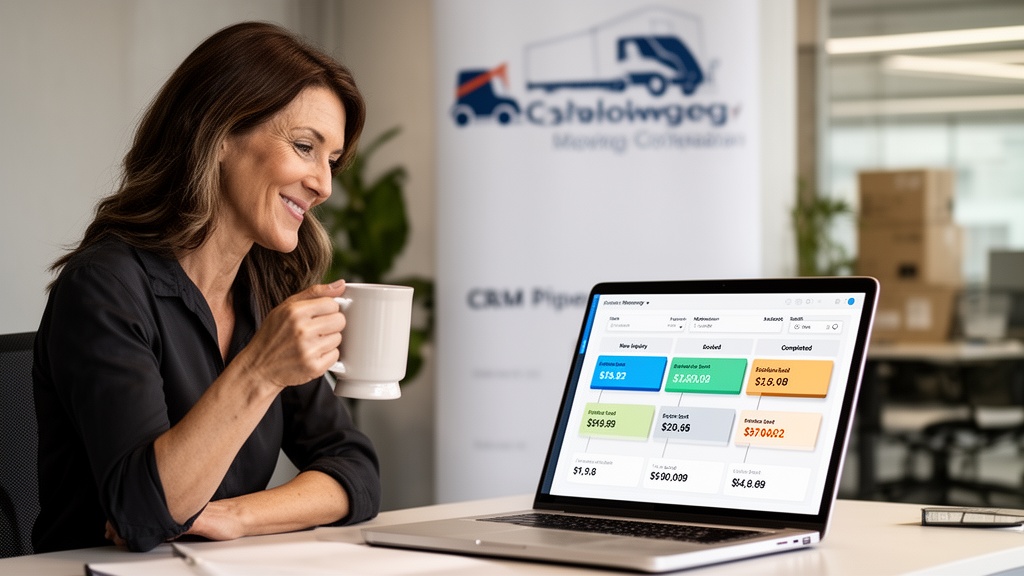
The best CRM for a moving company is one built around jobs, crews, and trucks rather than generic sales deals. It should track each lead from first inquiry to booked move, automate follow-up, pass estimates straight into dispatch, and report revenue by move type. Anything less leaves you re-entering data at every handoff.
This guide is for owners, general managers, sales managers, and dispatchers at US moving companies who are evaluating CRM software. It covers what a CRM for movers must do, where generic tools fall short, how to compare platforms and pricing, and what full-service packers and movers should check before buying.
| Point | Details |
|---|---|
| Industry-specific CRMs fit the workflow better | General-purpose platforms are built around contacts and deals. Moving-specific fields like move date, crew size, and truck assignment usually require customization. |
| Automation drives the core value | Follow-up sequences triggered by pipeline stage keep every quoted lead in contact without adding sales headcount. |
| Integration depth separates platforms | The strongest setups pass data from survey to estimate to dispatch to billing without re-entry. |
| Compare pricing models, not just sticker prices | Ask whether pricing is per company, per user, or tied to volume, and what each tier includes. |
| Full-service jobs need more than a sales pipeline | Packing, storage, and multi-day long-distance moves need line-item estimates, linked crew days, and storage billing on the same job record. |
What Is a CRM for Moving Companies?
A CRM (Customer Relationship Management) system is software that tracks and manages every interaction between your business and its leads or customers. For moving companies, this means logging inbound inquiries, storing quote details, managing follow-up schedules, and monitoring job status across every pipeline stage.
General-purpose CRMs treat every deal the same way. Moving company customer relationship management maps to the actual workflow of a job-based service business: a prospect inquires, a survey is scheduled, an estimate is issued, the customer books, a crew is assigned, the move is executed, and a review is requested. Each stage requires different data fields, automations, and notifications.
The right moving company CRM replaces spreadsheets, sticky notes, and disconnected email threads with a single source of truth every team member accesses in real time. Read the complete CRM operations guide for movers for a deeper look at implementation workflows.
Why Generic CRMs Fall Short for Moving Businesses
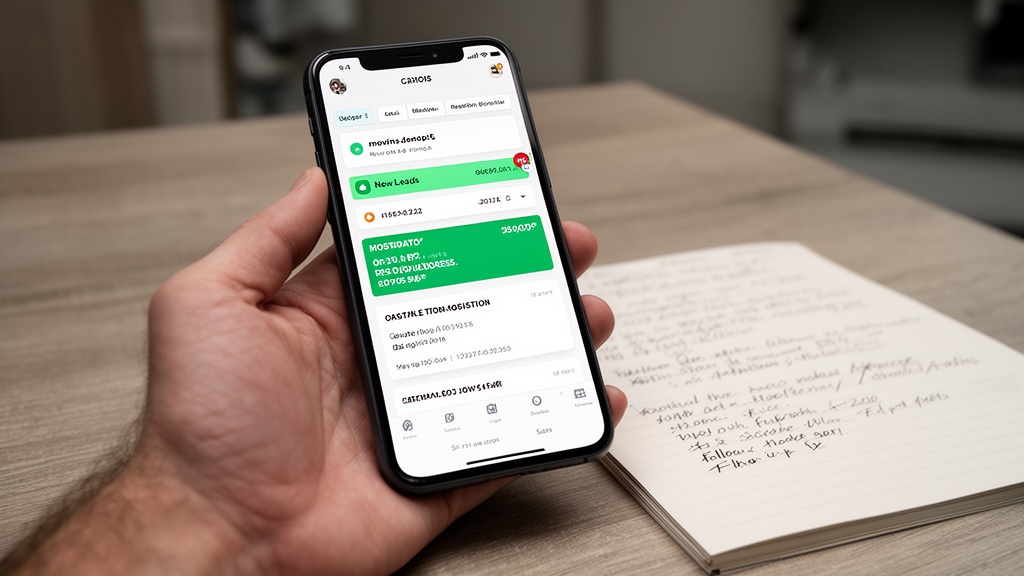
Most general-purpose CRM platforms were designed around sales teams working deals, not service businesses dispatching crews and trucks. To handle a moving job, they typically need custom fields for move date, origin and destination addresses, inventory volume, crew size, truck assignment, and storage requirements.
That customization carries a real cost. Adapting a general CRM to a moving workflow usually means custom configuration, third-party connectors, and ongoing maintenance — work that does not end when setup is complete.
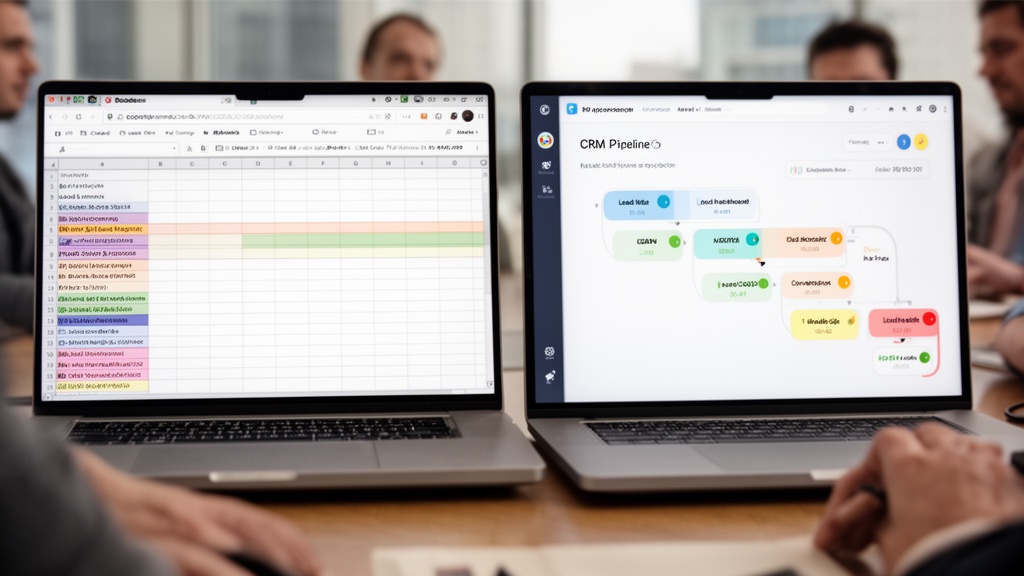
The fundamental mismatch: generic CRMs are built around contacts and deals. Moving businesses operate around jobs and crews. These are structurally different data models, and forcing one into the shape of the other creates friction at every operational step.
Seasonality adds pressure. Peak-season volume spikes, variable crew requirements, and multi-day long-distance moves expose every manual workaround at exactly the moment your office has the least time to fix them.
Must-Have CRM Features for Moving Companies
Not every movers CRM software delivers the same depth. These features separate purpose-built platforms from retrofitted general tools.
- Estimate-to-booking pipeline: Stages should map your actual sales funnel — inquiry received, survey scheduled, estimate sent, follow-up triggered, booked, dispatched, completed.
- Lead source tracking: Identify which channels — Google Ads, organic search, referrals, lead marketplaces — generate your highest-converting leads.
- Automated follow-up sequences: Multi-touch email and SMS sequences triggered automatically at each pipeline stage, without manual effort from your team.
- Job-specific data fields: Move date, move type (local, long-distance, commercial, specialty), origin and destination ZIP codes, cubic feet or weight estimate.
- Crew and truck visibility: Real-time availability that prevents double-booking when confirming jobs.
- Mobile access: Field crews need job details, customer contact info, and address data on their phones — not just at office desktops.
- Review request automation: Post-job messages sent automatically once a job is marked complete, so review requests go out consistently.
- Integration with estimation software: Two-way data sync with virtual survey and inventory tools eliminates duplicate data entry.
The moving company technology stack guide explains how CRM connects with dispatch, inventory, and billing tools in a full software ecosystem.
Pro Tip: When evaluating any CRM, run a live scenario: enter a new lead, advance it through every pipeline stage, and trigger a follow-up message. If the process requires more than 5 screens or 10 minutes, the workflow is too complex for daily sales use.
How to Compare CRM Platforms for Moving Companies Side by Side
Feature lists look similar on vendor websites. The differences show up when you test each platform against a real moving job. Use the scorecard below in every demo and score each platform the same way.

| Criterion | What to test in the demo | Red flag |
|---|---|---|
| Industry fit | Create a local move and a long-distance move from scratch | Moving fields added as generic custom text boxes |
| Estimate integration | Send a survey, then open the estimate it produced | Inventory has to be copied into the quote by hand |
| Automation depth | Trigger a follow-up sequence from an unsigned estimate | Follow-up depends on a salesperson remembering |
| Dispatch visibility | Book the job and assign a crew and truck | Double-booking is possible without a warning |
| Field access | Open the job on a foreman's phone | Crews rely on printed sheets or texts |
| Reporting | Pull conversion by lead source and revenue by move type | Reports require exporting to a spreadsheet |
| Terms and data | Ask for contract length and data-export terms in writing | Annual lock-in or no clear export path |
General-purpose CRMs often rely on third-party middleware to connect with moving-specific estimating tools, while purpose-built platforms aim to handle that handoff natively. Verify it in the demo either way rather than trusting a feature checklist.
Boost Revenue With Moving Company CRM Analytics
A moving company sales CRM does more than store contact records. Its analytics layer answers the revenue questions that matter: which leads convert best, which pipeline stages cause the most drop-off, and which follow-up messages drive re-engagement.

Key metrics your CRM software for movers should surface natively:
- Lead-to-booking conversion rate by source, sales rep, and move type
- Average job value segmented by acquisition channel and geography
- Follow-up response rates for each automated message in the sequence
- Sales cycle length from first contact to confirmed booking
- Revenue by move type comparing local, long-distance, and commercial jobs
With this data, you can shift marketing spend toward the channels that actually book and spend less time chasing leads that rarely convert — improving revenue without adding headcount.
Pro Tip: Track follow-up attempt count per lead separately from your overall conversion rate. If unconverted leads are only getting one or two touches, that is a gap automated multi-touch sequences can close without adding to your sales team's workload.
CRM Integration With Estimation and Dispatch Software
The highest-performing CRM platform for a moving business connects the entire customer journey: lead capture → CRM pipeline → virtual survey → estimate → booking confirmation → crew dispatch → job completion → review request.

This end-to-end integration eliminates manual data re-entry at every handoff. When a virtual survey is completed, the lead record updates with inventory data and estimated job value. When a booking is confirmed, dispatch receives the job details automatically — no copy-paste and no transcription errors.
For companies conducting virtual pre-move surveys, CRM integration is a core operational requirement. See how to conduct a virtual pre-move survey for workflow details, and the complete virtual pre-move survey guide for platform-specific guidance. You can also see how estimation, CRM, and dispatch fit into one platform.
Integration checkpoints to verify before purchasing:
- Lead capture forms sync directly into CRM pipeline stages — no manual import required
- Virtual survey results populate CRM job records automatically
- Confirmed bookings push to dispatch without manual input
- Job completion triggers automated review request messages
- Revenue data flows to CRM analytics for real-time reporting
Need help with this? Get started
CRM for Packers and Movers: Handling Packing, Storage, and Long-Distance Jobs
Searches for a CRM for packers and movers usually come from full-service operators — companies that sell packing, crating, storage, and long-distance moves alongside loading and transport. For these businesses, a CRM that only tracks leads and quotes covers a fraction of the job. Every added service creates another line item to price, another crew day to schedule, and another bill to collect, and each one is a chance for data to drift out of sync.
Q: Is a CRM for packers and movers different from a moving company CRM?
A: Not fundamentally. The difference is scope: a full-service operation needs the job record itself to carry packing, storage, and multi-day scheduling — not just the contact and the quote.
Five areas to test before you commit:
1. Line-item estimates for every service. Packing labor, materials, crating, and specialty handling should be priced in the same estimate as the move, using your own rates and surcharges. Look for estimate software that handles local, long-distance, flat-rate, and commercial moves in one calculator, so a pack-and-load job does not need a second spreadsheet. The estimate should then carry into the contract and Bill of Lading without being retyped.
2. Linked crew days on the dispatch board. A full-service job often spans a pack day, a load day, and a delivery day, each with a different crew size. Your CRM should show those as parts of one job, so rescheduling day one flags the downstream days and dispatch sees conflicts before a crew is double-booked.
3. Storage tied to the move. When goods go into storage between pickup and delivery, the unit, the agreement, and the recurring billing should live on the same customer file. Storage management that ties storage-in-transit agreements to the move closes the common gap where the move is marked complete but the storage invoice is tracked somewhere else.
4. Crew pay by service type. Packers, drivers, and helpers are often paid differently, and sales staff may earn commission on packing upsells. Check whether payroll and commissions calculate from completed jobs with rates by service type, rather than from hours re-entered after the fact.
5. Margin reporting by service. Full-service operators need to know whether packing, storage, and long-distance work actually earn more per crew day than local moves. The guide to CRM analytics for moving companies explains how to use job-level data to compare margin by job type and adjust your schedule mix.
Q: Do I need separate software if I also run a storage division?
A: Not if your CRM ties units, availability, and recurring billing to the customer's move record. If it cannot, expect duplicate entry and invoices that fall between systems.
The practical test is simple: during a demo, build one full-service job — packing, a two-day long-distance move, and a month of storage — from lead to final invoice. Count how many times you re-enter the same address, inventory, or price. Every repeat is a handoff where errors creep in during peak season.
What Moving CRM Software Costs: How to Compare Pricing
Moving company CRM software costs vary with feature depth, the number of users, and whether the platform was built for movers or adapted from a general tool. Published pricing is not always available, so request a written, dated quote and compare every offer on the same basis:
- Pricing unit: per company, per user, or tied to job or video volume. A per-user price that looks low can climb once dispatchers, salespeople, and foremen all need logins.
- What each tier includes: confirm whether estimating, dispatch, contracts, payments, and payroll are in the base plan or sold as add-ons.
- Usage limits: if a plan includes AI or video features, check for monthly caps and compare them against your peak-season volume, not your slow months.
- Contract terms: month-to-month vs. annual, cancellation fees, and how you export your data if you leave.
- Setup and integration costs: middleware, custom fields, and onboarding fees that sit outside the subscription.
For instance, Virtual Estimate lists flat per-company monthly plans on its moving CRM page: Basic at $399/month (full moving CRM, unlimited requests and jobs, estimates, contracts and payments, dispatch board and crew payroll, customer portal and messaging — AI video survey not included), Standard at $599/month (everything in Basic plus AI video survey with 40 video requests per month, automatic inventory and cubic feet, and instant estimates from video), and Pro at $799/month (everything in Standard plus 80 video requests per month and priority support). Every plan starts with 14 days free, you can switch or cancel any time during the trial at no charge, and there are no contracts.
Q: How do I judge whether a moving CRM is worth the cost?
A: Weigh the monthly subscription against the bookings you currently lose to slow or missed follow-up and the office hours spent re-entering data. If the platform recovers even a few jobs a month, the math usually becomes clear quickly.
See pricing strategies for moving companies to understand how CRM analytics inform smarter job pricing decisions.
Pro Tip: Favor month-to-month terms over an annual contract while you validate the fit. Ask for data-export terms in writing upfront — this protects your customer history if you ever need to switch platforms.
How to Choose the Right CRM for Your Moving Company
The selection process matters as much as the platform itself. Use this five-step framework to avoid the most common mistakes.

Step 1 — Map your current workflow. Document how a lead moves from first inquiry to completed job. Identify every step where data is entered manually or information is lost between team members.
Step 2 — Rank your pain points. Are you losing leads from inconsistent follow-up? Losing revenue because estimates don't convert? The best CRM for movers depends on where your biggest operational gap is — not on raw feature count.
Step 3 — Require a live workflow demo. Ask vendors to walk through a complete lead-to-booking scenario during a live screen share. If they cannot demonstrate the full workflow in 20 minutes, the software is not purpose-built for your use case.
Step 4 — Confirm integration depth. Verify native integration with your estimation software — not just a claim of Zapier support. Native integrations are typically faster and more reliable than middleware workarounds.
Step 5 — Evaluate support quality. Moving is a seasonal business with tight booking windows. Your CRM vendor needs to respond quickly in peak months — not just during the sales process. Ask how support is staffed during busy season.
For a deeper look at rolling out a CRM for moving companies, the CRM for moving companies: streamline operations guide covers implementation in depth. The digital marketing strategies guide for moving companies explains how CRM fits into your broader lead generation and customer retention funnel. And the article on customer experience excellence in moving services shows why the best CRM is the one that consistently delivers the touchpoints customers mention in reviews.
If you'd like to run these steps against your own workflow, Virtual Estimate offers 14 days free on every plan — you can start a trial whenever it suits you.
Related Articles
- CRM for Moving Companies: Streamline Operations — A deep dive into CRM implementation workflows specific to the moving industry.
- Moving Company CRM: Complete Operations Guide — Step-by-step guidance on setting up and running a moving CRM from day one.
- Customer Experience Excellence in Moving Services — How CRM-driven follow-up improves customer satisfaction and review volume.
- Digital Marketing Strategies for Moving Companies — How CRM connects to your full lead generation and conversion funnel.
- Types of Moving Estimates: Choosing the Best Option — How estimate type affects CRM pipeline design and booking conversion.
Ready to see it in action?
Book a free 20-minute demo and explore how Virtual Estimate can help your business.