Software-based estimating wins for most contractors and service businesses: it produces quotes faster, applies pricing consistently, and cuts costly errors. Manual estimating still has a place for very low volume or one-off custom jobs where flexibility matters more than speed. The right call depends on how many bids you send weekly and how much a bad quote costs you.
Every estimate is a profit decision. Price too low and you eat the difference. Quote too slowly and the lead books with a competitor. This manual vs software estimating breakdown compares both methods across accuracy, speed, and cost so you can choose the approach that protects your margins.

Key Takeaways
| Point | Details |
|---|---|
| Speed gap is large | One case study cut quote turnaround from 24 hours to 2 hours after moving estimates online (ROI case study). |
| Software lifts booking rates | Automation improved booking rates by 8–12 percentage points in the same ROI case study. |
| Manual methods leak hours | Software recovered 10–15 hours of weekly manual dispatch and scheduling time per the case study. |
| Payback is fast | Mid-size operations reached full ROI within 60–120 days of complete adoption. |
| Volume decides the winner | Below roughly 10 bids per month, manual can work. Above that, software pays for itself. |
Why How You Build Estimates Affects Your Bottom Line
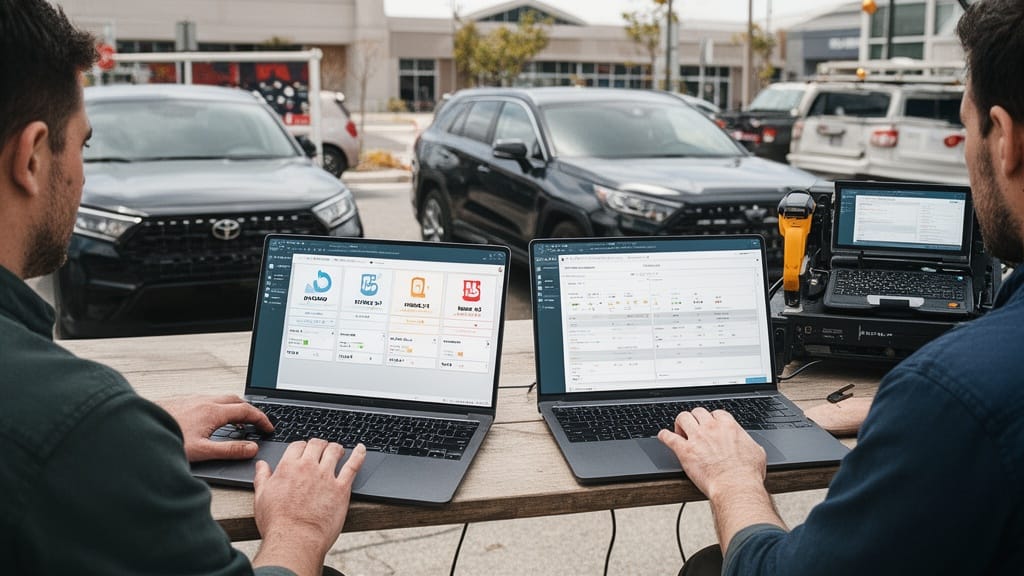
The estimate is the first measurable moment in your sales pipeline. How fast it goes out and how accurate it is shape both your win rate and your margin on every job. Get it wrong, and the damage compounds across the whole quarter.
Here's the thing: a slow or sloppy quote costs you twice. You lose deals to faster competitors, and the jobs you do win arrive underpriced. Material prices swing sharply year to year, as tracked by the BLS Producer Price Index, so a number copied from last season's spreadsheet can quietly erase your profit.
Four things ride on every estimate:
- Win rate — speed of response heavily influences who books.
- Margin — accurate quantities and current costs protect profit.
- Cash flow — faster quotes mean faster deposits, which the SBA flags as a top small-business risk.
- Reputation — change orders from a botched estimate erode trust.
Pro Tip: Track your average quote turnaround time as a standalone metric. Most teams discover their real lag is double what they assumed once they measure from inquiry timestamp to quote sent.
Manual Estimating: How It Works and Where It Falls Short
Manual estimating relies on a person doing the math. The estimator visits the site or talks by phone, measures or scopes the work, then builds a number in a spreadsheet or on paper using saved formulas and memory. It is cheap to start and flexible for unusual jobs.
That flexibility hides real cost. The most common manual estimating drawbacks are slow turnaround, transcription and math errors, inconsistent pricing between estimators, and no automatic follow-up after the quote leaves the office. Each one quietly trims your close rate.
Q: What are the biggest drawbacks of manual estimating?
A: The main drawbacks are speed and consistency—one ROI case study cut turnaround from 24 hours to 2 hours after replacing a manual process, and recovered 10–15 hours of weekly admin time.
Spreadsheets deserve their own warning. Classic spreadsheet estimating problems include broken or overwritten formulas, outdated material costs pulled from old tabs, version-control chaos when two people edit the same file, and zero audit trail when a number is questioned later. One wrong cell reference can underbid a job by thousands.

Manual methods also do not scale. Doubling your lead volume means doubling estimator hours, because nothing is reused automatically. For a small shop sending a few quotes a month, that is manageable. For a growing crew, it becomes the bottleneck.
Software-Based Estimating and What It Changes
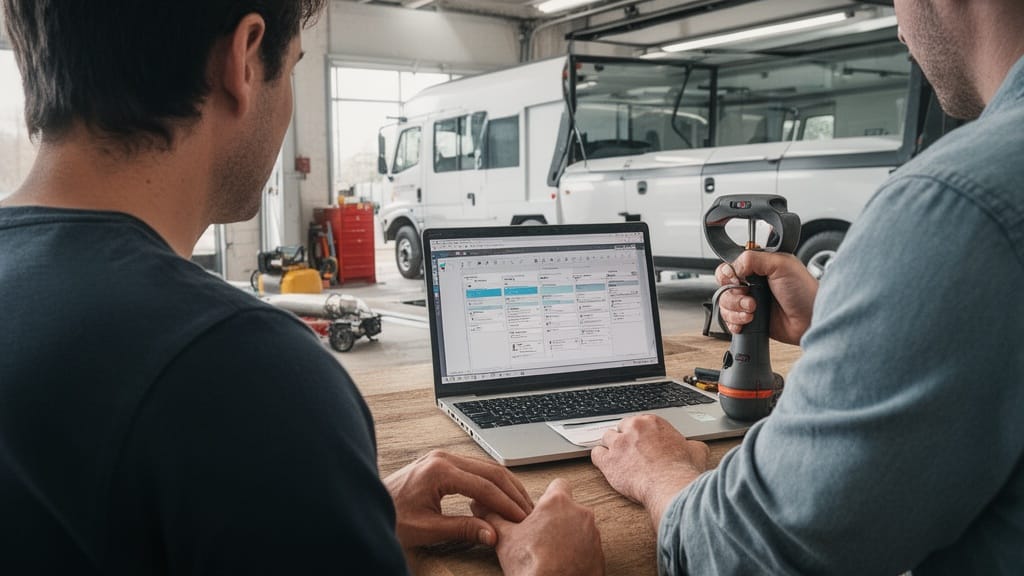
Software-based estimating replaces manual math with structured data. The estimator captures scope through a form, photo, or video, and the system applies current costs, templates, and pricing rules automatically. The quote builds in minutes instead of hours.
The benefits of estimating software stack up quickly:
- Prebuilt cost databases keep material and labor rates current.
- Reusable templates standardize pricing across every estimator.
- Automated follow-up nudges keep quotes from going cold.
- Mobile capture lets field staff scope jobs on site.
- Reporting reveals which job types actually earn the most.
For contractors specifically, construction estimating software ties quantities to a live unit-cost library, so a change in lumber or concrete pricing updates every open bid at once. That is the core of automated estimate accuracy: the system removes the manual steps where humans introduce errors. Fewer transcription mistakes mean fewer margin-killing change orders.
The payoff shows up in the numbers. The same ROI case study reports an 8–12 percentage-point lift in booking rates and a 60–120 day payback period for mid-size operations. Faster, more consistent quotes simply close more often.
Pro Tip: Before buying, load three of your last lost bids into a trial of the software and rebuild them. If the rebuilt quotes would have gone out same-day instead of next-week, you have your answer on whether speed was the real problem.
Virtual Estimate can help: Our moving and service-business CRM turns site visits into accurate, automated quotes—so estimates leave the office in minutes, not days. Learn more →
Accuracy, Speed, and Cost: A Side-by-Side Comparison
The clearest way to weigh the two methods is head-to-head. The table below maps the real trade-offs across the factors that move your bottom line.
| Criteria | Manual Estimating | Software-Based Estimating |
|---|---|---|
| Quote turnaround | Hours to days | Minutes to same-day |
| Pricing consistency | Varies by estimator | Standardized by rules |
| Error risk | High (manual math) | Low (automated calc) |
| Follow-up | Manual or skipped | Automated reminders |
| Upfront cost | Near zero | Subscription fee |
| Scalability | Adds labor hours | Scales without new staff |
| Reporting | Limited | Built-in job analytics |
The cost line is where many teams hesitate, and it deserves context. A manual process looks free, but it carries hidden labor and error costs. One cost-savings breakdown estimated roughly $1,181 in monthly savings from reduced admin time, fewer no-shows, and lower error rates—comfortably above a typical $200–$400 monthly subscription. The "free" option was the more expensive one.
Q: How accurate is software estimating compared to manual?
A: Software improves automated estimate accuracy by removing manual math and applying live cost data uniformly, which reduced estimate errors to under one per month in one documented case study.
Which Approach Fits Your Business?
The deciding factor is volume. The more estimates you send, the more a manual process drags on margin and time. The table below offers a simple rule of thumb.
| Monthly bid volume | Recommended approach |
|---|---|
| Under 10 bids | Manual or spreadsheet is workable |
| 10–40 bids | Software pays back within months |
| 40+ bids | Software is essential to scale |
Stick with manual if you send only a handful of highly custom bids, every job is priced from scratch, and you have no plans to grow headcount. The flexibility outweighs the inefficiency at that scale.
Move to software if you send more than roughly 10 bids a month, run multiple estimators who price differently, or want analytics to shift your job mix toward higher-margin work. One CRM analytics case study raised revenue per crew day by 18% simply by using data to schedule more profitable job types. Comparing the best estimating tools for contractors starts with matching the tool to your real volume, not the flashiest feature list. For a deeper look at the trade-offs, see our guide on choosing the best type of estimate.

Making the Switch Without Slowing Your Team Down
The fear of disruption keeps many businesses on manual methods longer than they should. A phased rollout removes that risk. In one documented adoption timeline, dispatch went fully digital by day 45, estimates moved online by day 90, and the first measurable revenue results landed in month three.
A clean transition follows three steps:
- Digitize intake first — capture leads and job details in one pipeline before changing how you quote.
- Standardize your pricing rules — load current material and labor costs so every estimate pulls from one source.
- Automate follow-up last — turn on reminders once the core data is clean and trusted.
Going wider, U.S. construction spending tracked by the Census Bureau shows steady demand, which means the bottleneck for most contractors is capacity, not leads. Faster estimating frees the hours you need to bid more of that work without hiring.
Pro Tip: Run both systems in parallel for two weeks rather than switching cold. Quote a handful of real jobs in both, compare the outputs side by side, and let your estimators see the time savings firsthand before you retire the spreadsheet.
For service businesses weighing the move, Virtual Estimate was built by moving-industry insiders who hit these exact spreadsheet limits—so the workflow mirrors how estimators actually work in the field.
Related Articles
- How AI Video Scanning Is Replacing In-Home Moving Estimates — See how remote video capture is changing on-site estimating.
- Estimating Software for Movers — Compare the features that matter most when shopping estimating tools.
- Types of Moving Estimates: Choosing the Best Option — Understand binding, non-binding, and other estimate formats.
- Best Moving Company Software — Review the top platforms for quoting and operations.
Recommended Reading
Ready to see it in action?
Book a free 20-minute demo and explore how Virtual Estimate can help your business.