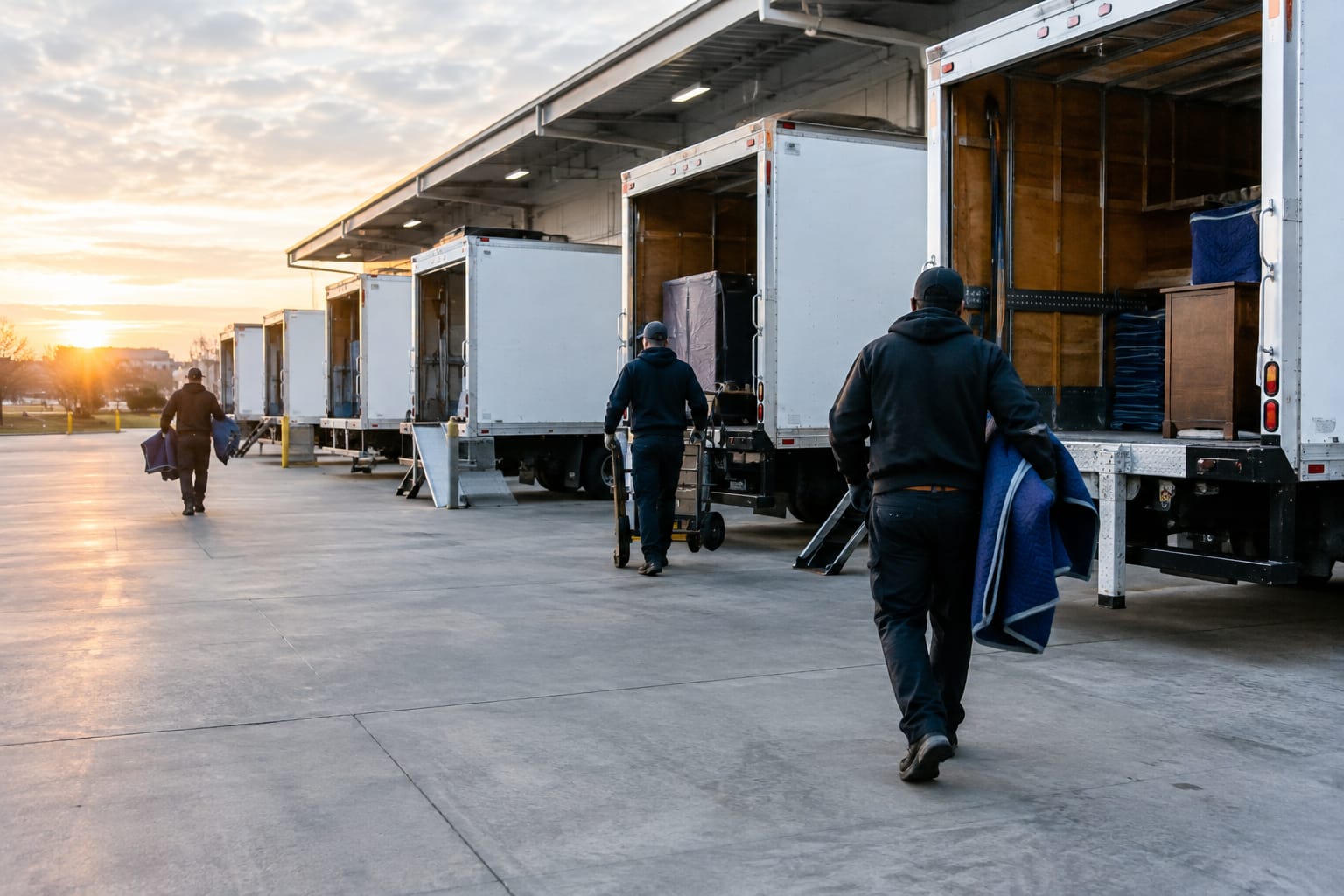

Moving companies handle more administrative complexity per job than almost any other service business. From initial inquiry to delivery receipt, a single residential move can involve a dozen distinct tasks — most of them repetitive, most of them handled manually. Moving company automation transforms this operational reality, replacing time-consuming manual processes with software-driven workflows that execute around the clock without requiring staff intervention.
The financial case is clear. Labor costs in service operations keep rising, customer expectations for response speed keep increasing, and the companies gaining market share are the ones processing more jobs with leaner back-office teams. This article breaks down every major automation category for moving operations, explains how each drives measurable cost and time savings, and outlines a practical implementation path for companies at any stage.
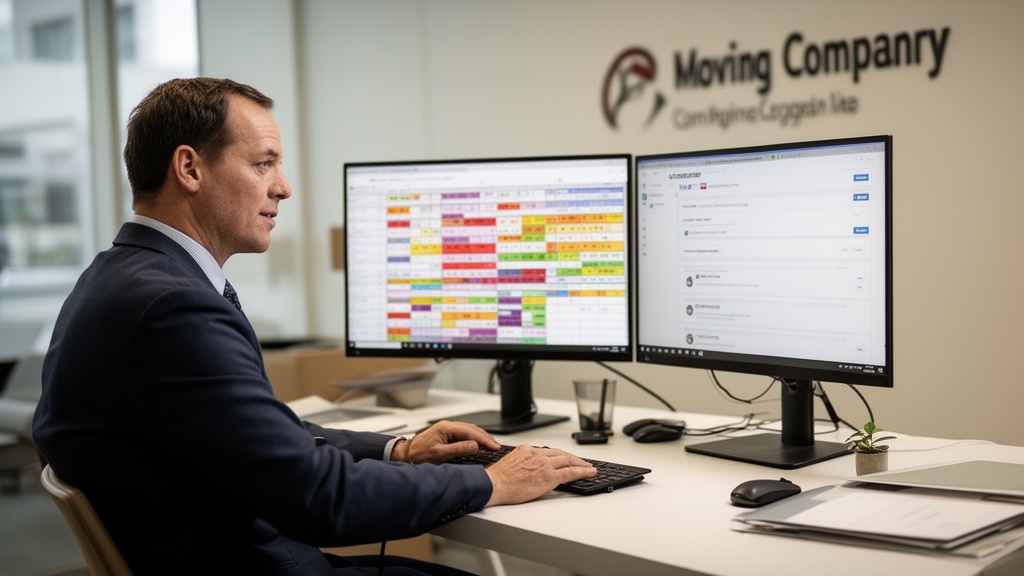
| Point | Details |
|---|---|
| Estimate turnaround is the biggest win | Automated estimate tools reduce quote delivery from 48+ hours to under 10 minutes, directly improving lead conversion rates |
| Six core automation categories | Estimating, CRM, scheduling, dispatch, communication, and billing cover the full moving job lifecycle |
| Significant monthly time recovery | An 80-job-per-month operation typically recovers 70+ staff hours monthly through end-to-end workflow automation |
| CRM is the connective layer | A CRM platform for moving companies centralizes all job touchpoints, enabling smaller office teams to manage higher job volume |
| Accessible entry point | Purpose-built moving business automation software scales from single-truck operators to regional fleets, with entry-level plans available across most categories |
What Is Moving Company Automation and Why It Matters Now
Moving company automation is the use of software and digital workflows to execute repetitive, rules-based tasks without manual intervention. This spans the full job lifecycle: quote generation, booking confirmation, crew scheduling, customer notifications, dispatch routing, invoice delivery, and post-move follow-up. The objective is not to replace human judgment but to eliminate the administrative hours that consume staff capacity without generating revenue.
According to McKinsey Global Institute research on workforce automation, roughly 45% of all work activities across industries can be automated using currently available technology. For moving companies, the concentration is even higher — administrative tasks like scheduling, customer communication, and billing are almost entirely automatable, while the physical moving work itself remains labor-dependent.
The labor cost pressure in the moving sector makes this especially urgent. Bureau of Labor Statistics data for the trucking and warehousing sector documents consistent wage growth in transportation and material-moving occupations. Automation offsets this cost trajectory by enabling a lean office team to scale job volume without proportional headcount increases. A company that previously needed four office staff to manage 80 monthly jobs can often handle the same volume with two people once core workflows are fully automated.
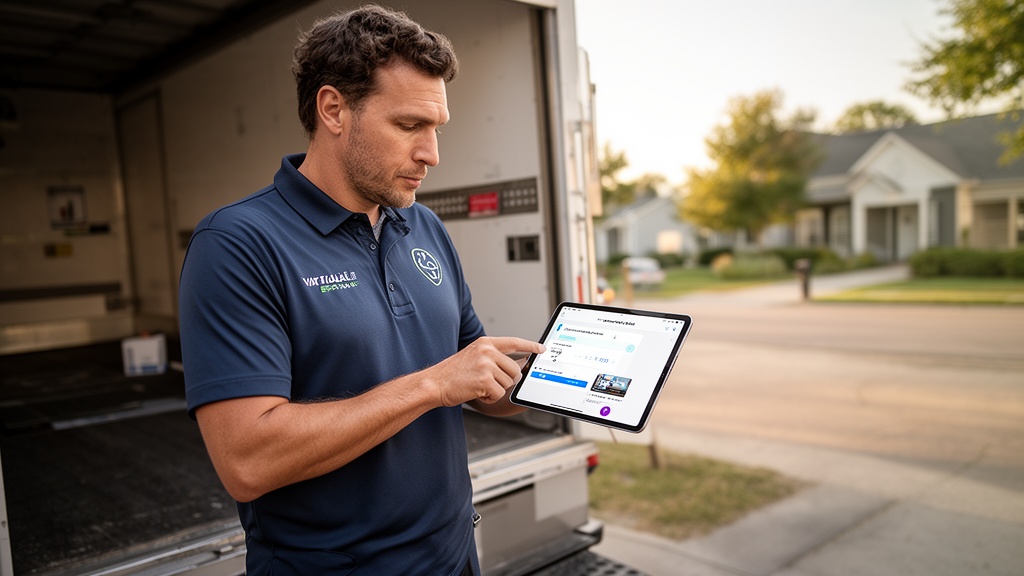
Top Automation Tools Every Moving Company Should Know
The automation landscape for movers organizes into six functional categories. Each targets a distinct operational bottleneck. The most effective deployments stack multiple categories into a continuous end-to-end workflow, eliminating the manual handoffs between disconnected systems that create errors and delays.
| Category | Core Function | Primary Benefit |
|---|---|---|
| Estimating & Quoting | Automates survey intake and quote calculation from virtual or in-home data | Reduces estimate turnaround from 48 hours to minutes |
| CRM & Lead Management | Tracks inquiries, automates follow-up sequences, manages booking pipeline | Improves lead-to-booking conversion by eliminating response delays |
| Scheduling | Assigns crews and trucks based on availability, job type, and service area rules | Eliminates scheduling conflicts and manual calendar management |
| Dispatch & Routing | Optimizes crew routing, pushes job details to mobile devices in real time | Reduces per-shift drive time and fuel expenditure |
| Customer Communication | Automates SMS and email confirmations, reminders, and day-of status updates | Increases satisfaction scores and reduces inbound status calls |
| Billing & Invoicing | Generates and delivers invoices automatically at job completion | Shortens payment cycles and eliminates manual invoice preparation |
Automation tools for movers are increasingly designed for the industry's specific workflow logic rather than adapted from generic business platforms. A residential move follows a defined sequence — inquiry, survey, estimate, deposit, confirmation, crew assignment, loading, transport, delivery, sign-off — and purpose-built moving business automation software reflects this sequence natively. Generic tools often require extensive customization to approximate the same workflow, adding configuration cost and maintenance overhead.
Pro Tip: When evaluating moving business automation software, prioritize platforms that integrate estimating, CRM, and dispatch within a single data model. Stitching together three unconnected tools via third-party automation bridges creates fragile workflows that break under volume and require ongoing maintenance.
Virtual Estimate automation solutions represent the category of purpose-built platforms that handle multiple workflow stages within a unified system, reducing integration complexity for moving operations of all sizes.
How to Automate Your Estimate and Booking Process
The estimate is the highest-leverage point in the moving sales funnel. A prospect who receives a detailed, accurate quote within minutes converts at a materially higher rate than one waiting 24-48 hours for a callback. The ability to automate moving estimates is where technology delivers the most immediate and measurable revenue impact for most operations.
Three primary methods enable automated estimating. First, virtual survey platforms allow customers to record or livestream a home walkthrough, feeding inventory data directly into a pricing engine that generates a binding or non-binding estimate. Second, guided online forms walk customers through a room-by-room item selection process, applying pre-set pricing rules to calculate a quote in real time. Third, AI-powered tools analyze survey inputs against historical job data and pricing models to generate accurate quotes with minimal dispatcher review required.

The booking workflow follows naturally from an automated estimate. Once a customer receives a quote, a triggered sequence delivers a booking link, requests a deposit, and issues a calendar confirmation — all within the same session. Moving business process automation at the estimate stage breaks the phone-tag cycle that stalls most residential pipelines. Leads who can book immediately after reviewing a quote convert at significantly higher rates than those who must wait for a follow-up call.
Pro Tip: Configure an automated estimate expiry sequence — a message sent 24 hours before a quote expires, noting that the pricing window is closing. This single workflow typically recovers 8-12% of dormant quotes without requiring any staff involvement.
Automating Customer Communication From Lead to Job Completion
Customer communication is the most time-consuming non-revenue activity in a typical moving operation. A single residential job can require 8-12 touchpoints between initial inquiry and the post-move review request. At 80 jobs per month, that equates to 640-960 individual communications — a volume that is not sustainably manageable by hand.
A fully automated communication sequence for a moving job looks like this:
- Lead acknowledgment — Inquiry form submission triggers an immediate auto-response confirming receipt and setting an estimate delivery window
- Estimate delivery — Quote sent via email and SMS with an embedded booking link and deposit option attached
- Booking confirmation — Deposit receipt, job details summary, and move-day preparation checklist delivered automatically upon booking completion
- 72-hour reminder — Pre-move SMS with crew contact details, arrival window, and parking/access instructions
- 24-hour reminder — Final confirmation SMS with updated arrival window and crew lead contact information
- Day-of ETA — Real-time notification sent when crew departs for the job, triggered by GPS location or dispatch system event
- Post-move follow-up — Satisfaction survey and review request sent 24 hours after job completion
According to the American Moving & Storage Association, communication reliability is one of the primary drivers of customer satisfaction in the moving industry. Customers who receive proactive updates throughout their move report significantly better experiences than those who must call for status information.
A CRM platform for moving companies serves as the operational backbone of this communication stack. It stores every touchpoint, triggers the right message at each job lifecycle stage, and maintains a complete interaction history that any team member can access without searching through email threads or call logs.
Scheduling and Dispatch Automation for Moving Crews
Manual scheduling — tracking crew availability, job duration estimates, and truck assignments across a shared calendar or spreadsheet — carries high error risk. A double-booking or missed availability gap can cascade into customer complaints, crew overtime charges, and revenue write-offs. Automated scheduling for movers replaces this exposure with constraint-logic systems that apply availability rules and job requirements automatically, without relying on a single dispatcher's memory.
Moving company dispatch automation extends scheduling into real-time operational control. A well-configured dispatch system can:
- Automatically assign the nearest available crew to inbound same-day or last-minute requests
- Push complete job manifests — address, inventory list, access notes, customer contact information — to crew mobile devices before departure
- Optimize multi-job routing to minimize total drive time and fuel consumption across a full shift
- Provide real-time crew location tracking that triggers automated customer ETA updates without dispatcher involvement
- Flag schedule conflicts, crew shortages, or equipment unavailability before they reach the customer
Research from the American Transportation Research Institute on trucking operating costs identifies fuel and driver time as the two dominant variable cost drivers in transportation operations. Even a 10-15% improvement in route efficiency across 80 monthly jobs produces measurable monthly fuel savings that compound significantly across a full operating year.

The crew experience also improves under automation. Instead of receiving a morning phone call with partial job information, crew leads receive a full mobile notification — with everything needed to execute the job — before they arrive at the first stop. This reduces pre-departure clarification calls and increases on-time arrival rates across the fleet.
How Much Time and Money Can Automation Save Your Moving Business?
Return on automation is measurable at the task level. Each automated workflow replaces a specific number of hours per month. The table below estimates realistic time savings for a moving company handling 80 residential jobs per month, based on typical administrative workflow time requirements.
| Workflow | Manual Hours/Month | Automated Hours/Month | Hours Saved |
|---|---|---|---|
| Estimate preparation | 40 hours | 5 hours | 35 hours |
| Booking confirmations & deposits | 8 hours | 0.5 hours | 7.5 hours |
| Customer follow-up & status calls | 14 hours | 1 hour | 13 hours |
| Crew scheduling | 10 hours | 1 hour | 9 hours |
| Dispatch coordination | 8 hours | 1.5 hours | 6.5 hours |
| Invoicing & billing | 6 hours | 0.5 hours | 5.5 hours |
| Total | 86 hours | 9.5 hours | 76.5 hours |
At a fully-loaded administrative labor cost of $20-25 per hour, that represents $1,530-1,913 in direct monthly savings for this operation size — before accounting for the revenue impact of faster estimate delivery and improved booking conversion rates. Annualized, this exceeds $18,000 in labor cost reduction for a single mid-size operation.
Salesforce research on customer engagement and automated communication consistently shows that businesses deploying automated workflows see measurable improvements in repeat business and referral rates. For moving companies, this translates to stronger review profiles and higher lifetime customer value from clients who relocate multiple times.
Pro Tip: Build a simple monthly automation ROI tracker in a spreadsheet. Log hours saved per workflow category, multiply by your fully-loaded labor rate, and add estimated revenue from quotes that converted faster due to reduced turnaround time. Most operations reach platform break-even within the first 4-6 weeks.
Getting Started: Implementing Automation Without Disrupting Operations
The most common automation implementation mistake is attempting to automate all workflows simultaneously. This overwhelms operational staff, creates training debt, and makes configuration errors harder to diagnose. Moving company workflow automation delivers the strongest results when rolled out in deliberate phases, sequenced by impact and implementation complexity.
A proven three-phase framework:
Phase 1 — Communication automation (weeks 1-4): Deploy automated booking confirmations, pre-move reminders, and post-move follow-up sequences first. These workflows require minimal changes to existing operations, go live quickly on most platforms, and deliver immediate customer experience improvements that build internal confidence in the technology.
Phase 2 — Scheduling and dispatch (weeks 5-10): Implement automated scheduling and moving company dispatch automation after core communications are stable. This phase requires mapping current crew availability rules, job type definitions, and service area boundaries before system configuration begins — invest the time here to avoid rework later.
Phase 3 — Estimating and CRM integration (weeks 11+): Deploy automated estimate workflows and connect them to the CRM for lead tracking and pipeline management. This phase carries the highest revenue impact but also the most configuration complexity, since it must accurately reflect the company's pricing logic, service offerings, and customer segmentation rules.
According to Gartner's research on business process automation adoption, organizations that phase automation implementations by business impact achieve faster ROI and lower project failure rates than those attempting simultaneous full-scale deployment. The moving industry is no exception.
One non-negotiable success factor: assign a single internal owner for the automation rollout. This person manages vendor relationships, handles configuration decisions, and tracks adoption metrics. Technical expertise is not required — deep familiarity with current workflows is. Companies that distribute implementation ownership across multiple people without a designated lead consistently report slower deployments and lower utilization rates.
For moving companies assessing where to begin, reviewing available Virtual Estimate automation solutions provides a concrete benchmark for what purpose-built moving automation covers versus adapting generic business tools.
Related Articles
- Best Moving Company Software: Complete Buyer's Guide — Learn which features matter most when selecting a software platform for your entire moving operation.
- Estimating Software for Movers: Top Picks and Feature Comparison — A detailed breakdown of estimating tools, pricing tiers, and which platforms fit different business sizes.
- Moving Company Lead Management: How to Track, Nurture, and Convert — Understand how to structure a lead pipeline that converts more inquiries into booked jobs.
- Best CRM for Moving Companies: In-Depth Comparison — Compare the leading CRM platforms built specifically for moving company workflows and job management.
- Moving Company Technology Stack Guide — Learn how to layer estimating, CRM, dispatch, and billing tools into a cohesive, scalable tech stack.
Ready to see it in action?
Book a free 20-minute demo and explore how Virtual Estimate can help your business.