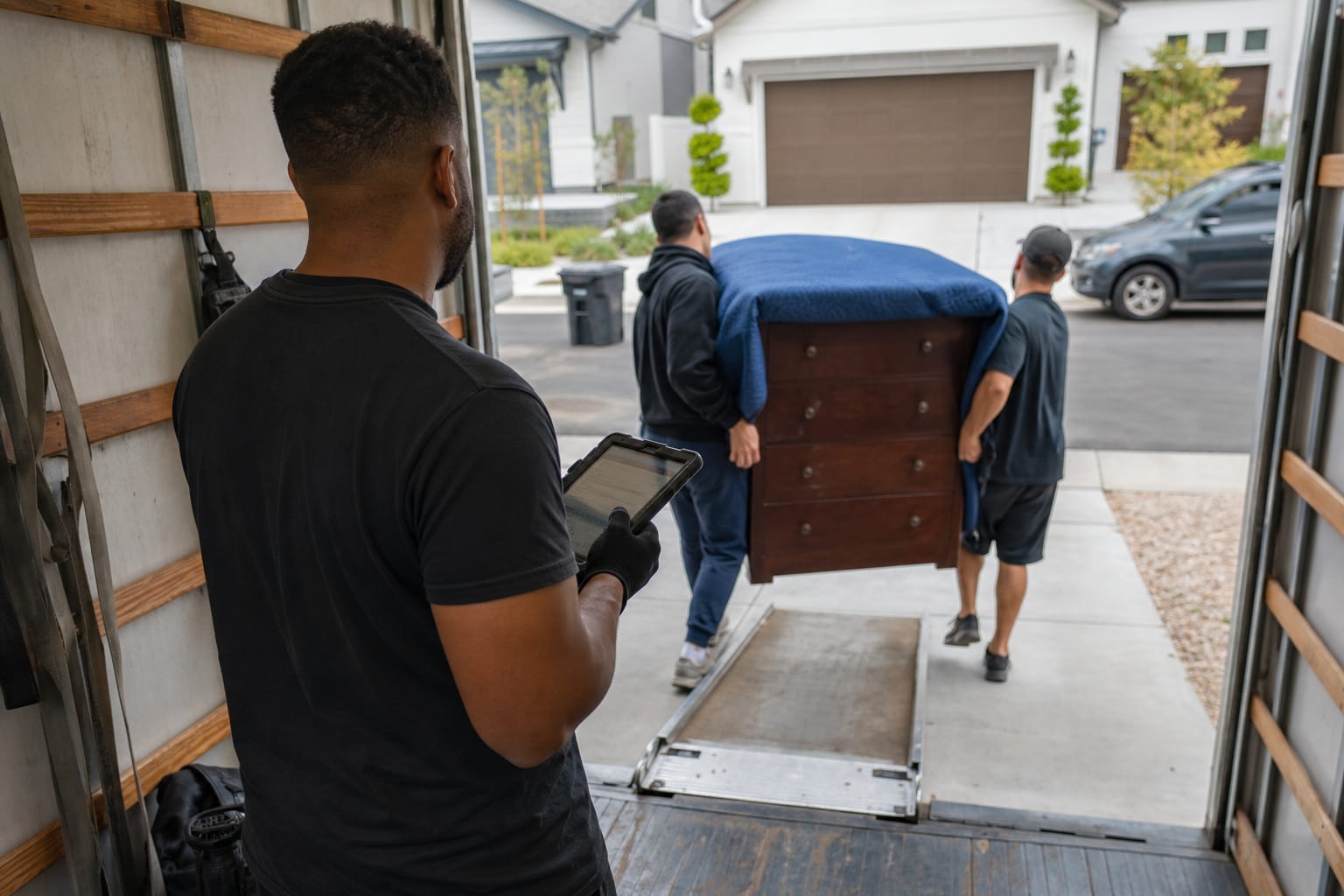

Office admin is quietly draining the profit out of moving companies. Owners spend evenings re-typing quotes, chasing unanswered leads, and reconciling invoices that should have closed weeks ago. The decision to automate removals business operations is no longer a competitive luxury — it is the difference between a crew that runs on time and a phone that never stops ringing for the wrong reasons. This guide maps the six core operational zones every mover should automate, the tools that power each one, and a starter plan you can implement in 90 days.

Key Takeaways
| Point | Details |
|---|---|
| Six automation zones | Quoting, communication, dispatch, billing, reviews and reporting form the full operational map of a moving company. |
| Time recovered | Companies running full workflow automation report saving 15–25 admin hours per week across quoting, scheduling and billing. |
| Speed sells | Firms that contact leads within an hour are nearly 7x more likely to qualify them, per Harvard Business Review research. |
| Headcount efficiency | A typical 3-truck operation can reduce office admin from 2 FTE to 1 FTE within 90 days of automating six workflows. |
| Start small | A starter stack of an AI quoting CRM, Zapier, Twilio and QuickBooks covers most workflows. |
Why Moving Business Automation Is No Longer Optional
Moving is a high-volume, low-margin business where every wasted office hour eats directly into profit. The administrative load — quoting, confirming, dispatching, invoicing, following up — scales faster than revenue when handled by hand. Moving business automation breaks that link by letting software absorb repetitive tasks while crews and salespeople focus on customers.
The math is unforgiving. About 8.7% of Americans relocated in 2022, according to the U.S. Census Bureau, which means demand is steady but seasonal and spiky. McKinsey research found that current technologies could automate roughly 30% of the activities in 60% of all occupations — and administrative coordination, the backbone of moving operations, sits near the top of that list.
Here's the thing: automation does not replace movers. It replaces the data entry, the copy-paste, and the missed callbacks that lose jobs. A practitioner who learns how to automate a moving company end to end recovers both time and revenue that manual processes leak every single day.
Q: Why should a moving company automate its operations?
A: Automation removes 15–25 hours of weekly admin work and accelerates lead response, which directly raises booking rates in a high-volume, low-margin industry.
The 6 Core Operations Every Moving Company Should Automate
Most automation articles fix one workflow and stop. A real operational blueprint covers all six zones, because each feeds the next: a fast quote means nothing if dispatch is still run on a paper whiteboard. The goal of automate moving company operations projects is to connect these zones into a single chain.
The table below maps the six zones, what each automates, and representative tools. Treat it as the master checklist for any moving company process automation initiative.
| Operation Zone | What Gets Automated | Example Tools | Typical Time Saved |
|---|---|---|---|
| Quote-to-booking | Inventory capture, estimate generation, e-sign booking | AI video-scan quoting CRM | 4–6 hrs/week |
| Customer communication | Confirmations, reminders, status updates | Twilio SMS, email sequences | 3–5 hrs/week |
| Dispatch & scheduling | Crew assignment, route plans, calendar sync | Dispatch automation modules | 3–4 hrs/week |
| Billing & payments | Invoicing, deposits, reconciliation | QuickBooks integration, Stripe | 2–4 hrs/week |
| Reviews & referrals | Post-move review requests, referral asks | Zapier, Google review links | 1–2 hrs/week |
| KPI & reporting | Dashboards, weekly performance reports | CRM reporting, Looker Studio | 1–3 hrs/week |
These six zones cover nearly every recurring office task. The remaining sections break down each one with specific removals company automation tools and the logic behind them.
Pro Tip: Map your zones in the order money flows — quote first, reporting last. Automating dispatch before quoting is like paving a driveway before pouring the foundation; the upstream bottleneck still throttles everything downstream.
Quote-to-Booking: Automating the Sales Pipeline
The quote is where moving jobs are won or lost. Speed and accuracy decide whether a prospect books or ghosts. The single highest-leverage move in any moving company workflow automation plan is to automate moving quotes and booking so a lead can self-serve an estimate in minutes, not days.
Modern AI video-scanning tools let customers record a walkthrough of their home on a phone. The software identifies items, calculates cubic volume, and generates a room-by-room inventory with a priced estimate automatically. What once took a 2-hour in-home survey now resolves in roughly 10 minutes — and federal rules still apply, since licensed interstate movers must provide written estimates under FMCSA regulations.
Q: How fast can automated software generate a moving quote?
A: AI video-scan tools produce a room-by-room inventory and priced estimate in about 10 minutes, versus 2+ hours for a traditional in-home survey.
The pipeline does not end at the number. A connected moving CRM with built-in workflow automation pushes the estimate into an e-sign booking flow, captures a deposit, and triggers the next zone — communication. That hand-off is the essence of quote automation done right.
- Capture: Customer records a video walkthrough or fills an AI-guided question flow.
- Estimate: Software returns inventory, volume and price within minutes.
- Book: E-signature and deposit lock the date with zero manual touch.
Customer Communication and Follow-Up Automation

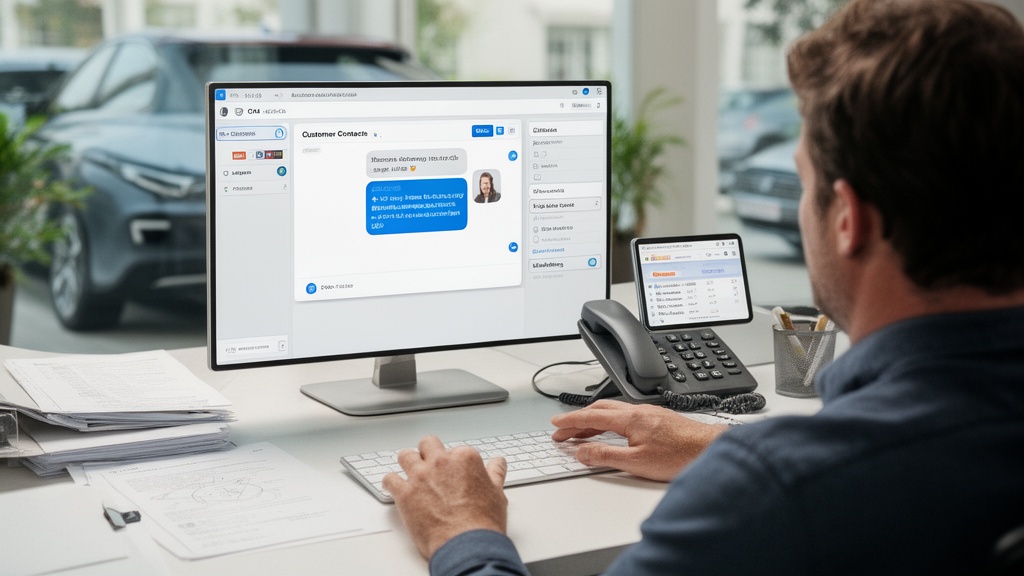
Most lost jobs are not lost on price — they are lost on silence. A lead who waits a day for a callback has already booked the competitor who answered first. Automated lead nurturing closes that gap by responding the instant an inquiry lands.
The data is blunt. Firms that contact a lead within an hour are nearly 7 times more likely to qualify that lead, Harvard Business Review reported. Automated email sequences and SMS automation deliver that speed at 2 a.m. or during peak Saturday rush, without a human touching the keyboard.

Twilio-powered SMS automation handles booking confirmation, day-before reminders, and live crew updates. Email sequences nurture cold leads with content, social proof, and gentle re-quotes. Companies that build automated follow-up sequences consistently close more bookings than those relying on manual outreach — the difference compounds across hundreds of leads a month. For a deeper build-out, see the complete marketing automation for moving companies playbook.
Pro Tip: Set your first automated touch to fire within five minutes of form submission, then a second at hour one and a third at day one. The first message should confirm a human is involved — automation that hides itself outperforms automation that announces itself.
Dispatch and Scheduling Automation for Moving Companies
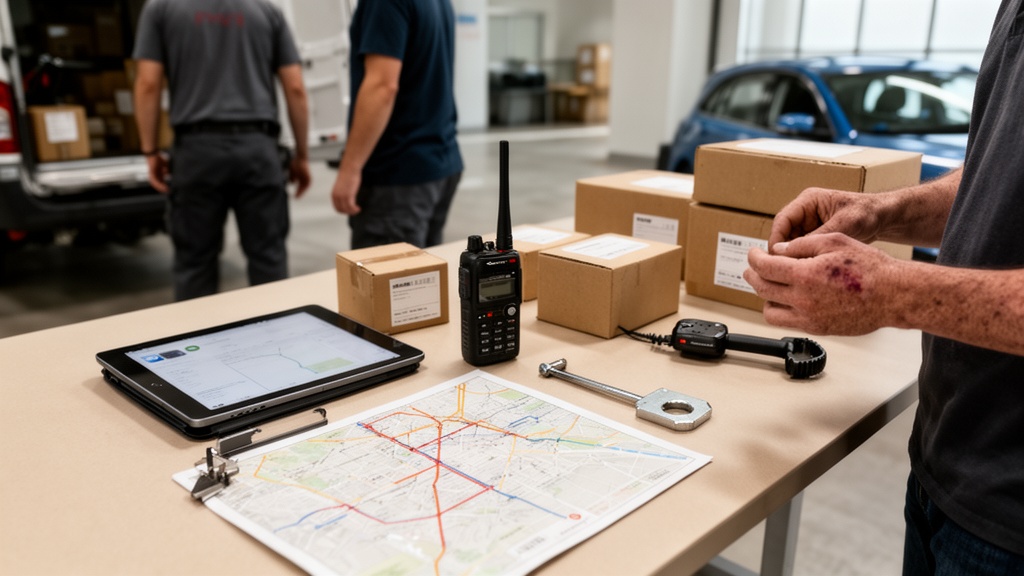
Dispatch is the operational heart of a moving company, and it is where manual systems break first. A paper whiteboard cannot flag a double-booked crew or re-sequence routes when a job runs long. Dispatch automation assigns crews, builds routes, and syncs calendars from the confirmed booking data already in the CRM.
The payoff is fewer conflicts and tighter truck utilization. When booking, crew availability and route data live in one connected system, the dispatcher stops playing detective and starts managing exceptions. This is the zone where moving business efficiency software earns its keep, because every idle truck-hour is pure lost margin.
For a small moving company, the simplest dispatch automation is calendar-and-CRM sync: a confirmed move auto-populates the crew schedule, sends each mover their assignment by SMS, and updates if the customer reschedules. Even small moving company automation at this level eliminates the daily morning scramble.
- Auto-assign crews based on availability and job size.
- Generate optimized route plans from move addresses.
- Push assignments to crew phones with one tap.
- Trigger re-scheduling alerts when a job overruns.
The broader operational picture — how dispatch connects to quoting and billing — is covered in this moving company automation tools overview.
Billing, Invoicing and Payment Automation
Unbilled jobs are interest-free loans to your customers. Manual invoicing delays cash and invites errors that erode trust. Invoice automation generates the bill from the completed job record, applies the deposit already collected, and sends a payment link the moment the crew marks the move complete.
QuickBooks integration is the workhorse here. A two-way sync pushes invoices, deposits and final payments into the books automatically, eliminating double entry and month-end reconciliation marathons. Pairing it with Stripe or a card-on-file deposit means most jobs settle the same day they close.
| Billing Task | Manual Process | Automated Process |
|---|---|---|
| Deposit collection | Phone call, manual card entry | Auto-charged at booking |
| Final invoice | Hand-built after the job | Generated from job record |
| Bookkeeping entry | Re-typed into accounting | Synced via QuickBooks integration |
| Payment reminder | Owner remembers (or doesn't) | Automated SMS/email sequence |
The accuracy gains matter as much as the speed. Because the invoice draws from the same inventory that produced the estimate, customers see a consistent number from quote to final bill — exactly the transparency that moving management software benefits your customers actually notice.
Reviews, Referrals and Post-Move Workflows

The move is over, but the revenue cycle is not. Reviews and referrals drive the next wave of leads, yet most movers never ask — because asking by hand is one task too many on moving day. Automating the post-move sequence turns a finished job into marketing fuel.
Q: Can I automate Google review requests for my moving business?
A: Yes. A Zapier-triggered SMS or email can send a direct Google review link the moment a job is marked complete, lifting review volume without manual effort.
A simple Zapier workflow watches for a "job complete" status, waits a few hours, then texts the customer a one-tap Google review link. A second branch asks satisfied customers for a referral and rewards it. Over a year, this single automated loop can meaningfully grow both reputation and repeat business — the moving and storage workforce tracked by the Bureau of Labor Statistics competes hardest on exactly these local-trust signals.
Pro Tip: Delay the review request by 3–4 hours after job completion, not 3 days. The customer's relief and gratitude peak the afternoon of the move; a same-day ask captures emotion that a delayed-week email never recovers.
KPI Tracking and Reporting Automation
You cannot improve what you do not measure, and manual reporting dies the week things get busy. Reporting automation pulls live data from every zone — quotes sent, booking rate, average job value, crew utilization — into a dashboard that updates itself.

The value is decision speed. When the owner sees booking rate slipping on a Monday instead of discovering it at month-end, the fix happens while it still matters. Automated weekly reports — emailed every Friday from the CRM or a Looker Studio dashboard — turn raw operational data into a management routine.
Track a tight set of metrics rather than everything. The four numbers that move a moving business are quote-to-book conversion, average revenue per job, crew hours per move, and lead response time. Automating their capture is the final link that makes the other five zones accountable.
Building Your Moving Company Automation Stack: A Starter Plan
You do not need an enterprise budget to start. A focused starter stack covers most workflows and pays for itself in recovered admin hours. Here is a 90-day sequence to automate removals business operations without overwhelming your team.
- Days 1–30 — Quoting and CRM. Deploy an AI quoting tool and centralize leads in a CRM. This is the foundation every other zone connects to.
- Days 31–60 — Communication and dispatch. Layer Twilio SMS automation and email sequences onto booking, then sync dispatch to the booking calendar.
- Days 61–90 — Billing, reviews and reporting. Connect QuickBooks integration for invoicing, add a Zapier review loop, and switch on automated weekly KPI reports.
Consider a real scenario: a 3-truck operation automating all six zones can reduce office admin from 2 FTE to 1 FTE within 90 days, redeploying that salary into sales or another truck. That is the compounding return on disciplined moving company process automation.
The glue between tools is Zapier, which connects platforms that lack native integrations — pushing a new booking from the CRM into QuickBooks, or a completed job into a review request. For owners who want a single connected system rather than a patchwork, end-to-end automation solutions for moving companies consolidate quoting, CRM, dispatch and billing under one roof.
Pro Tip: Automate one zone fully before touching the next. Half-built automation across six zones creates more confusion than the manual process it replaced; a fully working quote-to-booking flow earns team buy-in for everything that follows.
Related Articles
- Marketing Automation for Removals: The Complete Playbook — How to build lead nurturing and email sequences that convert more inquiries.
- Virtual Moving Management Software Benefits for Customers — The features customers notice and why transparency wins repeat business.
- Automated Moving Survey: How to Collect Client Information Before Moving Day — Capturing accurate inventory data without an in-home visit.
- Moving Company Automation Software: The Complete Buyer's Guide — How to evaluate and choose an automation platform for your operation.
- Moving Company Operational Efficiency: A Complete Playbook — A broader framework for tightening every part of moving operations.
Recommended Reading
- Moving Company Automation: Tools That Save Time and Cut Costs
- CRM Automation for Moving Companies: Workflows That Convert Leads
- CRM for Moving Companies: Streamline Operations
- Pricing Strategies for Moving Companies: Maximizing Profitability
- Moving Company Technology Stack Guide
Ready to see it in action?
Book a free 20-minute demo and explore how Virtual Estimate can help your business.