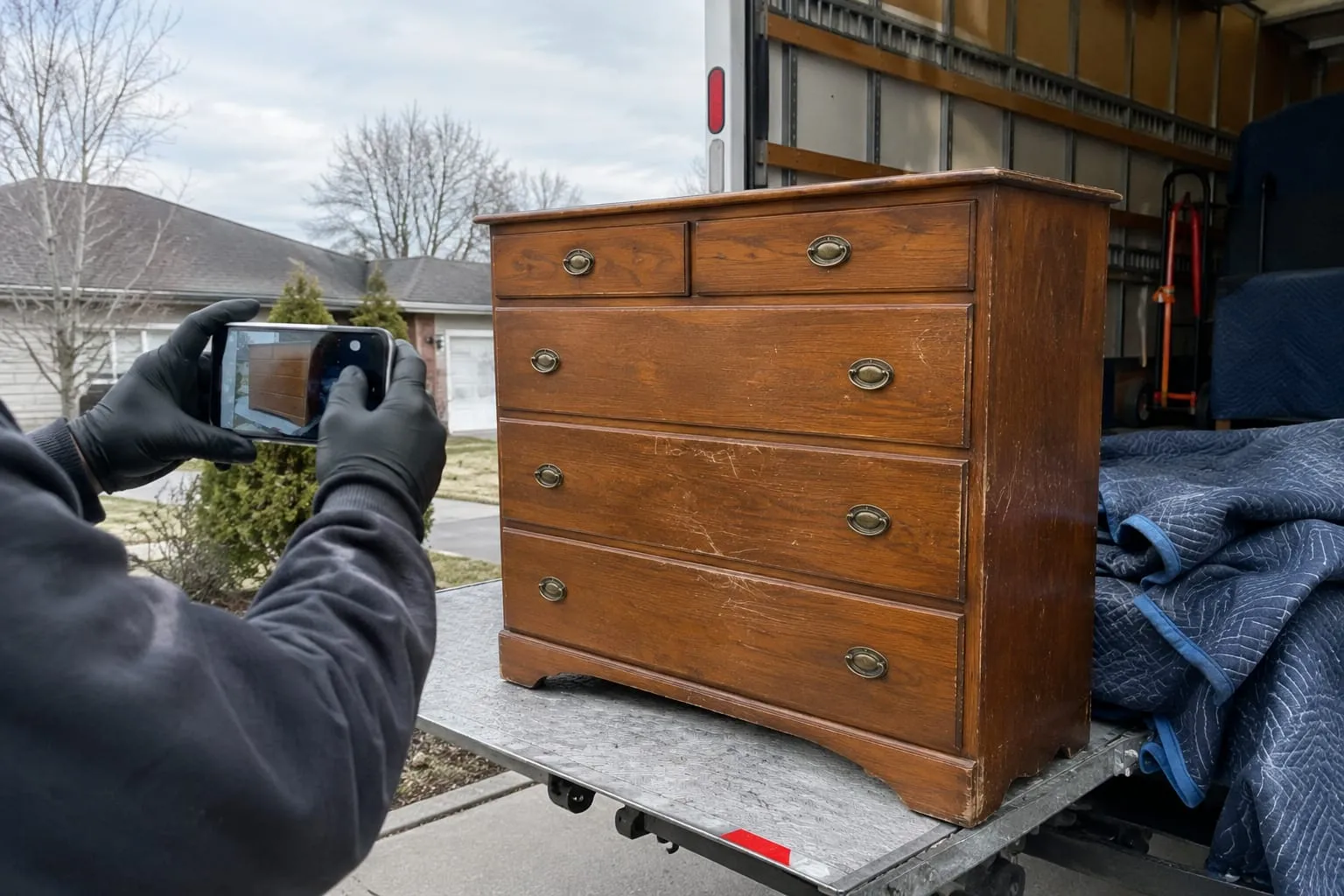

Crew management for a moving company is the daily routine of deciding who does what on a job, sizing each crew to the work, scheduling people without wearing them out, giving them the job details they need, tracking their time, and reviewing the results. This guide is for owners, operations managers and dispatchers of US moving companies, from shops with a couple of trucks to operations with several dozen crew members.
Most crew management advice online comes from airlines, shipping and film production. Moving crews deal with different problems: third-floor walk-ups, hourly jobs that run long, damage claims, and peak weeks that stack several jobs onto one truck. Below is a six-step routine you can run on a whiteboard or in software, followed by the mistakes that most often turn a profitable job into an overtime problem.

Key Takeaways
- One accountable lead per job. Every crew, even two people, needs a named lead who owns the walkthrough, the paperwork and communication with dispatch.
- Size crews from inventory and access. Cubic feet, heavy items, stairs, elevators and long carries determine crew size better than a bedroom count.
- Spread long jobs and plan for heat.
- Record time in consistent segments. Segment-level times show where jobs lose time.
- Close the loop with estimated vs. actual. Daily debriefs, weekly reviews and seasonal updates to sizing rules turn each job into better future crew plans.
Crew Management in Six Steps: The Short Version
Here's the routine at a glance. Each step gets its own section below.
- Define crew roles. Assign one accountable lead, plus clear driver, mover and packer duties.
- Build crews around job size and skill. Size the crew from the inventory and the access conditions, not from habit.
- Schedule without burning out your best people. Spread long and heavy jobs.
- Put job details on crew phones. Inventory, access notes, customer notes and the contract go with the crew.
- Track hours, breaks and job time. Record every segment of the day the same way, every time.
- Review estimated vs. actual. Compare hours, damage and customer feedback after each job, and adjust.
Step 1: Define Crew Roles — Lead, Driver, Mover, Packer
Every crew needs one person who owns the job from arrival to signature. Without that person, decisions about extra items, damaged boxes or added hours land on whoever happens to be closest. Clear roles fix that.
- Crew lead (foreman): runs the walkthrough with the customer, confirms the inventory, handles the paperwork and signatures, documents existing damage, and is the single point of contact with dispatch.
- Driver: owns the truck, the route and the pre-trip check, and holds the license the vehicle requires.
- Mover: handles disassembly, padding, carrying and loading under the lead's direction.
- Packer: packs fragile and specialty items, labels boxes, and keeps the packing materials count.
On a small crew, one person often holds two roles, such as lead and driver. That works as long as the duties are written down. A one-page role card per position, reviewed at hiring and at the start of each season, takes an hour to write and prevents most on-site confusion.
Paperwork accountability matters most for the lead. The lead is the person who makes sure the job paperwork is complete and signed before the truck leaves.
Q: When does a moving crew driver need a commercial driver's license?
A: Confirm the current CDL requirements with the FMCSA and the state that issues the license.
Step 2: Build Crews Around Job Size and Skill
The right crew size comes from two inputs: how much is moving and how hard it is to move. Many companies default to the same crew for every job of a given home size. That habit is why some jobs run long and others pay for a mover who stood around.
Start with the inventory. A room-by-room list with cubic feet and heavy items tells you far more than a bedroom count. Then layer in the access conditions that slow every carry.

| Factor | What to check | Effect on the crew plan |
|---|---|---|
| Total volume | Cubic feet from the inventory | Sets the baseline crew and truck size |
| Heavy or specialty items | Pianos, safes, gun cabinets, large glass | Adds hands for specific lifts or a specialist |
| Stairs and elevators | Floors, elevator access, reservation windows | Slows every carry; often adds a mover |
| Long carries | Distance from door to truck, parking limits | Adds walking time on every trip |
| Packing scope | Full pack, partial pack, or customer-packed | Adds packers or a separate packing day |
| Time constraints | Building move-out windows, closing times | Pushes toward a larger crew to finish on time |
Skill matters as much as headcount. Pair newer movers with an experienced lead, and keep specialty items with the people trained to handle them. Then build your own sizing rules from your history: the most reliable crew-size guide for your company is your own estimated vs. actual hours, covered in Step 6.
Software helps once the rules exist. Crew scheduling software with automatic crew sizing sizes the crew for every new job, and understanding the dispatch engine behind crew assignment explains how assignment logic works under the hood. Crew size also has to fit the truck: if you are buying a crew cab moving truck, seat count decides how many people ride to the job in one vehicle.
Step 3: Schedule Crews Without Burning Out Your Best People
The fastest way to lose a strong crew lead is to give them every hard job. Dispatchers do it for good reasons: the lead is reliable and the customer is demanding. Over a busy month, it adds up to fatigue, mistakes and a resignation.

A few scheduling rules keep the load fair:
Rotate heavy jobs. Track who worked the last walk-up, piano or long carry, and spread them across leads.
Avoid stacking. Do not schedule a second job behind a large one unless the first has a realistic finish time with buffer.
Check conflicts before confirming. Double-booked trucks and people are a dispatch failure, not a crew failure.
Plan for heat. Summer is peak season. Build breaks into the job time, not on top of it.
Peak season tests every one of these rules. Lock in availability, cross-train backups and confirm part-time help weeks ahead; a full checklist is in this guide to peak season preparation. Fair, predictable schedules also feed into keeping people, which is covered in more depth in these retention strategies for moving crews.
Step 4: Give Crews Job Details, Inventory and Customer Notes on Their Phones
A crew that arrives knowing the job works faster and argues less. A crew that learns about the piano, the fourth-floor walk-up or the gate code on arrival loses time before the first box moves.
Before every job, the lead should have:
- Pickup and delivery addresses, arrival window and customer contact
- The full inventory, including heavy and fragile items flagged
- Access notes: stairs, elevator reservations, parking, long carries
- Customer notes: items not moving, items needing disassembly, pets, building rules
- The estimate, the contract and the payment terms
Paper job sheets get lost and go stale the moment the office updates a job. Phones solve that, but only if the app still works in basements, freight elevators and rural driveways with no signal. A foreman app that works offline keeps the contract, photos and signatures usable on-site and syncs when the connection returns.
When evaluating tools, start from what the field actually uses; this breakdown of moving crew app features lists them, and a side-by-side look at how two crew apps handle field operations shows the differences in practice.
Step 5: Track Hours, Breaks and Job Time Accurately
Accurate time records protect you twice: they support payroll, and they tell you where jobs actually lose time.
The practical rule is consistency. Define the segments of a moving day and record each one the same way on every job:
- Clock-in at the shop or yard
- Drive to origin
- Loading start and finish
- Drive to destination
- Unloading start and finish
- Return to the shop and clock-out
Segment-level times show whether a job ran long because of loading, traffic or a slow unload. That detail is what makes Step 6 possible.

Q: Do moving companies have to give crews breaks?
A: Confirm the current break requirements with your state labor department.
Once time is recorded cleanly, pay follows from it. This guide on how to pay a moving crew compares hourly and commission models. Crew pay calculated from completed jobs is tied to the job record.
Pro Tip: Have the lead confirm the day's segment times with the crew before leaving the last stop. Corrections made on the bumper take seconds; corrections made at payroll take an argument.
Step 6: Review Estimated vs. Actual Hours, Damage Claims and Customer Feedback
The review step closes the loop. Without it, the same crew-size mistakes repeat every week. With it, each job improves the next estimate and the next crew assignment.
Run three reviews on a fixed cadence:
- Daily, lead debrief: a few minutes per job. What took longer than planned, what was missing from the inventory, any damage or customer complaint.
- Weekly, operations review: estimated vs. actual hours by job type, crew and estimator. Look for patterns, such as walk-ups that always run long or one estimator who consistently under-counts.
- Seasonally, sizing rules: update the crew-size rules from Step 2 with what the data showed.
Reporting turns this from a spreadsheet chore into a routine. Crew performance and estimated vs actual reporting shows the gap on every job without manual exports.
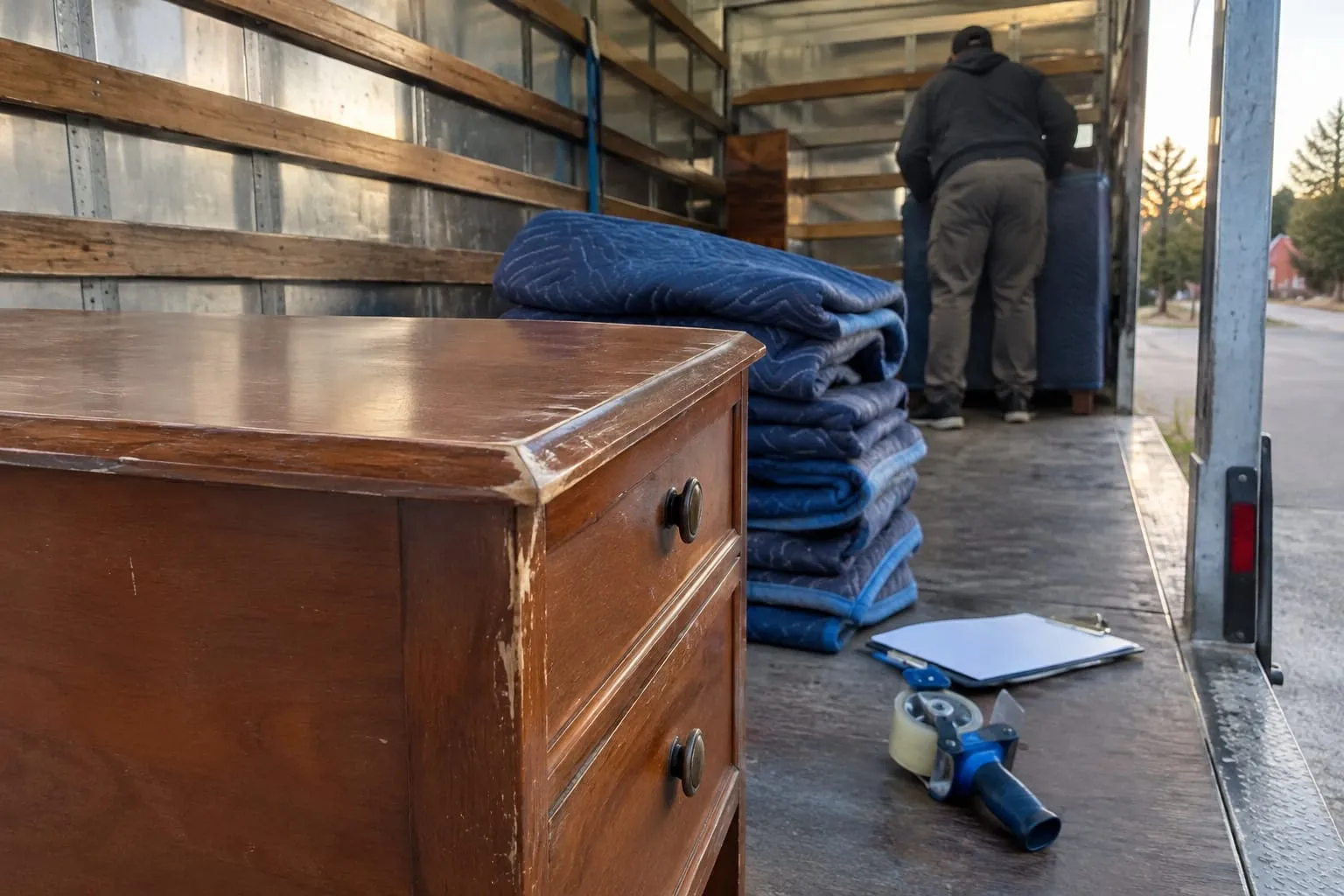
Damage review depends on documentation made before anything goes wrong. Train every crew to photograph high-value and fragile items, and any pre-existing damage, before loading and after unloading. Damage claims backed by job photos become a file review rather than a dispute.
Customer feedback rounds out the picture. Share specific praise with the crew by name, and treat repeat complaints about the same crew as a coaching issue, not a one-off.
Common Crew Management Mistakes and How to Fix Them
Most crew problems trace back to a handful of habits. Here are the ones that show up most often, with the fix for each.
- Sizing every job the same way. Fix: size from inventory volume and access conditions, then refine with estimated vs. actual data.
- No single accountable lead. Fix: name one lead per job, even on a two-person crew, and make paperwork their responsibility.
- Sending crews in blind. Fix: put inventory, access notes and customer notes on the lead's phone before the truck leaves.
- Inconsistent time records. Fix: define the day's segments and record them the same way on every job.
- Overloading the best people. Fix: rotate heavy jobs and check the schedule for stacking before confirming.
- Skipping the review. Fix: put the daily debrief and weekly estimated vs. actual review on the calendar and protect the time.
- Treating training as a one-time event. Fix: run short moving crew training refreshers before peak season on padding, specialty items, photo documentation and paperwork.
None of these fixes requires a large budget. They require a written routine, applied every day by the same people. Software makes the routine faster to run, but the routine has to exist first.
Written by Virtual Estimate Team
Related Articles
- Moving Engine: What It Means in Moving Company Software — what the scheduling and pricing engine inside moving software actually does.
- Crew Cab Moving Truck for Sale: 10 Checks Before You Buy — the inspections and specs to verify before adding a crew cab to your fleet.
- Employee Retention Strategies for Moving Companies — practical ways to keep experienced movers and leads season after season.
- Customer Experience Excellence in Moving Services — how crew conduct and communication shape the customer's view of the move.
Useful Links
- Moving Company Dispatch and Crew Scheduling
- Moving Crew Apps: The Features Field Teams Actually Need
- How to Pay a Moving Crew
- Moving Dispatch Software & Scheduling
- Peak Season Prep: 9 Moves to Make Before Your Busiest Weeks
Need help with this? Moving Crew App · Get started · Call (888) 611-7483
Ready to see it in action?
Book a free 60-minute demo and explore how Virtual Estimate can help your business.