Moving companies lose jobs every day to competitors who quote faster. In a market where customers request multiple estimates before booking, estimating software for movers is no longer a nice-to-have — it's the difference between winning jobs and watching them go elsewhere. Manual quoting processes create errors, delay responses, and leave a poor first impression at the most critical moment in the customer journey. This article compares the leading platforms, breaks down the features that drive real results, and provides a clear framework for choosing the right tool.
Key Takeaways
| Point | Details |
|---|---|
| Response speed drives conversion | Delivering estimates within 2 hours consistently outperforms waiting 24+ hours — speed is the most controllable booking conversion variable |
| AI vs. form-based gap | The best estimating software moving companies use deploys video analysis to auto-generate inventories; form-based tools depend on manual item selection, introducing gaps and errors |
| Integration is non-negotiable | Purpose-built platforms sync with CRM, dispatch, and accounting tools to eliminate double data entry across the operation |
| Pricing ranges widely | Monthly costs span from under $100 for basic plans to $300+ for enterprise tiers; ROI depends on weekly estimate volume and average job value |
| Virtual surveys reduce disputes | Virtual survey software movers use for remote assessments generates a documented pre-move inventory, reducing post-delivery claims |
Why Estimating Software Is No Longer Optional for Movers
The moving industry handles millions of residential and commercial relocations every year. According to the Bureau of Labor Statistics, moving and storage ranks among the largest employment categories in transportation — and the entire operational chain for every job starts at the estimate stage.
Manual estimating — clipboards, spreadsheets, phone tag — creates compounding inefficiencies. It slows response time. It introduces human error. And it signals to prospective customers that the company operates on outdated processes. The American Moving and Storage Association consistently identifies the quoting experience as a top driver of customer satisfaction and referral behavior in the residential moving segment.
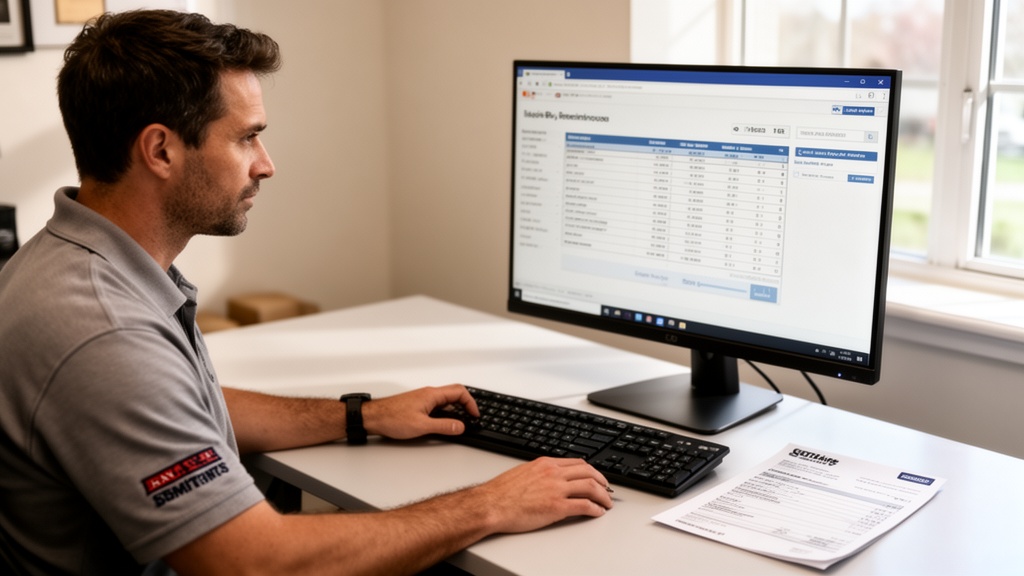
Moving estimate software standardizes the quoting process and eliminates these bottlenecks. Sales reps complete estimates in minutes. Customers receive professional, itemized quotes digitally. Companies stop losing jobs to faster competitors.

Pro Tip: Track average time-to-estimate as a core sales KPI. If your team consistently takes more than 4 hours to respond to an inbound estimate request, you are losing competitive opportunities before the conversation even starts.
Key Features to Demand in Any Moving Estimating Platform
Not every platform delivers equal value. The best estimating software moving companies evaluate share a consistent set of capabilities that translate directly into workflow efficiency and revenue impact.
Inventory management is the foundation. The platform must let reps log furniture, boxes, and specialty items quickly — through manual selection, room-by-room templates, or AI-powered video analysis. Accuracy here determines whether the final invoice matches the original quote.
Automated pricing rules eliminate inconsistency. Moving company pricing software should let you configure base rates, fuel surcharges, stair fees, long-carry charges, and minimum thresholds — then apply them automatically based on inventory data. This replaces manual math that produces variable quotes for identical jobs.
Essential features every platform should include:
- Digital signature capture for binding and non-binding estimates
- Multi-stop and multi-location quoting for interstate and commercial jobs
- Customer-facing portals for online quote review and acceptance
- Automated moving estimates triggered by web form submissions
- Mobile access for in-field sales reps conducting on-site assessments
- Conversion rate reporting by rep, job type, or lead source
Moving company quoting software that lacks two or more of these capabilities forces employees to compensate with workarounds — typically spreadsheets and manual emails — that negate efficiency gains entirely.
Top Estimating Software Options for Moving Companies Compared

The market includes purpose-built moving platforms and general business tools adapted for moving use cases. Focus exclusively on moving-native solutions. General tools miss the billing complexity, item-weighting logic, and access fee structures that define actual moving jobs.
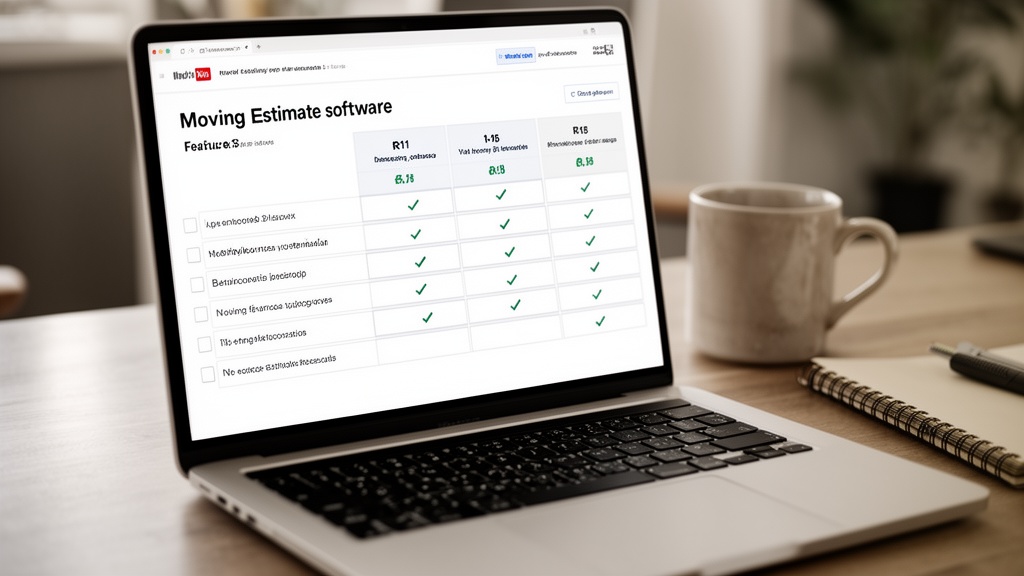
| Platform | Best For | Virtual Survey | CRM Included | Starting Price |
|---|---|---|---|---|
| Virtual Estimate | AI-first movers of all sizes | Yes (native) | Yes | Transparent pricing |
| SmartMoving | Mid-size companies | Limited | Yes | ~$150/month |
| Supermove | Growth-stage carriers | Add-on only | Partial | ~$200/month |
| MoverBase | Small operators (1-10 trucks) | No | No | ~$50/month |
| Vonigo | Commercial and enterprise | No | Yes | Custom |
Virtual Estimate is the only platform built from the ground up around AI-powered moving estimates and virtual survey workflows. Instead of asking customers to self-report inventory — the leading cause of estimate inaccuracy — the platform analyzes video walkthroughs to auto-generate itemized lists. Customer error is removed from the quoting process entirely.
SmartMoving pairs estimating with a built-in CRM, making it a strong choice for mid-size companies consolidating their sales and operations into one system. Its virtual survey functionality is limited compared to dedicated solutions, which creates gaps for remote and long-distance quoting.
Supermove connects estimates directly to dispatch and crew scheduling, benefiting high-volume companies that need tight operational hand-offs. Virtual survey requires a third-party add-on, which adds cost and integration complexity.
MoverBase offers a clean, low-cost entry point for small operators. It trades depth and automation for simplicity — appropriate for companies under ten trucks, constraining for those scaling beyond that threshold.
Pro Tip: Before purchasing any platform, run a simulated estimate on a standard residential 3-bedroom move scenario. Time the full process from first input to completed quote. That number predicts real-world efficiency better than any feature checklist.
Virtual Estimate can help: Virtual Estimate delivers AI-powered moving estimates through a purpose-built virtual survey platform — cutting time-to-estimate from hours to minutes for movers of all sizes. Learn more →
AI-Powered vs. Traditional Estimating: What's the Real Difference?
The gap between AI-based and form-based estimating is not just a technology preference — it changes the customer experience, quote accuracy, and exposure to post-move disputes.
Form-based tools require reps or customers to manually select items from a dropdown inventory list. This method works when experienced reps guide customers methodically through each room. It fails when customers forget items, underestimate box counts, or neglect to mention the piano they assumed was obvious.
AI-powered tools analyze video walkthroughs to automatically identify and catalog inventory. A customer films their home — live on a video call or asynchronously via a short clip — and the software tags furniture, appliances, and room contents with minimal human input. The result is a more complete inventory with significantly fewer omissions.
Online moving estimate tools that leverage AI also generate a documented pre-move record. The Federal Motor Carrier Safety Administration requires movers to provide customers with written estimates — a video-documented inventory strengthens both the accuracy and legal defensibility of that record.
Virtual survey software movers use for remote assessments delivers in-person accuracy without requiring a sales rep to drive to the customer's location. For long-distance and interstate moves, this capability alone justifies the platform investment.
| Dimension | AI-Powered | Form-Based |
|---|---|---|
| Time to complete | 5-15 minutes | 20-45 minutes |
| Inventory accuracy | High (video-verified) | Moderate (self-reported) |
| Customer effort | Low | Moderate |
| Dispute documentation | Strong (video record) | Weak (form entries) |
| Async completion | Yes | Rarely |
| Setup complexity | Moderate | Low |
How to Evaluate Pricing and ROI Before You Buy
Moving job costing software is a revenue investment, not an overhead expense. The return calculation is direct: estimate volume × conversion rate improvement × average job value.
Here's a concrete example. A company generating 40 estimates per week at a 25% close rate with an average job value of $1,200 books $12,000 in weekly revenue. If improved software lifts the close rate to 30%, that's 12 jobs instead of 10 — an additional $2,400 per week. Enterprise-tier software pays for itself within the first week at that volume.
Transparent pricing for moving estimate software is a baseline expectation, not a differentiator. Avoid platforms that bury per-user fees, charge per submitted estimate, or gate essential features behind expensive upgrade tiers. Flat monthly pricing that scales with volume aligns vendor incentives with operator success.
Key cost factors to compare across platforms:
- Base subscription fee — monthly vs. annual billing discount
- Per-user or per-seat licensing fees
- Onboarding and setup costs (range: $0 to $1,500+)
- Add-on pricing for virtual survey, CRM, or dispatch modules
- API access fees for custom or proprietary integrations
Pro Tip: Calculate your current cost-per-estimate by multiplying your sales rep's hourly rate by the average time each estimate takes. If that figure exceeds $20 per estimate, you are spending more on manual quoting than most software subscriptions cost each month.
Integration Capabilities: Does It Work With Your Existing Stack?
Estimating software that operates in isolation creates more work, not less. Every estimate requiring manual re-entry into a CRM or billing system adds administrative overhead per job — and introduces data errors that cause downstream problems in dispatch and invoicing.
A modern moving company technology stack typically includes a CRM, dispatch and routing software, accounting tools like QuickBooks or Xero, and customer communication platforms. Estimating software needs to connect cleanly to each of these layers.
Priority integrations to verify before signing any contract:
- CRM sync: New estimates should automatically create lead records without manual input
- Accounting: Closed estimates should push to QuickBooks or Xero as invoices automatically
- Dispatch: Booked jobs should assign crew and trucks without re-entering job details
- Email/SMS automation: Unconverted estimates should trigger follow-up sequences on schedule
- Customer portal: Customers should accept quotes and sign documents online without calling the office
Some platforms offer native integrations. Others rely on Zapier connectors or custom API work that requires technical setup. Factor integration build time and ongoing maintenance into your total cost of ownership calculation — not just the monthly subscription headline.
Which Estimating Software Is Right for Your Business Size?
The right platform depends on operational complexity, not just feature count. Where a company sits in its growth cycle determines which capabilities matter most right now.
Small operators (1-10 trucks) need clean, fast quoting with digital signatures and basic automated pricing rules. Advanced workflow automation and deep integrations become relevant as job volume grows. Entry-level tools with transparent pricing and simple onboarding serve this segment well without overcomplicating daily operations.
Mid-size companies (10-30 trucks) need integration as a core requirement. Estimates must flow into dispatch and billing without manual re-entry. Virtual survey capabilities become essential at this stage — sales reps cannot profitably drive to every prospective customer's location. Full-featured platforms with CRM integration and virtual survey workflows match this segment's needs precisely.
Enterprise operators (30+ trucks) need platform-level reliability, multi-location quoting, role-based access controls, and granular reporting. Custom pricing, dedicated onboarding support, and direct API access become standard expectations. Virtual Estimate's AI-powered solutions target this segment with enterprise-grade virtual survey automation at scale.
Regardless of company size, track three metrics consistently: close rate by estimate type, estimate volume by rep, and average time-to-estimate. These three numbers reveal exactly where the current process leaks revenue — and where software investment generates the fastest measurable return.
Related Articles
- Best Moving Company Software: Complete Buyer's Guide — Compare the full software ecosystem for movers, from CRM to dispatch to estimating platforms.
- How to Choose Moving Business Software That Scales With You — Learn how to evaluate software flexibility as your fleet and job volume grow.
- Moving Company Automation: Tools That Save Time and Cut Costs — Discover which processes to automate first and which tools deliver the fastest ROI.
- Best CRM for Moving Companies: In-Depth Comparison — A deep-dive comparison of CRM platforms purpose-built or optimized for moving companies.
- AI-Powered Moving Estimates: The Complete Guide — Everything you need to know about how AI video analysis transforms the quoting process for movers.
Explore More Resources
Ready to see it in action?
Book a free 20-minute demo and explore how Virtual Estimate can help your business.