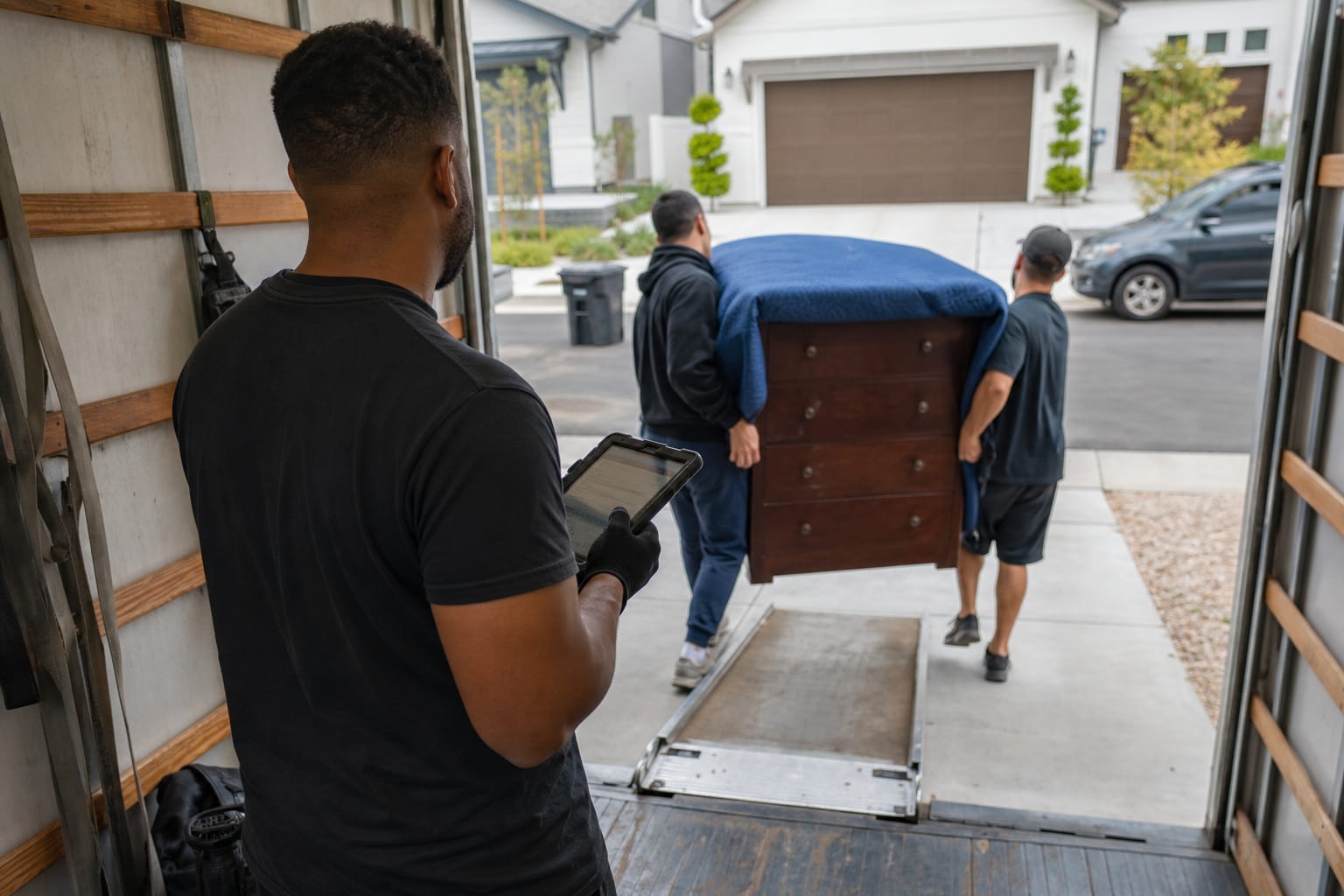

Supermove is a cloud-based moving company software platform that unifies CRM, sales, virtual surveys, dispatch, operations, and payments in one system built for household goods and commercial movers. It targets mid-size and enterprise operations that want to replace a stack of disconnected apps with a single operational hub.
Search interest in terms like "super move" and supermove software has grown as operators look to digitize the survey-to-payment workflow. Yet most published breakdowns read like feature dumps or affiliate roundups. This guide takes a mover-focused view: what the software does, what it costs, where it shines, and which supermove alternatives fit different sizes of moving company software buyers.
Key Takeaways
| Point | Details |
|---|---|
| What it is | Supermove is an all-in-one moving platform covering CRM, estimating, dispatch, and payments for household goods and commercial movers. |
| Pricing model | Supermove does not publish public pricing. Costs are quote-based and scale with users, trucks, and modules. |
| Best fit | Mid-to-large and enterprise movers running multiple crews, branches, or service lines. |
| Market context | About 25.6 million people moved to a new U.S. residence in 2022, fueling demand for digital moving tools. |
| Alternatives | SmartMoving, MoveitPro, Elromco, and AI-native virtual estimate platforms serve smaller or faster-scaling movers. See the complete moving software buyer's guide. |
What Is Supermove Software?
Supermove is a SaaS platform that manages the full moving job lifecycle — lead intake, estimating, scheduling, dispatch, field operations, and billing — inside one connected system. It is purpose-built for the moving industry rather than adapted from a generic field-service tool.
The pitch is consolidation. Instead of juggling a spreadsheet for leads, a separate estimating app, a paper dispatch board, and a standalone payment processor, movers run everything through a single all-in-one moving platform. Data flows from the first customer inquiry to the final invoice without rekeying.
That matters because the moving industry runs on tight margins and time-sensitive logistics. Federal rules already require interstate carriers to provide written, binding or non-binding estimates, so accuracy and documentation are non-negotiable. Software that keeps every estimate, signature, and payment in one record reduces disputes and speeds up cash flow.
Q: What is Supermove software used for?
A: Supermove is used to run a moving company's daily operations — capturing leads, building estimates, scheduling and dispatching crews, and collecting payments — from one connected system rather than several disconnected tools.
Supermove sits in the same category as other moving company CRM systems, but leans heavily toward operations and dispatch depth. That focus shapes who benefits most, a point covered further below.
Key Features of Supermove for Moving Companies
Supermove features span the entire survey-to-payment chain. The platform bundles a sales CRM, remote surveys, quoting, crew scheduling, a customer portal, and integrated payments. Here is how the core modules break down.
| Module | What It Does |
|---|---|
| CRM & sales | Captures leads, tracks the pipeline, and automates follow-ups |
| Virtual/visual surveys | Collects remote inventory before the move date |
| Estimating | Builds quotes, tariffs, and job pricing |
| Dispatch & operations | Schedules crews and assigns trucks |
| Customer portal | Lets clients view documents and pay online |
| Payments & invoicing | Collects deposits and final balances |
| Reporting | Tracks revenue, crew, and job performance |
The dispatch layer is where Supermove earns its reputation. As moving dispatch software, it lets coordinators drag-and-drop jobs, balance crew loads, and adjust routes when a job runs long. That real-time control is critical during peak season, when a single missed dispatch cascades across the day.
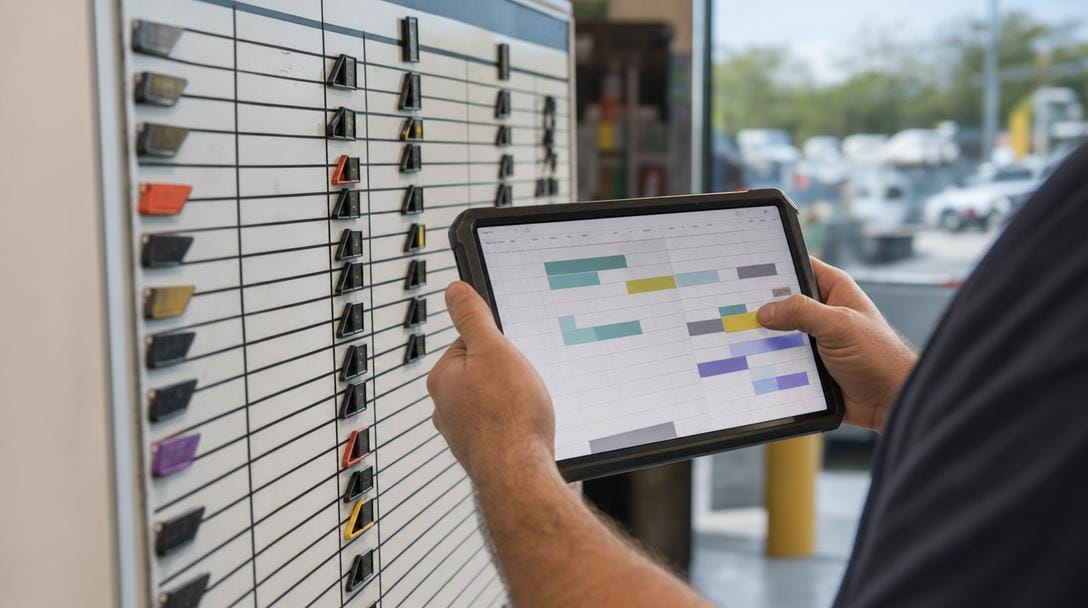
On the front end, the moving estimate software generates quotes from survey data, reducing the guesswork that leads to underbid jobs. Strong estimating pairs naturally with a broader moving CRM workflow, so sales and operations see the same numbers.
Pro Tip: Before adopting any estimating module, run five recent completed jobs through it and compare the software's estimate against your actual hours and weight. A tool that lands within a tight range on historical jobs will protect your margins far better than one with flashy dashboards but loose math.
For a deeper look at how quoting engines differ, review this breakdown of estimating software for movers and how each approach handles inventory and tariffs.
Pricing Breakdown: What Movers Pay for Supermove
Supermove pricing is not published publicly. The company uses a quote-based model, so costs depend on company size, user count, truck count, and the modules a mover activates. There is no self-serve price list or online checkout.
Q: How much does Supermove cost?
A: Supermove does not list public pricing. Costs are custom-quoted per company and typically involve an annual subscription plus a one-time implementation fee, scaling with users and add-on modules.
| Pricing Factor | What to Expect |
|---|---|
| Pricing model | Custom quote based on company size and modules |
| Public price list | Not published; requires a sales conversation |
| Contract length | Typically an annual subscription |
| Onboarding | Guided implementation, often with a setup fee |
| Billing basis | Scales with users, trucks, and activated modules |
The practical takeaway: enterprise-grade platforms like this sit at the higher end of the market. Smaller movers often find the total cost of ownership — subscription plus onboarding plus training — steep relative to their job volume.
Because SaaS budgets keep climbing industry-wide, with worldwide software spending expanding at double-digit annual rates, it pays to model three-year cost, not just month one. For a transparent, published example of how per-seat and per-feature moving software is priced, compare against a moving company CRM platform that lists its structure openly.
Pro Tip: When a vendor quotes only a monthly per-user rate, ask three follow-up questions: Is onboarding included or billed separately? Are payments processed at cost or with a markup? What does it cost to add a truck mid-contract? These hidden lines often double the sticker price.
Strengths and Drawbacks of the Platform
Supermove reviews consistently praise operational depth and dispatch control while flagging cost and complexity. Understanding both sides prevents an expensive mismatch.
Strengths:
- Deep dispatch and operations tooling built for multi-crew, multi-branch movers
- One connected record from lead to payment, cutting duplicate data entry
- A branded customer portal for self-service documents and payments
- Strong reporting for owners managing several trucks or locations
Drawbacks:
- No public pricing, making budgeting harder before a sales call
- Implementation and training can be lengthy for smaller teams
- Feature breadth can overwhelm a two- or three-truck operation
- Higher total cost than lightweight tools aimed at local movers
On third-party sites, Supermove earns generally high average user ratings on G2, with reviewers highlighting responsive support and workflow consolidation. As always, weight reviews from companies that match your size and service mix, not the loudest voices.
The pattern is clear across the material-moving sector, which employs more than 3 million workers nationwide: tools that suit a national van line often overserve a regional mover. Fit beats feature count.
Who Supermove Is Best For
Supermove fits mid-to-large and enterprise moving companies most cleanly. Operations running multiple crews, several branches, or mixed residential and commercial lines get the most value from its dispatch depth and reporting.

The reasoning is scale. A large mover's biggest costs are labor and truck utilization, so software that squeezes efficiency out of dispatch and routing pays for itself quickly. A single-truck local mover simply does not have enough moving parts to justify the price and setup time.
Smaller and growing movers usually get further with a lighter, faster-to-launch system. The demand is real — with roughly 25.6 million Americans changing residences in a recent year, even a five-truck operation books plenty of work — but those jobs need speed and simplicity, not enterprise complexity.
Q: Is Supermove good for small moving companies?
A: Supermove is built for mid-to-large operators. Small movers with one to three trucks often find it more expensive and complex than needed, and are better served by lighter, quicker-to-deploy alternatives.
If your team is scaling fast, study your moving company technology stack as a whole before committing to any single enterprise platform.
Top Supermove Alternatives for Movers
The best software for movers depends on size, service mix, and how much you value AI-native automation. Below are the leading supermove alternatives, structured so you can scan named competitors and their differences quickly.
| Platform | Best Fit | Standout Difference |
|---|---|---|
| Supermove | Mid-to-large & enterprise movers | Deep operations and dispatch in one system |
| SmartMoving | Growing residential movers | Sales/CRM focus with strong lead management |
| MoveitPro | Small-to-mid movers | Established all-in-one with storage tools |
| Elromco | Small local movers | Simple, affordable moving CRM |
| AI-native virtual estimate platforms | Fast-scaling movers | AI video estimation and self-service portals |
SmartMoving competes closely on sales and lead management; a detailed SmartMoving software review covers its features and pricing model. MoveitPro and Elromco skew toward smaller operators who want core supermove moving software capabilities without enterprise weight.
The fastest-growing category is AI-native tools that lead with remote video surveys. Instead of scheduling an in-home visit, customers record a walkthrough on a phone, and the system helps generate an inventory and estimate. This approach to AI-powered moving estimates compresses the sales cycle and cuts no-show visits.
Q: What are the best alternatives to Supermove?
A: Top alternatives include SmartMoving for sales-driven residential movers, MoveitPro and Elromco for small operators, and AI-native virtual estimate platforms that lead with AI video estimation for fast-scaling companies.
How to Choose Between Supermove and Competitors
Start with your workflow, not the feature list. The four questions that decide fit are: How do you survey? How do you estimate? How do you dispatch? How do you get paid? Map each stage to how a platform handles it.
Use a simple decision checklist when comparing an all-in-one moving platform against point tools:
- Company size — Enterprise depth or lightweight speed?
- Survey method — In-home visits or remote video walkthroughs?
- Pricing transparency — Public rates or quote-only?
- Onboarding time — Weeks of setup or live in days?
- Payment handling — Processing at cost or marked up?
- Support model — Dedicated rep or shared queue?
Weight AI capability heavily if your growth depends on booking speed. A platform that captures a remote survey, drafts an estimate, and lets the customer sign and pay through a portal removes days from the sales cycle.
Pro Tip: Score each shortlisted platform 1–5 on those six factors, then multiply by how much each factor matters to your business. The weighted total beats gut feel and stops a slick demo from steering a five-figure decision. Document the scores so partners or investors can see the logic.
For context on total spend, this guide to how much movers cost shows why software efficiency shows up directly in your quotes and win rate.
Is Supermove the Right Fit for Your Moving Business?
Supermove is a strong, operations-heavy choice for established mid-to-large and enterprise movers who need serious dispatch control and can absorb a quote-based, higher-tier cost. For that profile, its consolidation of CRM, estimating, and payments is a genuine advantage.
Growing and small movers should weigh lighter, AI-native supermove moving software alternatives that launch faster, publish pricing, and lead with remote video surveys. The right tool matches your current scale and your near-term growth plan — not the largest feature set on the market.
Whichever direction you choose, evaluate against real workflow needs across survey, estimate, dispatch, and pay. Anchor the decision in your data, run a structured comparison, and let the moving company operational efficiency playbook guide the rollout.
Related Articles
- Best Moving Company Software: Complete Buyer's Guide — How to evaluate and shortlist platforms across every major moving software category.
- CRM for Moving Companies: Streamline Operations — Why a moving-specific CRM cuts admin time and lifts booking rates.
- SmartMoving Software Review: Features & Pricing — A detailed look at a leading Supermove alternative for residential movers.
- Marketing for Moving Companies: Strategies That Fill Your Pipeline — Proven tactics to generate and convert more moving leads.
- Moving Company Leads: Best Sources and How to Convert Them — Where quality leads come from and how software improves conversion.
Ready to see it in action?
Book a free 20-minute demo and explore how Virtual Estimate can help your business.