

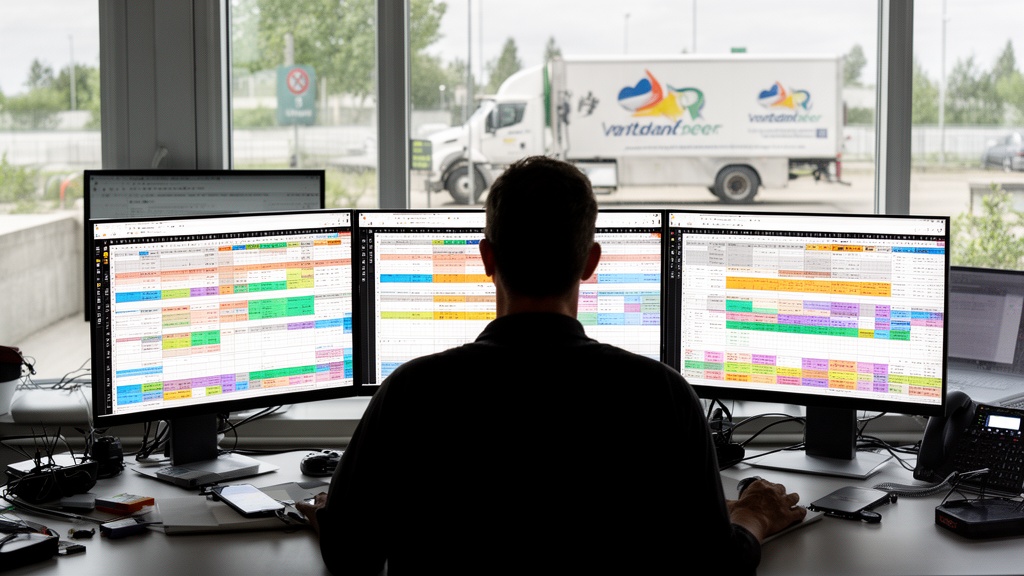
Running a moving company means juggling phone leads, crew calendars, truck routes, and invoices—often across four disconnected tools. The right moving company management software for scheduling, CRM, billing and dispatching collapses that chaos into one workflow. But platforms differ sharply in where they shine. This comparison scores the leading options across four operational dimensions, names a category winner for each, and gives you a decision framework based on fleet size—so you can match a platform to your priorities instead of reading through undifferentiated feature lists.
Key Takeaways
| Point | Details |
|---|---|
| One platform beats four tools | Consolidating scheduling, CRM, billing, and dispatch removes double data entry and the errors that follow. |
| Category winners differ | Virtual Estimate leads on all-in-one CRM and AI quoting; Supermove leads on large-fleet routing; SmartMoving leads on fast small-team setup. |
| Automation moves the revenue needle | Automated follow-up lifted one company's booking rate from ~28% to ~38%, adding $9,600 in monthly revenue. |
| QuickBooks matters | All three platforms reviewed sync with QuickBooks, so accounting stays clean without manual re-entry. |
| Fit beats feature count | Match the platform to your fleet size and biggest bottleneck—see the moving company software market overview. |
What to Look for in Moving Company Management Software
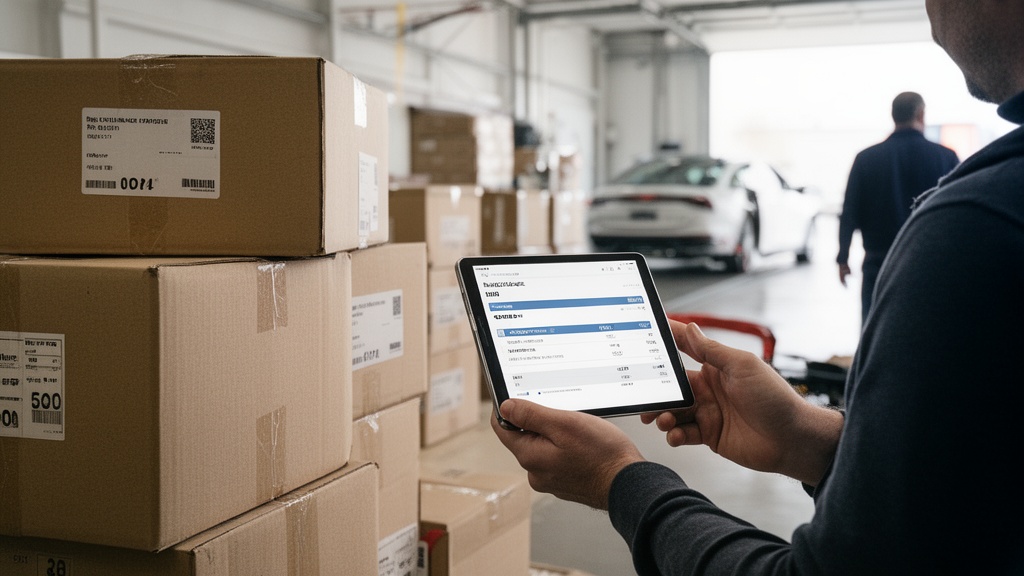
Great moving company management software does four jobs well: it books the calendar, tracks the customer, bills the job, and dispatches the crew. Most tools handle two of these competently and bolt on the rest. The gap between "adequate" and "excellent" lives in how tightly those four functions connect.
Generic CRMs adapted for moving force you to translate room-by-room inventories and truck logistics into fields built for software sales. Purpose-built platforms model the work directly. That difference shows up every day in fewer clicks and fewer mistakes.
Q: What features should moving company management software include?
A: At minimum it needs lead and CRM pipeline tracking, crew and truck scheduling, dispatch with routing, and invoicing with QuickBooks sync—ideally in one all-in-one moving company software rather than stitched-together apps.
Here's the practical checklist when evaluating any all-in-one moving company software:
- Scheduling depth — crew availability, truck assignment, and conflict detection in one calendar
- CRM completeness — lead capture, follow-up automation, and full customer history
- Billing built for movers — estimates, deposits, itemized invoices, and payment capture
- Dispatch and routing — mobile job details for crews and drive-time optimization
- Integrations — QuickBooks integration, payments, and lead sources
Pro Tip: Before demos, map your current tools on a whiteboard and circle every place data gets re-typed by hand. Those re-entry points are exactly where a consolidated platform pays for itself first.
How We Evaluated and Ranked These Platforms
This comparison applies a four-dimension framework—scheduling, CRM, billing, and dispatch—and rates each platform on how natively it handles moving operations. We weighted real-world workflow over raw feature count, because a long feature list rarely matches a busy dispatcher's actual day.
We drew on published vendor capabilities, the documented experience of moving operators consolidating tools, and the operational patterns covered across the Virtual Estimate knowledge base. Where pricing or review data could not be independently verified, we describe capabilities qualitatively rather than cite unverified figures.
The three platforms below—Virtual Estimate, Supermove, and SmartMoving—represent the most-discussed moving company operations software 2026 buyers shortlist. Each earns a category title based on the segment it serves best.
Virtual Estimate: Best Overall for CRM, AI Quoting and Workflow Automation
Virtual Estimate earns the all-in-one title because it was built by moving-industry veterans, not adapted from a generic SaaS moving platform. It models room-by-room estimates, crew scheduling, truck logistics, and customer communication in a single flow.

The CRM anchors the product. Leads land in a full pipeline with client info, moving details, inventory, follow-ups, notes, logs, and invoice management organized in tabs—so nothing falls through the cracks between the first call and the final payment. Explore the Virtual Estimate platform features to see how the modules connect.
Automation is where the revenue shows up. In a documented composite case study, automated follow-up sequences lifted one company's booking rate from roughly 28% to 38% of qualified leads—about $9,600 in additional monthly revenue at a $1,200 average job value. That same rollout had dispatch fully digital by day 45 and quotes leaving the office within 2 hours instead of 24 by day 90.
Best for: owner-operators through mid-size fleets that want CRM, AI quoting, scheduling, and billing in one place. It is a true moving dispatch and crm platform rather than a CRM with dispatch bolted on.
Supermove: Best for Large Fleets and Route Optimization
Supermove targets the high end of the market: multi-branch operators and large fleets that live and die by routing efficiency. Its strength is advanced dispatch and route optimization across many trucks and crews.
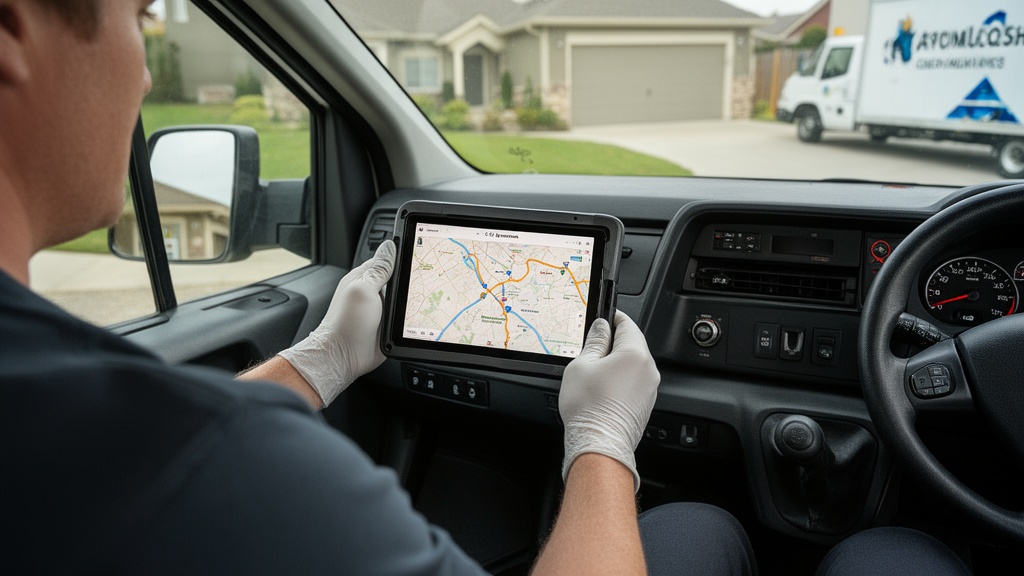
For a 25-truck operation, shaving drive time and overtime across hundreds of monthly jobs compounds fast. Supermove leans into that with detailed dispatch tooling and operational reporting suited to enterprise complexity. For a deeper breakdown, see this independent look at Supermove features, pricing and alternatives.
The tradeoff is weight. Enterprise-grade fleet management moving tools carry more configuration and a longer onboarding curve—worth it at scale, often overkill for a three-truck shop. Smaller operators frequently find they pay for capacity they never use.
Virtual Estimate can help: If you want CRM, scheduling, AI quoting, and moving company billing software in one purpose-built tool—without enterprise overhead—we built the platform movers actually wanted. Learn more →
SmartMoving: Best for Small Operators and Fast Setup

SmartMoving wins the small-operator category on simplicity. Its appeal is a clean interface and a setup process that gets a small crew booking jobs quickly, without a long implementation project.
For an owner who answers the phone and drives a truck, that low friction matters more than deep configurability. The platform covers the core—lead management, scheduling, and invoicing—competently. See more in this SmartMoving software review of features and pricing.
The ceiling appears as you grow. Operators scaling past a handful of trucks sometimes outgrow the simpler workflow and look for a platform with richer automation and reporting. That is the natural moment to reevaluate against a more complete moving software with scheduling and billing.
Platform Comparison Matrix
| Capability | Virtual Estimate | Supermove | SmartMoving |
|---|---|---|---|
| Scheduling & calendar | ✓ | ✓ | ✓ |
| CRM & lead pipeline | ✓ | ✓ | ✓ |
| Billing & invoicing | ✓ | ✓ | ✓ |
| Dispatch & routing | ✓ | ✓ (advanced) | ✓ |
| QuickBooks integration | ✓ | ✓ | ✓ |
| Built specifically for movers | ✓ | ✓ | ✓ |
| AI quoting / virtual survey | ✓ | Partial | Partial |
Scheduling Features That Actually Matter for Moving Operations
Scheduling is the operational heartbeat. The features that matter are not the prettiest calendar—they are conflict detection, truck assignment, and crew availability working as one. Double-booking a single truck on a Saturday in peak season can cost a full day's revenue and a one-star review.
Look for moving software with scheduling that ties each booking to a specific truck and crew, then flags overlaps automatically. Drag-and-drop is table stakes; intelligent conflict prevention is the differentiator.
Q: How does moving software reduce scheduling conflicts?
A: It links every job to a specific truck and crew on a shared calendar and flags overlaps in real time, which prevents the double-bookings that manual spreadsheets miss.
Strong scheduling also connects forward to dispatch and backward to the CRM, so a confirmed booking instantly becomes a dispatchable job and a billable record. Americans relocate at high rates each year, per U.S. Census Bureau migration data, and peak-season volume punishes any system that can't keep the calendar honest.
Pro Tip: Block recurring "maintenance" and travel-buffer slots directly in the scheduling tool, not just truck-job slots. Crews that arrive late because back-to-back jobs left no transit time burn overtime and erode review scores.
CRM Capabilities: Lead Tracking, Follow-Up and Customer History
The CRM is where deals are won or lost. A strong CRM for moving companies captures every lead, sequences follow-up automatically, and preserves the full customer history—from first inquiry to repeat booking three years later.

Follow-up automation is the single highest-leverage CRM feature for movers. Most lost jobs aren't lost to price; they're lost to silence. Automated sequences that nudge a quoted lead until they book or decline recover revenue that manual follow-up never touches—the mechanism behind that ~28%-to-38% booking lift cited earlier.
A complete CRM for movers also stores inventory lists, notes, call logs, and invoices against each contact. That continuity means any team member can pick up a job mid-stream without re-interviewing the customer. To go deeper on the discipline, read this guide to CRM for moving companies and streamlining operations.
Pro Tip: Wire your web form and phone leads directly into the CRM pipeline with an instant auto-reply. Speed-to-lead is decisive; the first mover to respond books a disproportionate share of jobs.
Billing and Invoicing: Good vs. Great Moving Software
Good moving company billing software sends an invoice. Great billing software turns an approved estimate into a deposit, a final invoice, and a captured payment without anyone re-typing a number. That straight-through flow is what separates a polished operation from a leaky one.
The defining test is the connection to accounting. QuickBooks integration is non-negotiable for most movers, because manual re-entry between job software and the books guarantees errors and wasted hours every month.
Q: Can movers send invoices and take payment in the same platform?
A: Yes—leading moving software with scheduling and billing generates itemized invoices from the original estimate and captures card or deposit payments in-app, then syncs the record to QuickBooks automatically.
Great billing also reduces disputes. Itemized, transparent invoices tied to the agreed estimate cut chargebacks and awkward driveway negotiations. For interstate jobs, that paper trail also supports compliance, since household goods movers must register with the FMCSA and document charges clearly.
Dispatch and Route Management: Cutting Drive Time and Overtime

Dispatch is where software protects your margin. Every extra mile and idle minute is paid labor and fuel. A capable moving dispatch software pushes structured job details—address, inventory, special instructions—to the crew's mobile device and optimizes the day's route.
The payoff is measurable in overtime. Field-service and moving operations face persistent labor pressure, per the Bureau of Labor Statistics, so trimming drive time directly defends profitability. In the documented rollout above, dispatch was fully digital by day 45, with crews receiving job details by app instead of paper.
When comparing platforms, watch the depth gap: Supermove offers advanced multi-truck routing for large fleets, while Virtual Estimate and SmartMoving cover dispatch suited to small and mid-size operations. Match the routing horsepower to your fleet, not to the spec sheet.
Choosing the Right Moving Management Software for Your Business
Start with your biggest bottleneck, not the feature list. If leads slip away, prioritize CRM and automation. If trucks crisscross the city inefficiently, prioritize dispatch and routing. The best moving job management software for you is the one that fixes your costliest problem first.
Fleet size is the clearest sorting signal:
| Company size | Top priority | Best-fit profile |
|---|---|---|
| Owner-operator (1–3 trucks) | Fast setup, low overhead | SmartMoving or Virtual Estimate |
| Mid-size (10–25 trucks) | All-in-one consolidation | Virtual Estimate |
| Large fleet (25+ trucks) | Advanced routing, multi-branch | Supermove |
Mid-size operators gain the most from consolidation. Replacing three disconnected tools with one all-in-one moving company software removes double entry, shrinks errors, and gives owners a single source of truth across scheduling, CRM, and billing.
Pro Tip: Run a 30-day parallel test before cutting over. Keep your old system live while a subset of jobs flows through the new platform—you'll surface workflow gaps before they touch a paying customer.
Finally, weigh total cost against time recovered, not sticker price alone. You can see what Virtual Estimate costs for your team size and compare it against the hours your team currently loses to manual re-entry.
Related Articles
- Moving Company Software Market: A Buyer's Research Guide — How to research and shortlist platforms before you commit.
- Supermove: Features, Pricing & Alternatives in 2026 — A deep dive on Supermove's strengths and where alternatives win.
- SmartMoving Software Review: Features & Pricing — What small operators get from SmartMoving and its limits.
- CRM for Moving Companies: Streamline Operations — How a moving CRM recovers lost leads and centralizes history.
- Best Moving Company Software: Complete Buyer's Guide — A broader buyer's guide across the full software landscape.
Ready to see it in action?
Book a free 20-minute demo and explore how Virtual Estimate can help your business.