

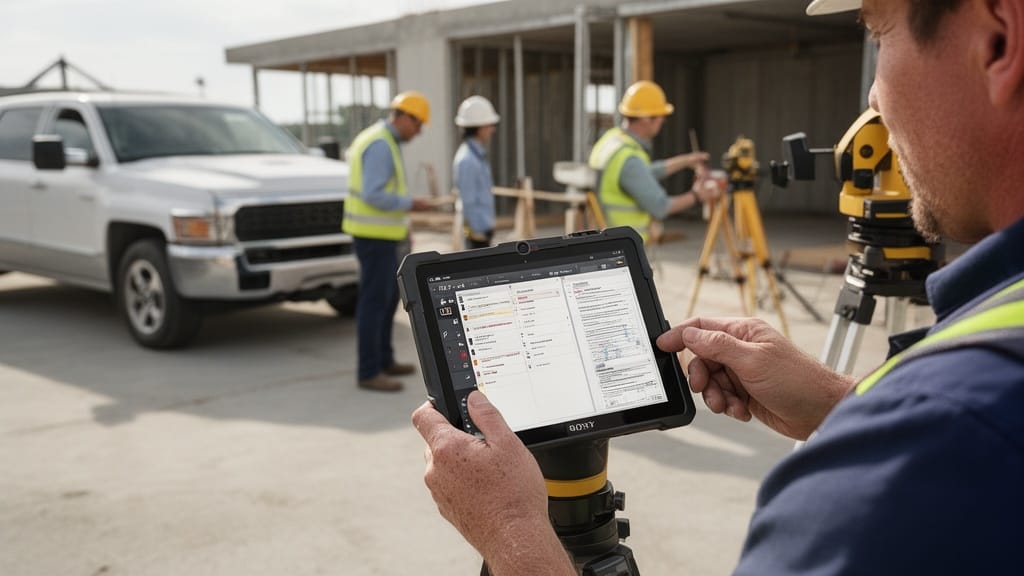
The best construction estimating software for contractors includes tools like STACK, Procore, Buildertrend, PlanSwift, Clear Estimates, ProEst, and Contractor Foreman. These platforms convert takeoffs, labor, and material costs into accurate bids in minutes instead of hours. Most replace error-prone spreadsheets with cloud databases, digital takeoffs, and branded proposals.
Manual estimating quietly bleeds profit. A single transposed number or outdated material price can turn a winning bid into a money-losing job. This guide breaks down seven proven tools, the free-versus-paid tradeoff, and a clear method to match software to the size of your operation.
| Point | Details |
|---|---|
| Speed gain | Digital takeoffs and saved assemblies cut bid prep from hours to minutes for most contractors. |
| Accuracy | Built-in cost databases reduce pricing errors that erode margins on fixed-price work. |
| Market scale | U.S. construction spending surpassed $2 trillion annually, raising the stakes on every bid. |
| Free options | Free construction estimating software fits side jobs; paid tiers fit growing firms processing steady volume. |
| Payback | Field-service software often pays for itself fast — see this moving company software ROI case study. |
Why Contractors Are Moving From Spreadsheets to Estimating Software
Spreadsheets built the construction industry. They are also where margins go to die. A formula that breaks when you copy a row, or a material cost frozen at last year's price, produces bids that look fine and lose money in the field.
The stakes keep climbing. The construction sector employs more than 8 million workers in the United States, and labor and material volatility makes stale pricing a constant threat. Estimating software pulls live cost data and recalculates the whole bid the moment one input changes.
There is also a speed problem. Contractors who quote fast win more work, because the first credible bid often anchors the client's expectations. Modern construction estimate software for contractors turns a two-hour spreadsheet exercise into a few clicks.
Q: Why do contractors switch from Excel to estimating software?
A: Spreadsheets lack live cost databases and digital takeoffs, so a single outdated price or broken formula can sink a fixed-price bid. Dedicated tools recalculate every line item automatically.
What to Look for in Construction Estimating Software
Not every platform fits every contractor. A residential remodeler and a commercial general contractor need different feature sets. Before comparing brands, define what "good" looks like for your workflow.
Focus on these core capabilities when evaluating construction cost estimating tools:
- Digital takeoff — measure plans on screen instead of with a paper scale and calculator.
- Cost databases — pre-loaded, regularly updated material and labor pricing.
- Assemblies and templates — reusable groupings so you never rebuild a common scope twice.
- Branded proposals — professional, client-ready bids generated straight from the estimate.
- Integrations — links to accounting, scheduling, and your CRM pipeline.
- Mobile access — field crews and on-site estimators working from the same live data.
Weigh ease of use heavily. The most powerful tool fails if your team avoids it. Look for a short learning curve, responsive support, and a free trial long enough to test a real bid.
Pro Tip: Run one of your last three actual bids through any tool's trial before subscribing. If the software can't reproduce a job you already priced — and explain the difference — it won't earn trust in the field.
The 7 Best Construction Estimating Software Tools
The market is crowded, but a handful of platforms consistently lead for usability, accuracy, and value. Below are seven of the best construction estimating software options, each suited to a different type of contractor.
| Software | Best For | Free Option | Standout Strength |
|---|---|---|---|
| STACK | Takeoffs and bidding | Free starter tier | Fast cloud-based takeoff |
| Procore | Large general contractors | Demo only | End-to-end project platform |
| Buildertrend | Home builders and remodelers | Trial only | Client communication tools |
| PlanSwift | Digital takeoff specialists | Trial only | Point-and-click measurement |
| Clear Estimates | Small remodeling firms | Trial only | Built-in cost database |
| ProEst | Commercial bidding teams | Demo only | Bid-day management |
| Contractor Foreman | Small and mid-size crews | Trial only | Low-cost all-in-one suite |
STACK leads for cloud takeoffs and is a strong entry point thanks to a genuinely usable free starter tier. Procore is the enterprise standard, bundling estimating into a full project-management platform for larger general contractors.
Buildertrend shines for residential builders who live and die by client communication. PlanSwift remains a favorite for fast point-and-click takeoffs from PDFs and plans.
For smaller shops, Clear Estimates offers estimating software for small contractors with a built-in remodeling cost database. ProEst targets commercial teams managing high bid volume, and Contractor Foreman packs estimating, scheduling, and invoicing into an affordable all-in-one suite — a practical choice as construction bid software for growing crews.
Pro Tip: Tools labeled "all-in-one" save money but can underperform on deep takeoff work. If on-screen measurement is your bottleneck, prioritize a takeoff specialist like PlanSwift or STACK over a generalist suite.
Virtual Estimate can help: Virtual Estimate brings AI-powered remote estimating to field-service operations, turning a customer's video walkthrough into a structured quote in minutes. Learn more →
Free vs. Paid Estimating Software: Which Is Right for You?

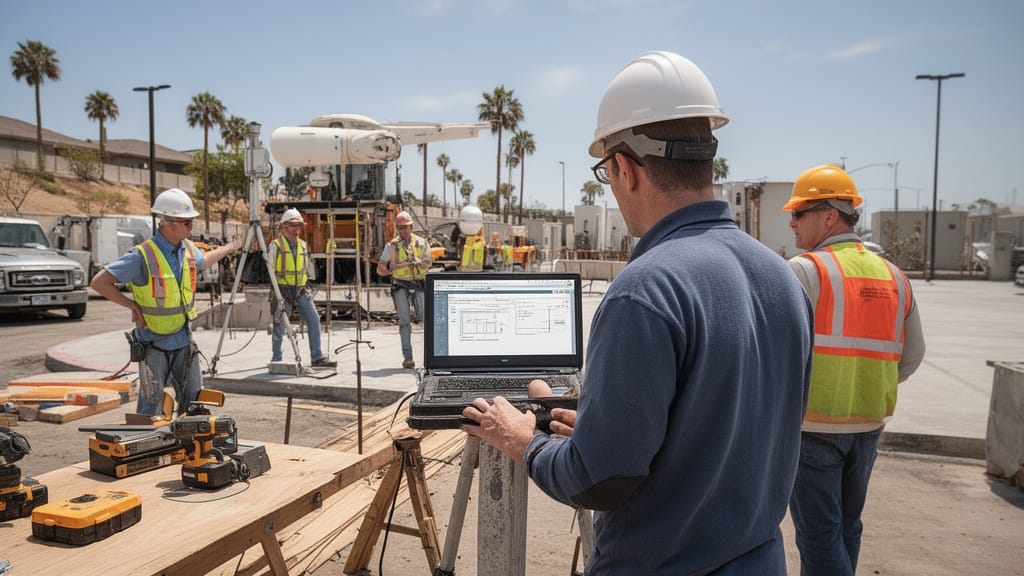
The free-versus-paid question depends on volume, not budget alone. Free construction estimating software works well for new contractors and occasional side jobs. Paid platforms earn their keep once estimating becomes a daily, revenue-critical task.
| Factor | Free Estimating Software | Paid Estimating Software |
|---|---|---|
| Cost | None | Monthly subscription |
| Cost databases | Limited or manual entry | Regularly updated pricing |
| Takeoff tools | Basic | Advanced digital takeoff |
| Bid templates | Few, generic | Customizable and branded |
| Integrations | Rare | Accounting, CRM, scheduling |
| Support | Community forums | Dedicated support team |
| Best for | Side jobs, new contractors | Growing and established firms |
Here's the thing: free tools rarely include live cost databases, so you maintain pricing by hand. That manual upkeep is the hidden cost. Paid software updates material and labor rates for you and protects margins automatically.
Q: Is free construction estimating software good enough for a small contractor?
A: Yes for low-volume side work, but most growing crews outgrow free tools within a year because they lack live cost databases, branded proposals, and integrations that protect margins at scale.
The payoff from paid software is well documented in adjacent fields. In one moving company software ROI case study, a mid-size operation cut estimate turnaround from 24 hours to 2 hours and reached full payback within 60 to 120 days. Construction estimating follows the same curve once volume is steady.
How Estimating Software Speeds Up Quotes and Bids
Speed wins bids. When a homeowner or developer requests three quotes, the contractor who responds first — with a clean, professional proposal — sets the standard the others must beat.
Estimating software compresses the timeline in three ways:
- Digital takeoff replaces manual measuring, cutting plan review from hours to minutes.
- Saved assemblies auto-populate labor and materials for repeat scopes like framing or drywall.
- One-click proposals convert the finished estimate into a branded bid instantly.
That speed compounds. Faster quotes mean more bids submitted per week, and a higher bid volume directly improves your win count even when your close rate stays flat. To understand that relationship, review what a good booking rate for contractor services looks like and how response time moves it.
Accuracy improves alongside speed. Because the software recalculates every dependent line when you change a quantity, you avoid the silent arithmetic errors that turn profitable bids into losses.
Pro Tip: Build a template library for your five most common job types in the first week. Contractors who templatize repeat scopes spend their estimating time on the unusual details that actually determine whether a bid wins or loses money.
Choosing the Right Tool for Your Business

Match the software to your trade, your volume, and your team's comfort with technology. A solo remodeler and a 50-person commercial firm should land on very different platforms.
Use this quick framework:
- Solo or new contractors: Start with free construction estimating software or a low-cost all-in-one to learn the workflow without risk.
- Small remodeling firms: Choose estimating software for small contractors with a built-in cost database, like Clear Estimates.
- Mid-size crews: Pick an affordable suite — construction bid software such as Contractor Foreman — that adds scheduling and invoicing.
- Large or commercial GCs: Invest in a full platform like Procore that scales across projects and teams.
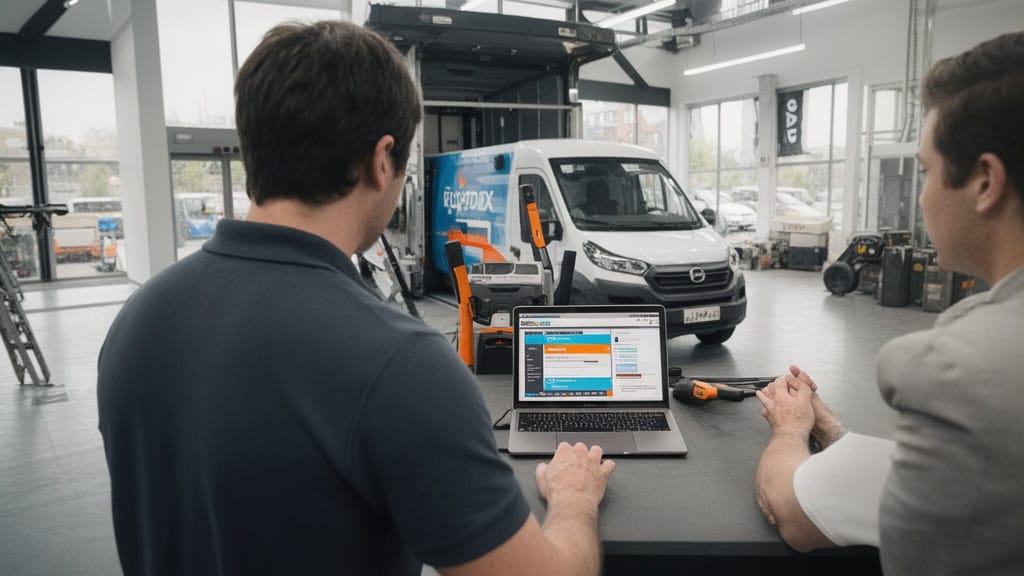
Don't ignore integrations. Construction estimate software for contractors delivers the most value when it connects to the tools you already run. If your leads, follow-ups, and invoices live in a pipeline-based CRM, prioritize software that syncs with it rather than creating a second data silo.
Q: How much does construction estimating software cost?
A: Pricing ranges from free starter tiers to monthly per-seat subscriptions for enterprise platforms like Procore. Most small contractors land on an affordable mid-range suite, while free tools cover occasional side jobs.
Finally, test before you commit. Use every free trial, run a real bid through each finalist, and judge the result against a job you have already priced and built.
Final Thoughts: Picking Your Estimating Software
The right construction cost estimating tools pay for themselves through faster bids, fewer pricing errors, and more jobs won. The wrong choice gathers dust because nobody on the crew will use it. Fit matters more than feature count.
Start with your volume and trade, shortlist two or three of the best construction estimating software options above, and test them on real work. The construction industry's scale and tight margins reward contractors who quote fast and price accurately.
For field-service and remote-quoting workflows specifically, platforms like Virtual Estimate show how AI-driven estimating can shrink turnaround from a full day to minutes — the same direction construction estimating is heading.
Related Articles
- What Is a Construction Estimate? A Complete Guide for Contractors — Learn the core components every accurate estimate must include.
- How to Create a Construction Estimate in 7 Steps (With Examples) — A step-by-step method for building estimates that win work.
- Construction Estimate vs. Quote vs. Bid: Key Differences Explained — Clarify three terms contractors often use interchangeably.
- Traditional vs. Virtual Estimates: Which Is Right for Your Contracting Business? — Compare in-person and remote estimating approaches.
- Pricing Strategies for Moving Companies: Maximizing Profitability — See how pricing structure protects margins on every job.
Recommended Reading
- Estimating Software for Movers — How estimating tools work in a related field-service trade.
- Best Moving Company Software — A broader look at operational software selection.
- Moving Company Technology Stack Guide — Build a connected toolset instead of isolated apps.
- How to Choose Management Software for Your Business — A practical framework for evaluating any business platform.
- Good Booking Rate for Contractor Services — Understand how quote speed affects your win rate.
Ready to see it in action?
Book a free 20-minute demo and explore how Virtual Estimate can help your business.