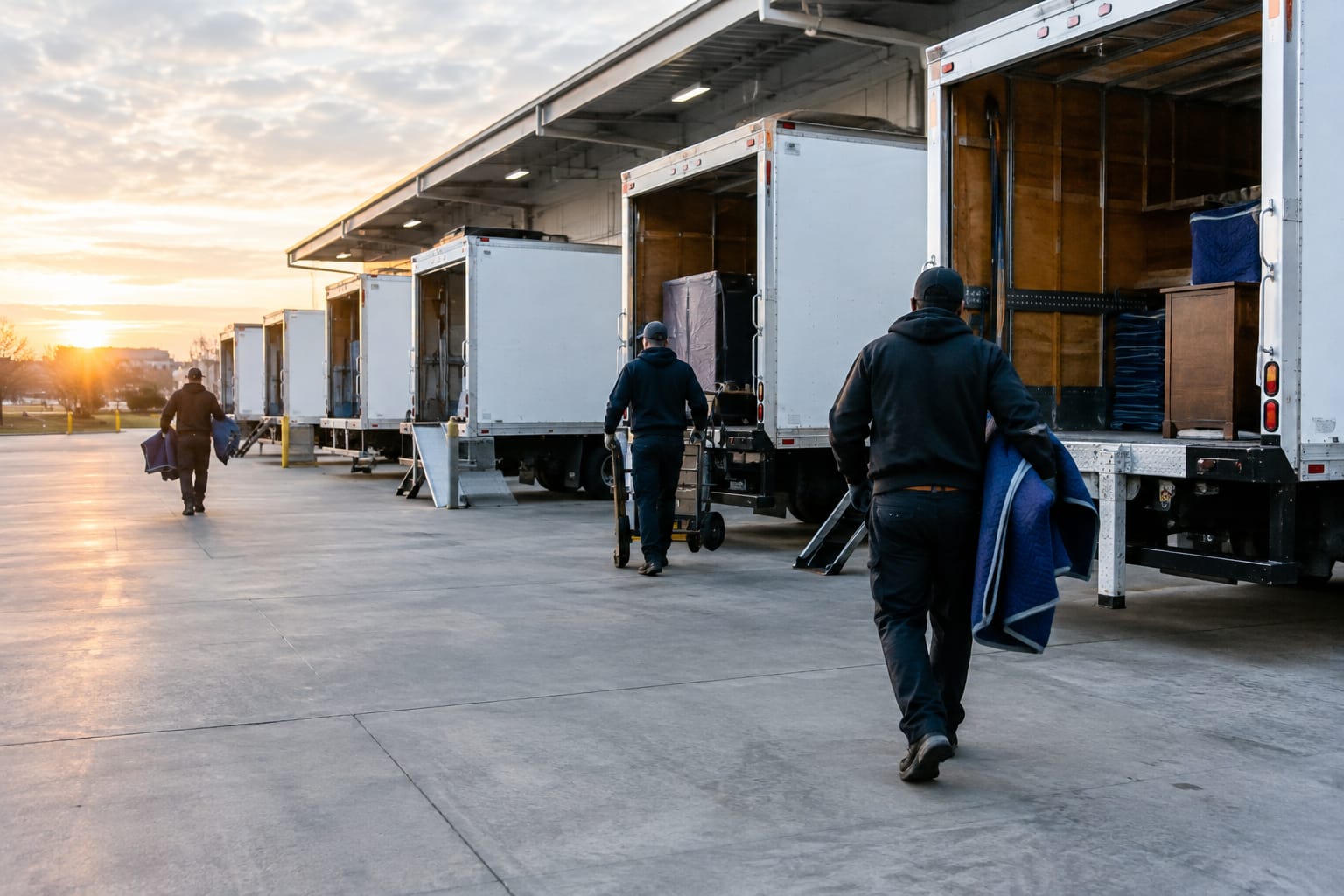
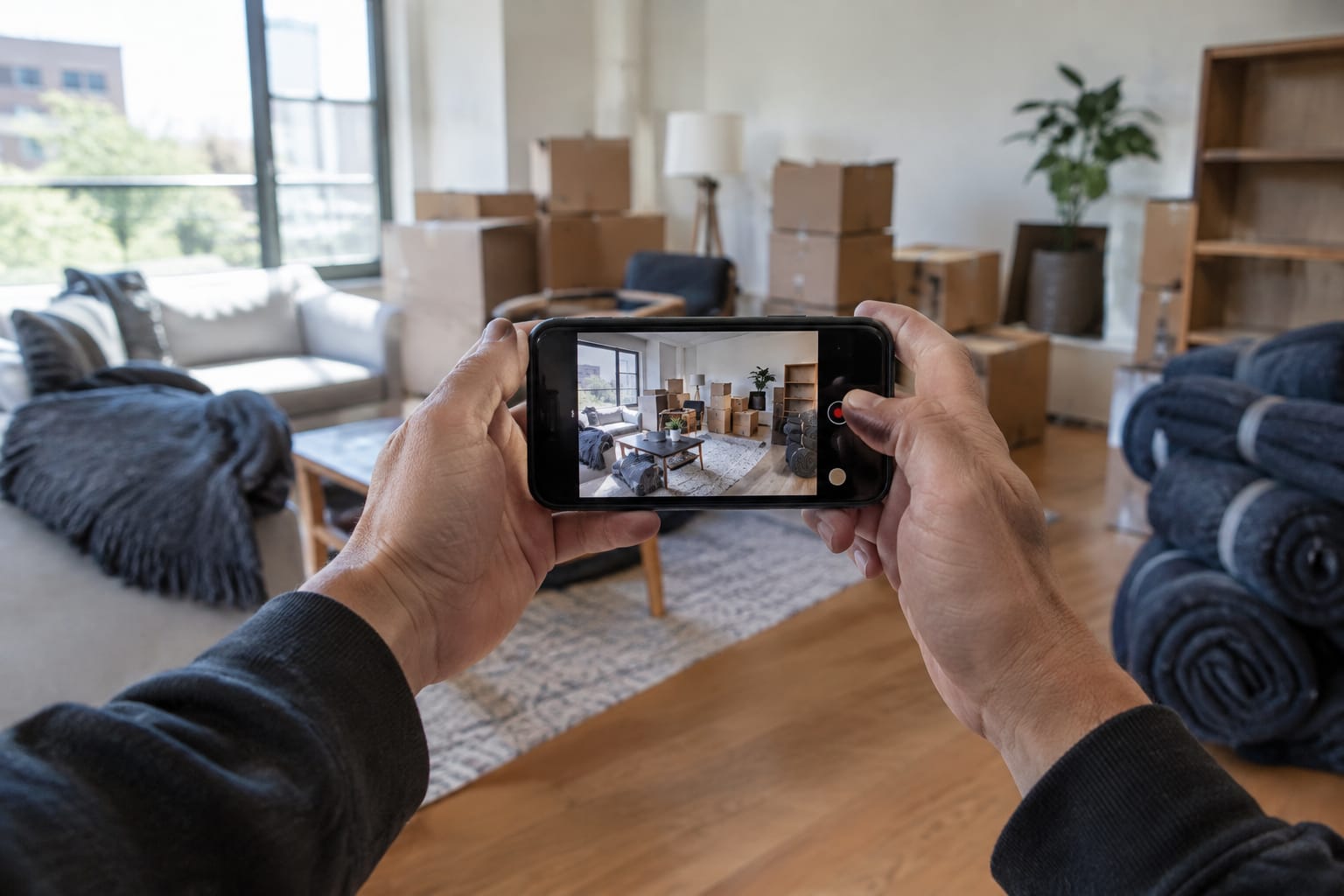
A virtual estimate is a moving estimate your estimator builds from video of the customer's home, without walking through it in person. The customer shows you their belongings on a phone: live on a call with your estimator, in a video they record on their own, or through a guided survey that prompts them room by room. Your estimator turns that footage into an inventory, a volume and a written price.
The rate sheet, the crew sizing and the paperwork stay the same as an in-home estimate. The survey method changes. Your estimator prices the job from a desk instead of a truck, and the customer gets a number without booking a window for someone to come open their closets.
The risk sits in what the camera misses: the garage nobody filmed, the storage room in the basement, the fourth-floor walk-up at the new place. Your workflow has to catch those gaps before the estimate goes out.
Key takeaways
- A virtual estimate replaces the walkthrough with video. Your rates, crew sizing and written estimate work the same way.
- There are three formats: a live video call, a self-recorded video and a guided self-survey. They trade estimator time against control over what the camera sees.
- Your estimator still owns the number. Review the inventory, chase what the footage missed, then send the written estimate.
- Keep in-home visits for jobs where a miss is expensive: large homes, heavy specialty items, hard access and complex commercial moves.
- Interstate movers should confirm current FMCSA survey and written-estimate requirements in 49 CFR Part 375 before replacing in-home surveys.
The three formats of a virtual moving estimate
Moving companies use the term for three different workflows. You can pick the format job by job instead of committing the whole company to one.
Live video call
Your estimator books a call, and the customer walks the house holding the phone while the estimator directs: open that closet, turn toward the garage, show me the hallway to the front door. The estimator decides what gets seen and can ask questions in the moment. A good salesperson can close the job before hanging up.
The cost is time. Both of you need the same slot, the call runs as long as the walkthrough, and a weak signal in the basement drops half the picture. Record the call if the customer agrees, or your estimator will be pricing from memory.
Self-recorded video
The customer films a walkthrough on their own schedule, often in the evening, and sends it in. Your estimator reviews it the next morning, and you keep the recording in case a question comes up on move day. With AI video estimation, software identifies the items in the video and drafts a measured inventory for your estimator to check.
The weakness is coverage. Left alone, customers rush, skip the rooms they think of as storage and film in the dark. You fix that with instructions up front and a follow-up text when something is missing.
Guided self-survey
The customer opens a link on their phone, and the survey leads them through the home room by room. It prompts them to open closets and slow down, and it asks the questions a surveyor would ask in person: which floor, is there an elevator, how far the truck parks from the door, which items are staying. You get the footage plus a structured brief.
The prompts do the directing your estimator would do on a live call, which closes most of the coverage gaps of free-form video. Some customers still want a person on the line, so keep the call as an option.
| Format | Estimator time | Scheduling | Who directs the camera | Good fit |
|---|---|---|---|---|
| Live video call | The full walkthrough | Both sides book a slot | Your estimator | Complex homes, customers who want a person, closing on the call |
| Self-recorded video | Review only | None | The customer | After-hours leads, apartments, small local moves |
| Guided self-survey | Review only | None | The customer, with prompts | Standard residential moves where you need full access details |
| In-home visit | Drive time plus the walkthrough | Both sides book a slot | Your estimator | Large, high-value or hard-access jobs |
How a moving company runs a virtual estimate, step by step
The workflow below fits a self-recorded video or a guided survey, the two formats that save your estimator the most time. For a live-call script and survey checklist, see our guide to conducting a virtual pre-move survey.
- Qualify on the first call or form. Get the move date, both addresses, home size, floors and elevators at each end, specialty items such as a piano, gun safe or pool table, and whether storage is involved. These answers tell you whether video is enough or the job needs a visit.
- Send the link while the lead is warm. Text it during or right after the first conversation. The customer will film on the phone they read the text on, so a text puts the link where they need it.
- Tell them what you need to see. Send the checklist from the next section with the link. Name the garage, attic, basement, shed and patio, because those are the spaces customers forget.
- Review the footage against the brief. Your estimator goes room by room: furniture, boxes already packed, closet contents, items that need disassembly such as bed frames, sectionals and treadmills, and anything fragile enough to need crating.
- Chase the gaps. If a room is missing or a closet stayed shut, text the customer and ask for a short clip. Confirm access at both ends: stairs, long carries, elevator reservations and where the truck can park.
- Price it with your rate sheet. Set crew size and hours for a local move, or volume or weight for long distance, then add travel, packing materials and surcharges.
- Send the written estimate with the inventory attached. The customer should see what you priced and have an easy way to tell you what is wrong.
- Carry the inventory forward. The same list should feed the Bill of Lading and the crew's job sheet, so the foreman on move day works from what the customer approved.
A typical catch looks like this. A customer with a three-bedroom house films on Sunday night, and on Monday your estimator notices the video ends at the kitchen door and never shows the garage. After one text, the customer sends a clip: a workbench, two bikes and a wall of packed boxes they forgot to mention. Your estimator adds the items and the crew time, and the price that goes out matches the house the crew will find.
What the customer needs to do
A virtual estimate goes wrong when the customer does not know what you need to see. Send a short checklist with the link, written in plain language:
- Film in daylight or with every light on, and hold the phone horizontally.
- Walk slowly. Stand in each doorway, pan the whole room, then move closer to large pieces.
- Open closets, the pantry, the cabinets over the washer and the storage under the stairs.
- Film the garage, attic, basement, shed, patio and any storage unit you want moved.
- Say out loud which items are staying, being sold or going to donation.
- Show anything already packed, and say roughly how many boxes are still to come.
- Show the path out: stairs, hallways, the elevator, and the driveway or street where the truck will park.
- Point out anything that needs special handling, such as a piano, a safe, a large TV, artwork or a glass tabletop.
Add one question about the new home as well. Customers forget about destination access, and a walk-up or a long carry at delivery changes the crew plan as much as anything at pickup.
What the estimator still owns
Video shows you the house. It cannot tell you how heavy the dresser is with clothes still in it, whether the sectional fits the new building's service elevator, or that the customer plans to pack the kitchen the night before. Your estimator has to ask.
If you use AI to draft the inventory, treat the draft as a starting point. Before anything goes to the customer, your estimator should:
- Check item names and sizes against the footage, especially sectionals, armoires and exercise equipment.
- Add what the camera never saw: closet contents, boxes in the garage, the second freezer in the basement.
- Take out the items the customer said are staying.
- Flag items that need disassembly, crating or an extra crew member.
- Confirm access at both addresses and adjust crew size and time.
- Check counts on matching sets, such as dining chairs, nightstands and patio furniture, which are easy to merge or count twice.
- Compare the total cubic feet with similar jobs you have done. If a two-bedroom apartment comes in far above or below your usual range, look again.
For more on how item recognition, volume and pricing fit together, read how AI estimation technology works for moving companies.
When an in-home visit is still the right call
Video handles standard apartments and houses well. Some jobs still justify the drive. Send someone out when:
- The home is large, with several storage areas, and one missed room could change the truck count.
- The job includes heavy or specialty items: a grand piano, a gun safe, a large aquarium, artwork that needs custom crating.
- Access needs measuring: narrow stairwells, older buildings, long carries, elevators that need booking.
- It is a commercial move with furniture systems, IT equipment and after-hours scheduling.
- The customer asks for a visit or will not film.
A hybrid works well for many owners: video first on each lead, then an in-home visit only when the footage raises questions your estimator cannot settle by phone. For a side-by-side of both methods, see in-home moving estimates vs. AI video surveys.
Virtual estimates on interstate moves
Interstate household-goods moves fall under FMCSA regulations in 49 CFR Part 375. Estimates must be in writing. A binding estimate fixes the price for the goods and services listed on it. Under a non-binding estimate, you cannot demand more than 110% of the estimate at delivery, and the rest is billed later, 30 days after delivery.
Before you replace in-home surveys with video on interstate jobs, confirm the current FMCSA survey and written-estimate requirements in Part 375 and how they apply to your shipments. For local and in-state moves, rules vary by state, so check with your state regulator. For choosing between binding and non-binding pricing, see our guide to the types of moving estimates and when to offer each.
How Virtual Estimate handles virtual estimates
Virtual Estimate is a moving company CRM, so the estimating tools sit in the same system as your leads, dispatch and paperwork.
- AI video estimation. The customer records a phone video, and Virtual Estimate turns it into a measured, priced inventory with no in-home visit. Your estimator reviews and adjusts it before anything is sent, and the approved inventory flows into the estimate and the Bill of Lading.
- Virtual surveys. The customer opens a self-guided survey from a link. Guided capture with a live quality coach keeps the footage usable, and you receive a full moving brief. The customer can also complete the inventory from a link.
- Estimate software. Your rates and surcharges are built in, Virtual Estimate auto-prices the estimate from the inventory, and it goes out as a branded PDF.
- Customer portal. The customer sees the inventory and can press the “this doesn't match” button when something is wrong, before the crew shows up.
To see a self-guided survey turn into a priced estimate, explore Virtual Estimate's virtual surveys or book a demo.
Ready to see it in action?
Book a free 20-minute demo and explore how Virtual Estimate can help your business.